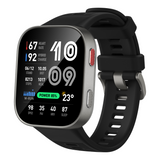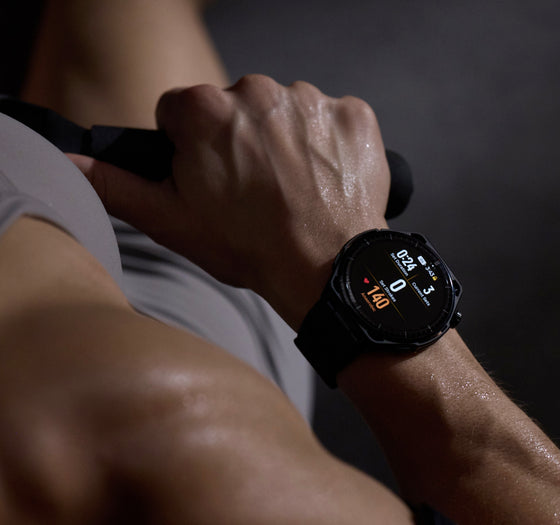
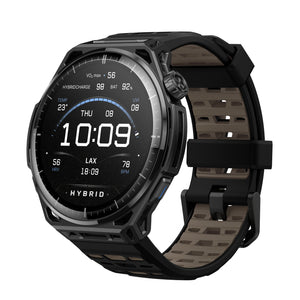
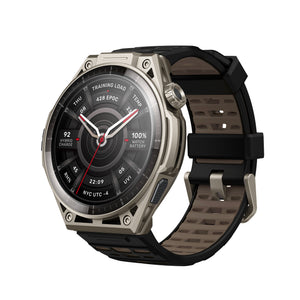
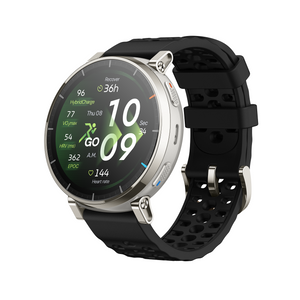
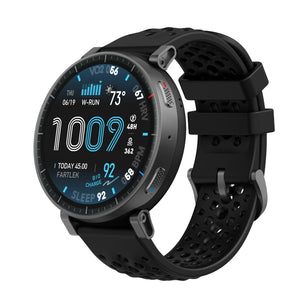
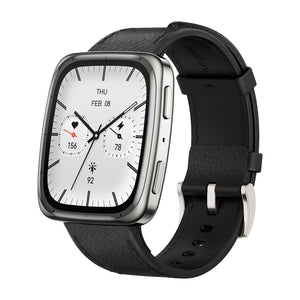
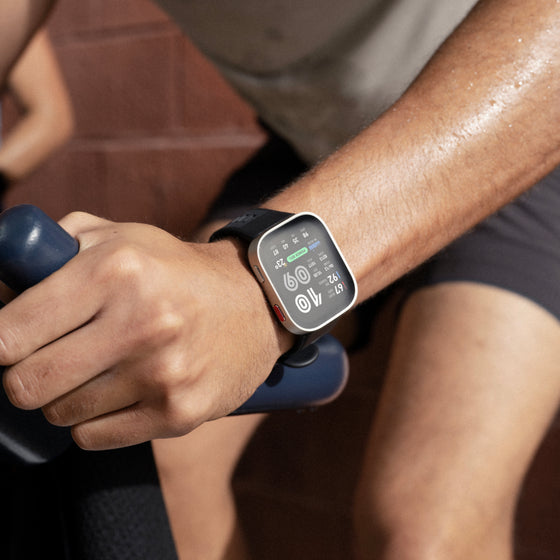
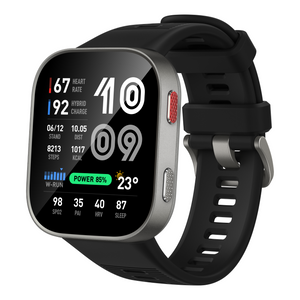
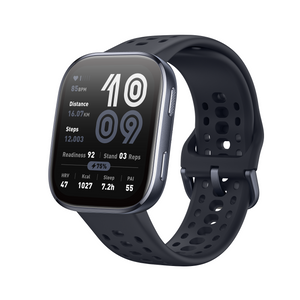

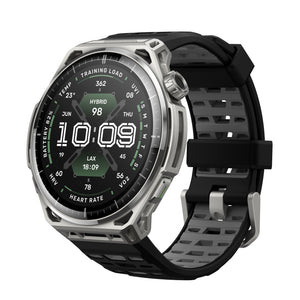
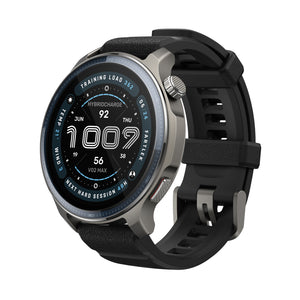

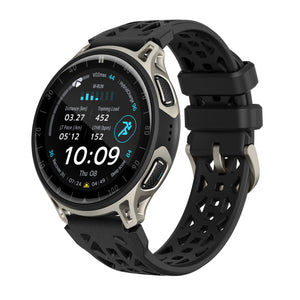
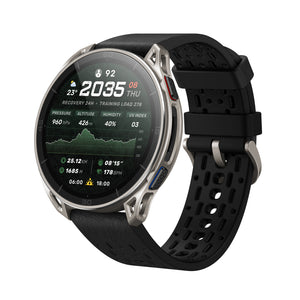
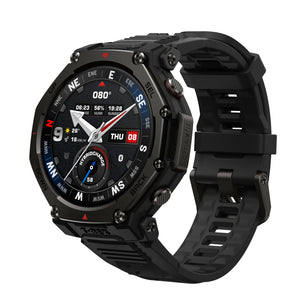
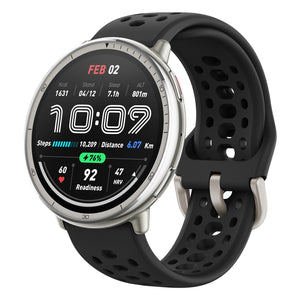







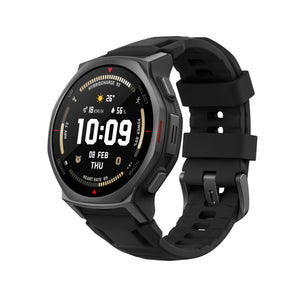
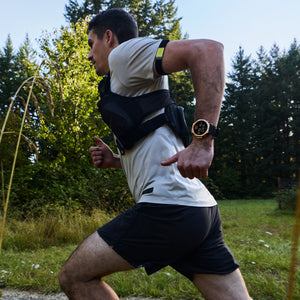

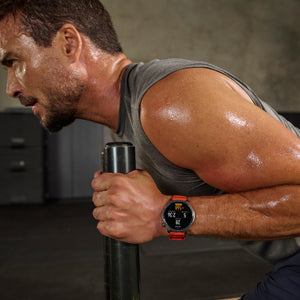
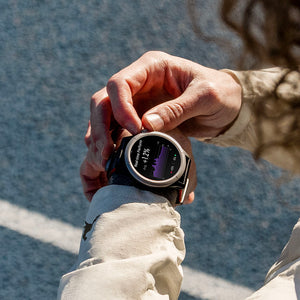
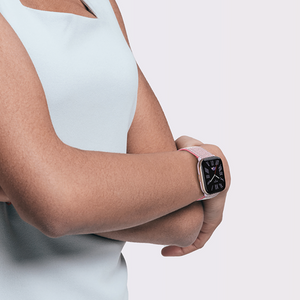


As the days get longer and the trails call, Amazfit Active Max is stepping up with a fresh update: richer map details, smarter training tools, and thoughtful refinements that add up to a smoother everyday experience. Whether you are chasing a personal best or just enjoying a warm evening walk, there's plenty to explore.
A Sharper View of the Trail
Map quality gets a significant boost. Contour lines are visibly finer at close zoom levels, making terrain readability notably better. At wider scales, elevation numbers now appear directly on the map — no guesswork when sizing up a climb. Terrain maps have been refreshed with updated elevation and surface detail, and your watch will let you know when a new version is available. Offline map downloads have also been reworked for a smoother experience.

Training, Better Every Session
Pickleball Refreshed picks up new tracking metrics, now capturing forehand and backhand stroke counts for deeper insight into your game.
HYROX Race gets RoxZone timing. Both the transition timer and total elapsed time are displayed during your race, keeping your full pacing picture in view at a glance.
Finished your intervals but have more in the tank? You can now continue recording beyond the planned session — cool-down laps, extra sets, your call.
The Workout Settings menu has been reorganized for easier navigation during your workout prep.
The Segment Reminder screen has a cleaner layout, making splits and intervals easier to follow mid-workout.

Health, More Connected
HRV data now syncs to Apple Health, bringing your recovery and stress insights together in one place. Note that Apple Health uses the SDNN metric while Zepp uses RMSSD — both are widely recognized and valid metrics, simply measuring different dimensions of heart rate variability. Minor numerical differences between the two platforms are expected and normal.

General Improvements
Beyond the new features, several updates refine daily use:
-
Screen Timeout, Three Settings: Daily use, workouts, and watch face display each get their own adjustable timer. Set workouts and watch face to "Follow Daily" for automatic sync.
-
Status Dot Toggle: A new master toggle in Watch Face & Time settings lets you show or hide all status indicators on your watch face and AOD display. Turn it off, and the notification dot and AOD status dot settings are automatically greyed out.
FAQ
What is new in Pickleball?
What is new in Pickleball?
The pickleball tracking has been refined with new forehand and backhand stroke count metrics, providing more detailed performance data for your game.
Can I set different screen timeout durations?
Yes. Daily use, workouts, and watch face each have independent timers. You can also sync workouts and watch face to follow your daily setting.
Will syncing HRV to Apple Health affect my existing data?
No — it writes alongside your existing records without overwriting anything. The two platforms use different metrics (SDNN vs RMSSD), so slightly different values are normal and expected.