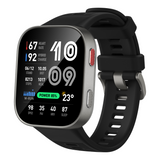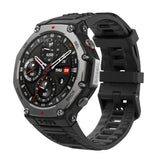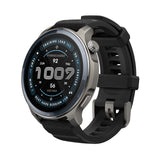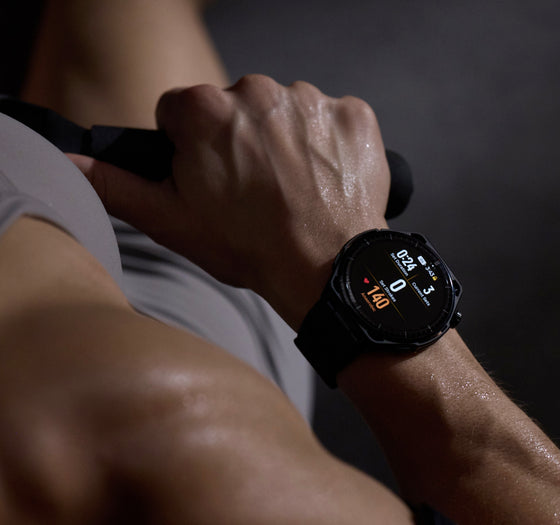
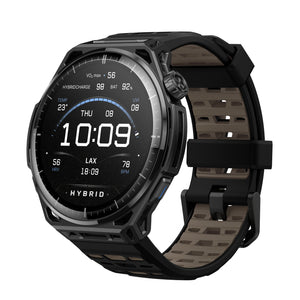
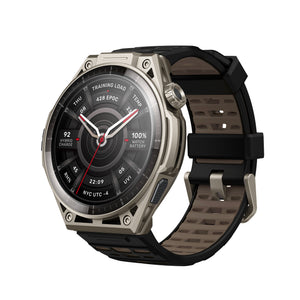
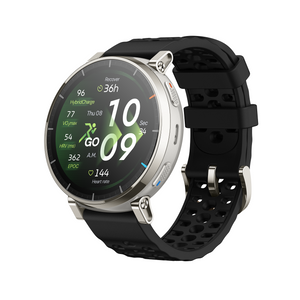
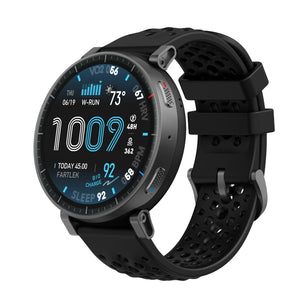
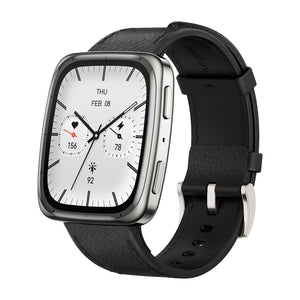
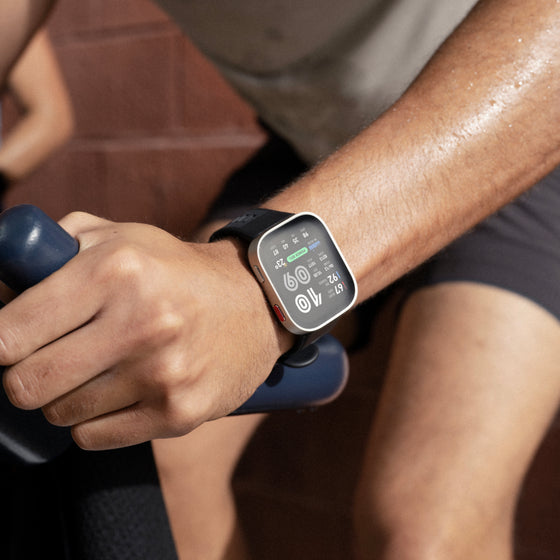
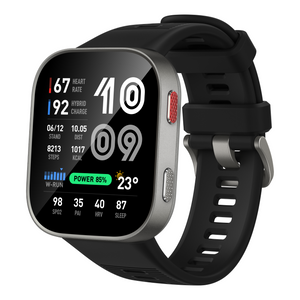
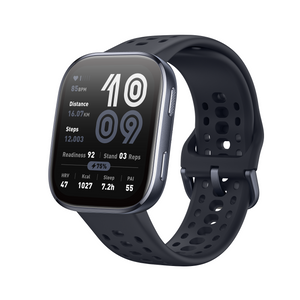

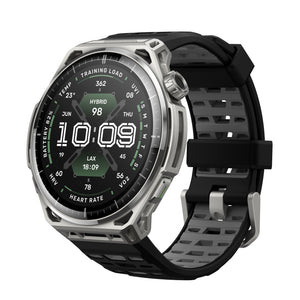
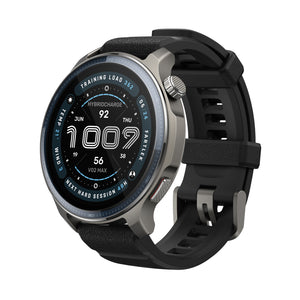

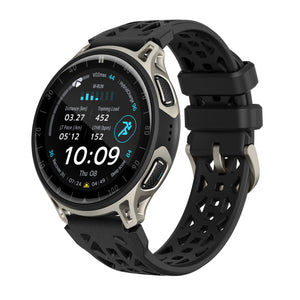
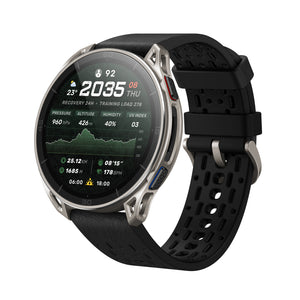
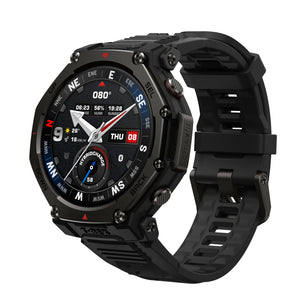
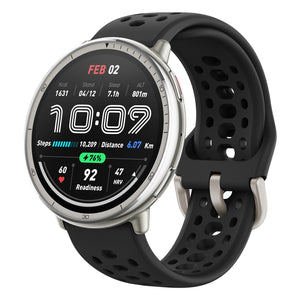


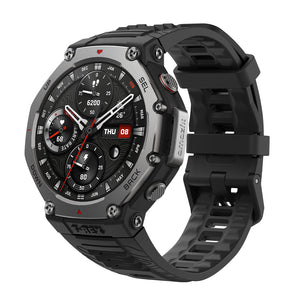
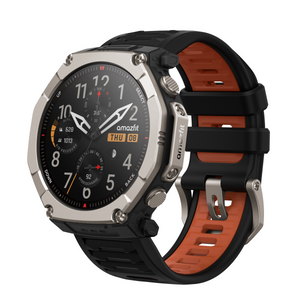
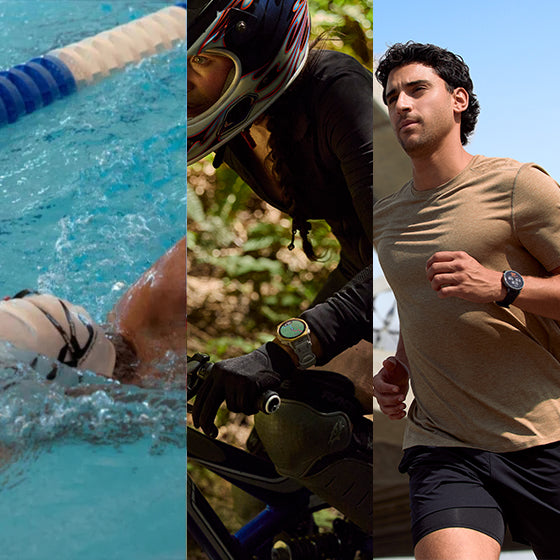
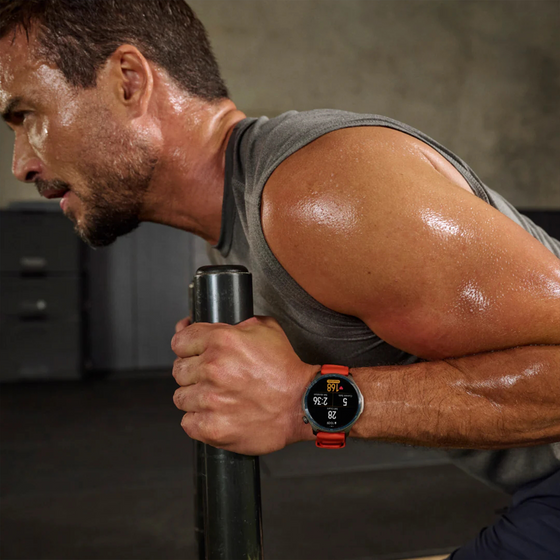
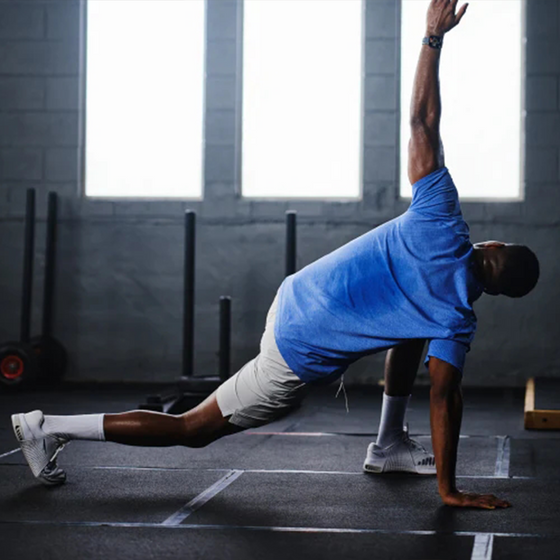

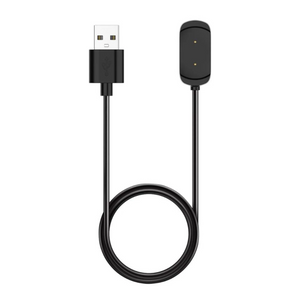


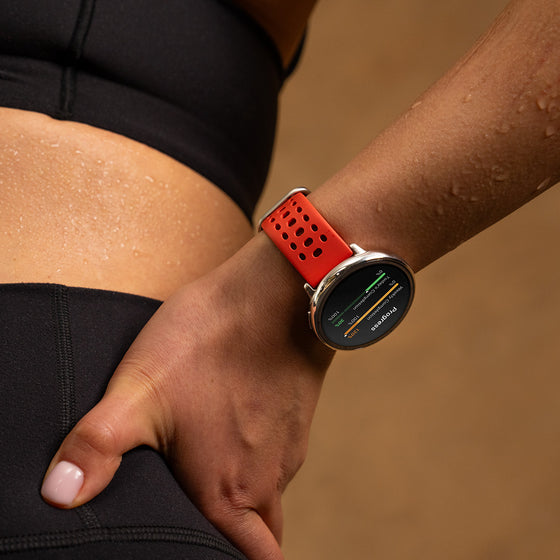
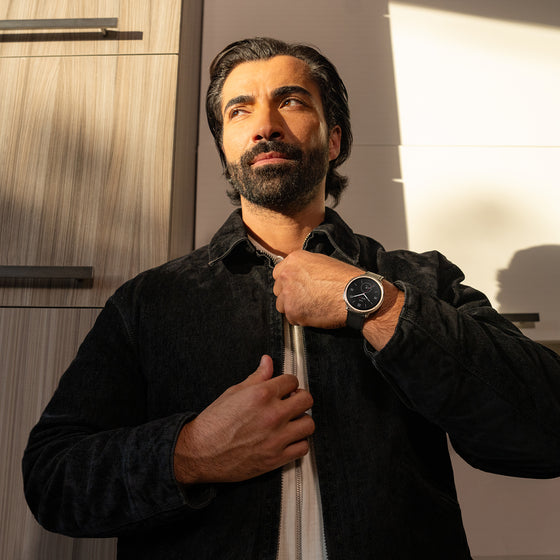

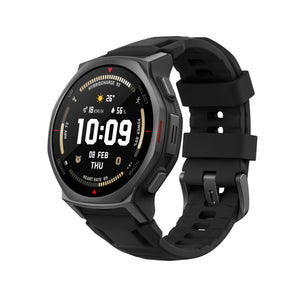

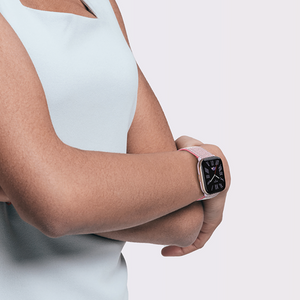


A major update is coming to Amazfit Balance 2 Series, bringing the new Zepp OS 6 experience along with upgrades across training, navigation, health, and connectivity.
From smarter workout tools and improved maps to better device connectivity, this update makes your Balance 2 experience more capable both during workouts and throughout the day.
A Fresh, Sport-Focused Experience with Zepp OS 6
Zepp OS 6 brings a refreshed sport-focused visual style to Amazfit Balance 2 Series, with smoother interactions and clearer visual feedback throughout the system.
The updated interface makes everyday navigation feel more fluid while giving workout-related screens a cleaner, more focused look.

Structure Pool Swimming Workouts with Manual Rest
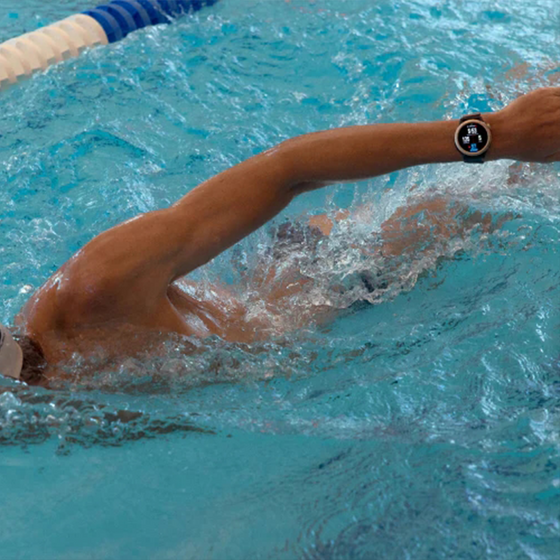
The upgraded Pool Swimming algorithm now supports Manual Rest, allowing you to manually mark rest periods during a workout.
Swimming and rest periods are recorded as separate segments, while swimming segments are further organized by stroke. This makes it easier to understand the structure of your session and review how your time was divided between active swimming and recovery.
Find it under: Pool Swimming >Settings > Workout Settings > Press Lower Button > Manual Rest

Keep Your Training Plan on Your Wrist
The new Training Calendar app makes it easier to stay on top of your training plan directly from your watch.
Training plans set up in the Zepp App can now be viewed on the watch, so you can quickly check upcoming sessions and know what’s next without reaching for your phone.
Find it under:
-
Zepp APP > Workout > MY TRAINING CALENDAR
-
Watch Main Menu > Training Calendar

Manage Map Downloads More Easily
This update adds Map Download Management for maps, giving users more control over downloaded map resources. Users can now delete maps, resume interrupted downloads, update existing maps, and manage related download tasks more conveniently. This makes it easier to keep maps organized and ready for outdoor use.
Find it under: Zepp App > Device > Map Management > tap the icon in the upper-right corner

Take More Action on iPhone Notifications
Zepp App and supported Amazfit devices now support Apple’s Notification Forwarding capability introduced in iOS 26.5 and later, bringing eligible iPhone users a more native-like notification experience.
Once enabled, you can do more than simply view notifications on your watch. When supported by the notification, you can take available actions and reply directly from your device.
Availability
Apple currently makes Notification Forwarding available to:
-
Users in the European Union
-
Users running iOS 26.5 or later
Final availability is subject to Apple’s regional policies.
Zepp App Requirement: Zepp App 10.5.5 or later
Capture Workout Notes with Voice Memos
Sometimes an important training detail is easier to say than type. With the new workout voice memo feature, you can quickly record a note without ending your workout.
Voice memos are saved with the workout record and can be reviewed later in the Zepp App, making it easier to capture details about your session while they’re still fresh.
Find it under: During a workout > Press the Crown > Workout Notes

Keep Track of Your Workout Gear
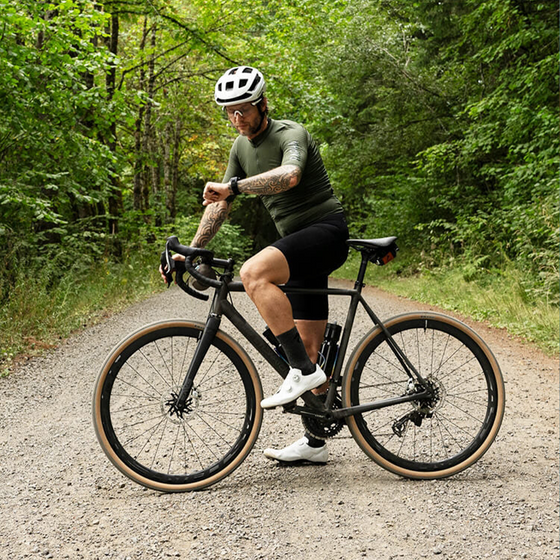
Workout records can now be linked to specific gear, such as your running shoes or bike.
By associating equipment with your workouts, you can more easily keep track of how your gear is being used over time and better understand its accumulated usage across your training history.
Find it under: Zepp App >Workout > WORKOUT HISTORY > Open a Workout Record > Select Gear

Add How the Workout Felt with RPE
Your workout data can tell you what happened, while RPE helps capture how the workout actually felt.
After finishing a workout, you can now record your Rating of Perceived Exertion and overall training feel. This subjective input becomes part of your workout history and can also provide additional context for training load and training effect calculations.

Discover More Workouts with the Training Library
A new Training Library entry has been added to the workout list, giving you easier access to more built-in training courses from the Zepp App.
This makes it simpler to discover structured workouts and bring more variety into your training routine directly from the workout menu.

Connect to Compatible Rowing Machines
The Rowing Machine workout can now connect to FTMS-compatible third-party rowing machines, including the Concept2 RowErg.
Once connected, workout metrics such as power and distance can be displayed directly on the watch, giving you a more complete view of your indoor rowing session.
The distance calibration page now supports both metric and imperial units, making calibration more convenient for users in different regions.
Note: Compatibility may vary by rowing machine model and firmware.

HRV Data Now Supports Apple Health
Amazfit Balance 2 Series now support syncing HRV data to Apple Health. This helps users keep recovery and wellness data more connected across platforms. Once enabled, compatible HRV data from Zepp can be synced to Apple Health for easier long-term tracking.
Start and End Your Day with Daily Brief
Morning Brief is evolving into Daily Brief, bringing you useful insights both in the morning and evening to help you plan ahead and reflect on your day.
In the morning, get an overview of the day ahead with weather, schedule, workouts, sleep, and more. In the evening, review key health and activity data from your day, including heart rate, HRV, stress, calories burned, HybridCharge™, and more.

Additional Updates
-
Changed the default pause button setting for some workouts from "Press Crown" to "Press and Hold Crown" to reduce accidental presses.
-
Optimized the running Lactate Threshold algorithm for improved accuracy.
-
When using route navigation, the pre-workout screen now displays the upcoming route track and route name.
-
Increased the maximum number of routes stored on the watch to 100.
-
Optimized workout page layouts and UI style.
-
Optimized the map navigation UI when reaching the destination.
-
Improved the responsiveness of turn alerts during route navigation.
-
Optimized map display and interaction.
-
Optimized the alarm experience.
-
Fixed other known issues to improve system stability and smoothness.
FAQ
What does Manual Rest do in Pool Swimming?
Manual Rest lets you manually mark recovery periods during a Pool Swimming workout. Swimming and rest periods are recorded separately, while swimming segments are further organized by stroke.
Path: Pool Swimming > Settings > Workout Settings > Press Lower Button > Manual Rest
What is the new Training Calendar?
Training Calendar lets you view training plans created in the Zepp App directly on your watch, making it easier to check upcoming workouts without opening your phone.
Can I record notes during a workout?
Yes. You can now record a voice memo without ending your workout. The recording is saved with the workout and can be reviewed later in the Zepp App.
Path: During a workout > Press the Crown > Workout Note
Can I track the usage of my running shoes or other workout gear?
Yes. Workout records can now be linked to specific gear, such as running shoes, helping you keep track of how often your equipment is being used.
Path: Zepp App > Workout > WORKOUT HISTORY > Open a Workout Record > Select Gear
Can Balance 2 connect to rowing machines?
The Rowing Machine workout can connect to compatible third-party rowing machines that support the FTMS protocol, including the Concept2 RowErg. Supported workout data such as power and distance can then be displayed on the watch.
Compatibility may vary by rowing machine model and firmware.
Can HRV data sync to Apple Health?
Yes. Compatible HRV data from Amazfit Balance 2 Series can now be synced from Zepp to Apple Health for easier long-term tracking.
Can iPhone users reply to notifications from the watch?
Eligible users can take actions and reply when supported by the notification through Apple’s Notification Forwarding capability.
Apple currently limits this capability to users in the European Union running iOS 26.5 or later. Zepp App 10.5.5 is required, and final availability remains subject to Apple’s regional policies.