Amazfit Balance Series Software Update: Smarter Training, Navigation, and Health Insights
Amazfit Balance Series Software Update: Smarter Training, Navigation, and Health Insights
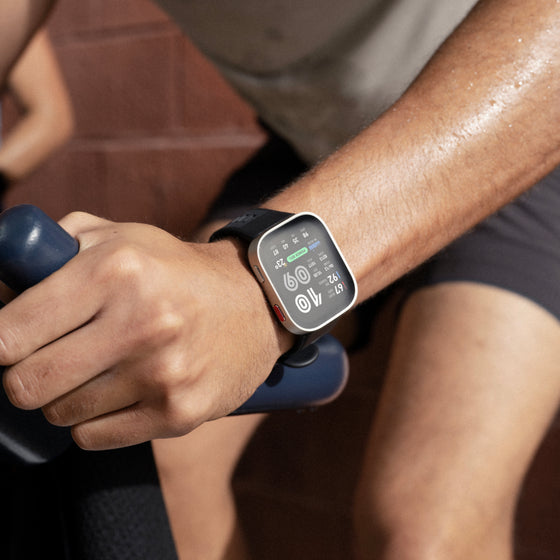
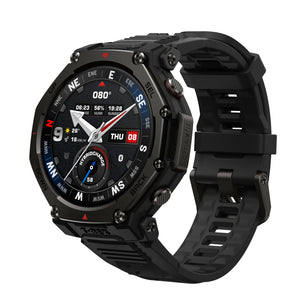
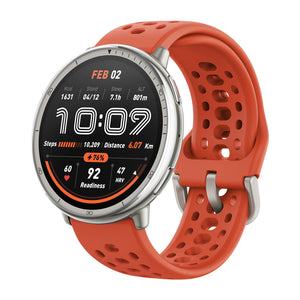
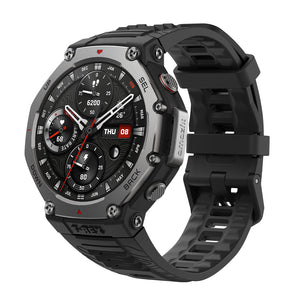
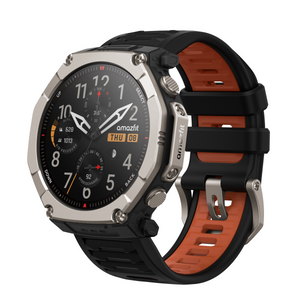
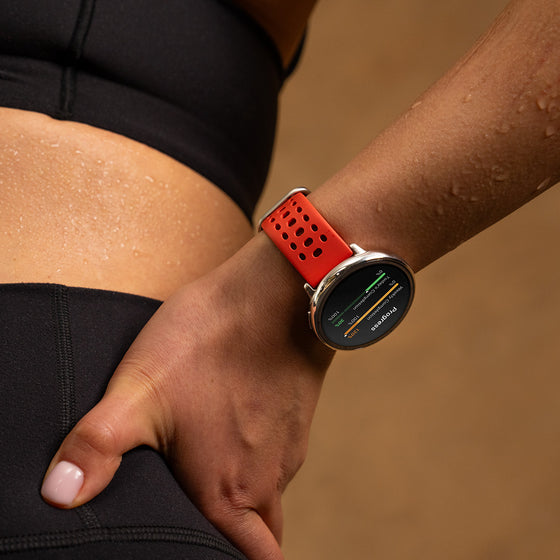
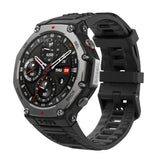
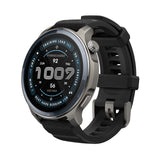
The latest software update for the Amazfit Balance Series brings meaningful improvements across training intelligence, HYROX workouts, outdoor navigation, health data syncing, and workout customization. This update covers Amazfit Balance 2, Amazfit Balance Ultra, and Amazfit Balance 3, helping users better understand their training status, manage maps more easily, and train with more confidence.
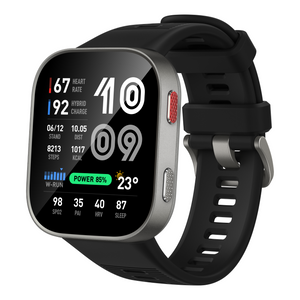
Amazfit Balance 2
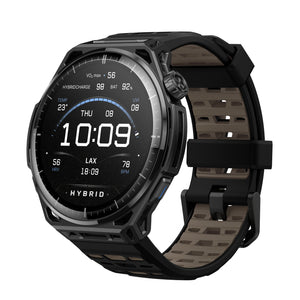
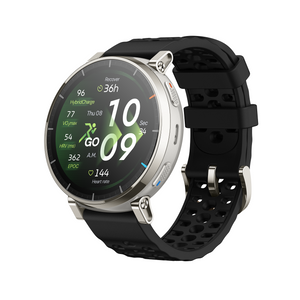
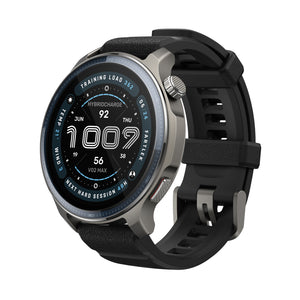
NEW! HybridCharge™ Energy Intelligence HybridCharge™ combines BioCharge™, LifeLoad™, and Training Load into one connected system that reflects your true training capacity. Building on the original BioCharge™ foundation, it now provides a more complete view of performance by better accounting for training, recovery, and daily stress across a wider range of activities and life demands.
Improved HYROX Training and Simulation Experience
The HYROX training and simulation experience has been refined to make it easier to move between workout selection in Zepp and execution on the watch. Enhanced simulation settings provide greater flexibility for configuring stations and laps, helping athletes better match workouts to their training goals.
Find it under: Home > HYROX WORKOUTS LIBRARY
Next Hard Session: A Smarter View of Workout Readiness
Full Recovery Time has been upgraded toNext Hard Session, offering a more practical estimate of when the body may be ready for another high-intensity workout. After each training session, the watch evaluates recovery status and training impact to help users plan their next hard effort. This makes it easier to balance training intensity, recovery, and long-term progress.
Find it under:
Zepp APP > WORKOUT> EXERCISE
Watch Main menu > Workout Status
Expanded HYROX Accessory Support with Helio Core Motion
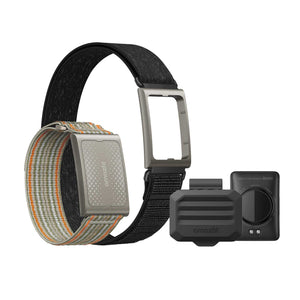
Amazfit Balance 2 now supports Helio Core Motion accessories in HYROX Race and HYROX Simulation modes. This allows athletes to capture more complete movement and performance data during HYROX-specific workouts. With more connected data, race preparation and simulation training become more measurable and actionable.
Resting Heart Rate Sync Across Devices Resting heart rate data can now sync more seamlessly across devices through the Zepp App. After pairing a new device, previously saved resting heart rate data can be synced to the new watch. For users who train or sleep with multiple devices, data generated by the worn device can also be shared through the Zepp App to help maintain a more consistent health record.
Additional Updates
Optimized Zepp Flow experience: Supports more flexible volume control, provides more timely voice feedback, and improves the experience of notification reminders and related settings. Expanded the scope of voice interaction, supporting queries for HybridCharge-related information, as well as quick voice access to more workout modes, system apps, and frequently used features.
Optimized map navigation experience: After opening the map track menu during a workout, you can quickly access this feature through the newly added navigation entry.
Optimized golf features: Differentiated the completion reminder copy for golf course data downloads and terrain map downloads, and adjusted the hole-switching logic to improve the on-course experience.
Fixed other known issues to further improve system stability.
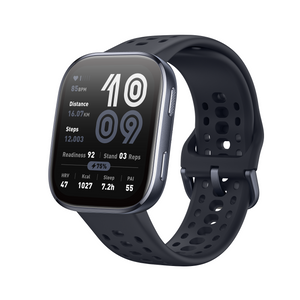
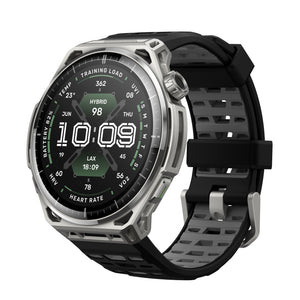
Amazfit Balance Ultra & Balance 3
Manage Map Downloads More Easily
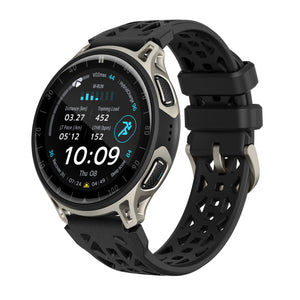
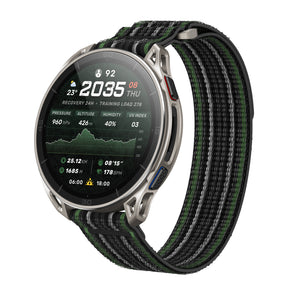
This update adds Map Download Management for maps, giving users more control over downloaded map resources. Users can now delete maps, resume interrupted downloads, update existing maps, and manage related download tasks more conveniently. This makes it easier to keep maps organized and ready for outdoor use.
Find it under: Zepp App > Device > Map Management > tap the icon in the upper-right corner
New Grade Adjusted Pace (GAP) for Outdoor Run and Trail Running
A new Grade Adjusted Pace (GAP) data field is now available for Outdoor Running and Trail Running. Users can add Last Lap GAP and Current Lap GAP to workout data pages to better understand pace performance across changing terrain and elevation. By accounting for changes in gradient, GAP provides more useful pacing context during hilly runs.
Find it under: Outdoor running / Trail Running > Settings > Workout Settings > Data Page > Pace Class > Last Lap GAP / Current Lap GAP
View HybridCharge During Workouts HybridCharge is now available as a workout data field. Users can add it directly to a workout data page and view it alongside other key exercise metrics during training. This makes it easier to monitor energy and readiness-related information without leaving the workout screen. Find it under: Workout > Settings> Workout Settings > Data Page > Other Class > HybridCharge
HRV Data Now Supports Apple Health
Amazfit Balance Ultra and Amazfit Balance 3 now support syncing HRV data to Apple Health. This helps users keep recovery and wellness data more connected across platforms. Once enabled, compatible HRV data from Zepp can be synced to Apple Health for easier long-term tracking.
Improved Altitude Stability for Outdoor Workouts The altitude algorithm has been optimized to improve altitude data stability during outdoor workouts. This update helps reduce abnormal fluctuations in accumulated ascent and descent, making elevation-related data more consistent. Users can now review outdoor workout records with greater confidence, especially during activities with frequent elevation changes.
Additional Updates
Optimized map download experience on low battery – Now supports downloading maps while charging when the battery is low.
Optimized the maximum number of stored routes on the watch – Now supports storing up to 100 routes.
Optimized route navigation text – Improved the wording on the start point setup and destination arrival pages.
Optimized the sensitivity of turn alerts during route navigation.
Optimized offline round-trip route planning on the watch – Now supports three modes: "Save Route Only", "Save Route and Navigate", and "Start Navigation Only".
FAQ
Which devices are included in this update?
This update applies to the Amazfit Balance Series, including Amazfit Balance 2, Amazfit Balance Ultra, and Amazfit Balance 3. Some features vary by model, so users should refer to the relevant product section above for details.
What is the upgraded HybridCharge™ system?
The upgraded HybridCharge™ system connects BioCharge™, LifeLoad™, and Training Load to provide a more complete view of training capacity. It helps users understand how workouts, recovery, and daily stress affect readiness.
Where can users manage map downloads?
For Amazfit Balance Ultra and Amazfit Balance 3, map downloads can be managed in the Zepp App. Go to Zepp App > Device > Map Management, then tap the icon in the upper-right corner.
What are Last Lap GAP and Current Lap GAP?
Last Lap GAP and Current Lap GAP are Grade Adjusted Pace data fields for Outdoor Run and Trail Running. They help users better understand pace performance across different terrain and elevation changes.
Can HRV data be synced to Apple Health?
Yes. Amazfit Balance Ultra and Amazfit Balance 3 now support syncing HRV data to Apple Health, allowing compatible HRV data from Zepp to be used for longer-term wellness and recovery tracking.