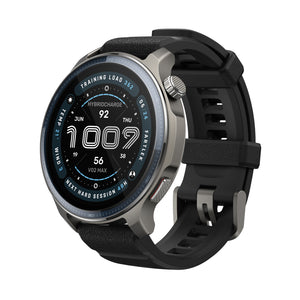
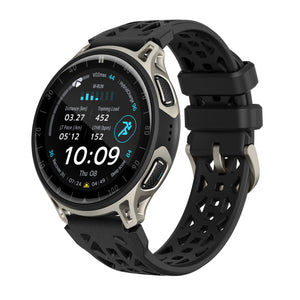
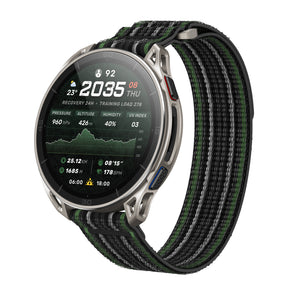
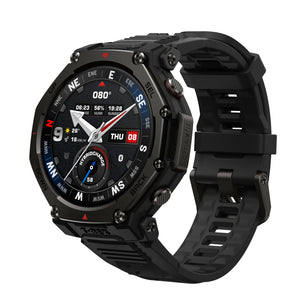
Amazfit Balance Series Software Update: Smarter Training, Navigation, HYROX, and Connectivity
Amazfit Balance Series Software Update: Smarter Training, Navigation, HYROX, and Connectivity
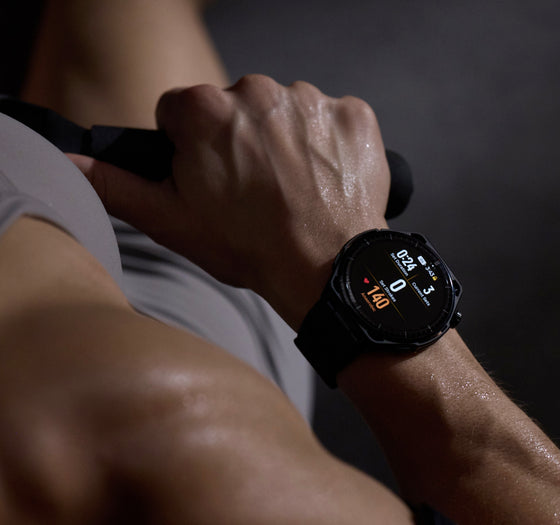
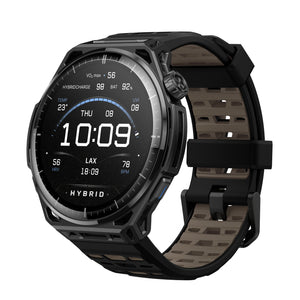
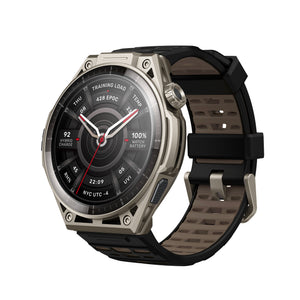
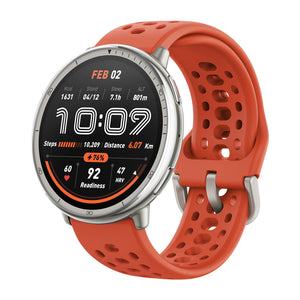
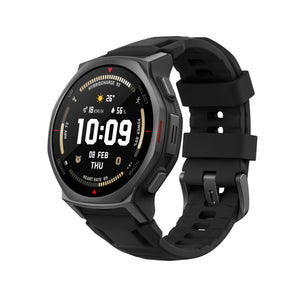
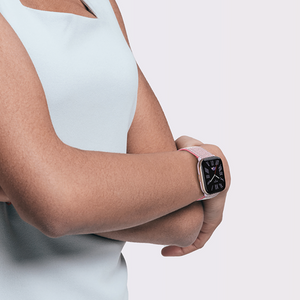
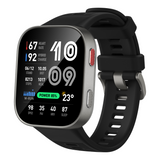
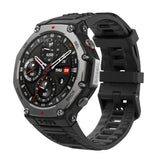
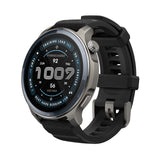
The Amazfit Balance series is getting a new software update for the Balance 2, the Balance Ultra, and the Balance 3. Designed to help athletes better balance training, recovery, and everyday life, this update introduces practical enhancements across navigation, maps, HYROX training tools, and device connectivity, creating a more connected and capable experience both during workouts and throughout the day.
Equivalent Pace: Understand Your True Effort on Any Terrain
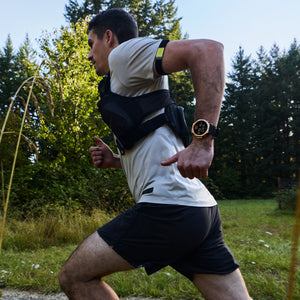
The new Equivalent Pace feature helps runners better understand their true effort across varied terrain. By combining personal physiological data, fitness level, and gradient changes, the watch converts uphill and downhill running into an equivalent flat-ground pace. This makes it easier to manage energy, adjust intensity, and pace more effectively during outdoor runs.
Find it under: Start a running > Settings > More > Data page > Pace Class
Offline Route Planning: Plan and Navigate Even Without a Network
With the new Offline Route Planning feature, users can create loop routes or plan routes directly within the Map app, even when offline. During navigation, the watch can automatically recalculate your route if you go off course, helping you navigate unfamiliar terrain with greater confidence.
Find it under: Map > Navigation > Create Round-Trip Route
Activity Data Fusion & Sync Back: More Consistent Data Across Devices
This update introduces Activity Data Fusion & Sync Back, making it easier to use multiple Zepp ecosystem devices together. Activity and health data are fused through Zepp and synchronized across connected devices, helping ensure your information stays consistent wherever you view it.
OmniRecorder: Stream, Record, and Play Audio on Your Watch
The new OmniRecorder feature expands the audio capabilities of the Balance series. Users can stream audio from their phone to the watch via Bluetooth, record it locally, and play it back directly from the watch, providing a convenient way to capture and review audio from the wrist.
To get started, download OmniRecorder from the app store and enable Bluetooth Speaker from Control Center or by navigating to Settings > Preferences > Bluetooth Speaker. Recordings are saved directly on the watch for offline playback and are intended for personal use only.
HYROX Race × Stryd Integration: Real-Time Pace Metrics for Race Performance
For HYROX athletes and endurance-focused users, the Balance 2 now supports the HYROX Race × Stryd Integration. By connecting the watch with Stryd footpods, users can view real-time pace metrics during training and competition, helping them monitor performance more accurately and make more informed pacing decisions.
Additional Updates
Added GPS Heading in Topographic Maps: supports GPS heading display in the Topographic Map app for a navigation experience consistent with workout navigation.
Optimized topographic map display and on-watch route creation. Supports navigation to points up to 100 km away and dynamic contour-line precision adaptation. Update via the Zepp App is recommended.
Added customizable watch face status indicators, allowing users to choose which indicators are displayed.
Enhanced the diving experience with improved depth calculations, descent/ascent detection, and suppression of system notifications during workouts.
Improved map downloads with support for combined downloads of multi-level cloud maps and map version display.
Enhanced BioCharge™ display, allowing status changes to be viewed during workouts.
Optimized screen wake behavior by adjusting screen-on duration for different usage scenarios.
Refined weather information in workout records by limiting the display range of weather data.
Fixed an issue that could cause the watch to restart during workouts with extremely long routes or a high number of segments.
When selecting a route for navigation, the workout preparation page now displays a preview image of the route before you begin. This helps users confirm route details and navigate with greater confidence.
Improved Status Indicator Display
Status indicators now briefly appear on the watch face before remaining accessible within the new status hub in Quick Access. This helps reduce visual clutter while keeping important information easy to access.
Improved HYROX Training and Simulation Experience The HYROX training and simulation experience has been refined to make it easier to move between workout selection in Zepp and execution on the watch. Enhanced simulation settings provide greater flexibility for configuring stations and laps, helping athletes better match workouts to their training goals. Find it under: Home > HYROX WORKOUTS LIBRARY
Enhanced Map Display and Control During Workouts
Map scale indicators have been added to the track page and terrain map app during workouts, with new metric scales of 75 m, 200 m, 750 m, 2 km, and 8 km, as well as imperial scales of 75 ft, 200 ft, 750 ft, 2 mi, and 8 mi. Map information layers, map loading behavior, and digital crown zoom controls have also been optimized, making outdoor maps clearer, easier to navigate, and more responsive during workouts.
Additional Updates
Improved GPS track and real-time pace accuracy under tree-covered environments.
Refined the display style of workout lists in the Training Library.
Optimized low-battery status icons.
Fixed an issue where Training Calendar was unavailable in Battery Saver Mode.
Fixed several Korean translation issues in workout scenarios.
Fixed an issue causing the screen to wake unexpectedly after wake-on-notification was disabled.
Fixed other known issues and improved overall system stability and smoothness.
FAQ
Which products are included in this update? This update covers Amazfit Balance 2, Amazfit Balance Ultra, and Amazfit Balance 3. Some features are available across multiple models, while others are specific to certain devices.
What is Equivalent Pace? Equivalent Pace converts uphill and downhill effort into an equivalent flat-ground pace, helping runners better understand their true running effort on varied terrain.
What navigation improvements are included? Amazfit Balance 2 adds Offline Route Planning, allowing users to create routes directly on the watch even without a network. Amazfit Balance Ultra and Amazfit Balance 3 add route preview support before starting route navigation.
What has improved for HYROX training? Amazfit Balance Ultra and Amazfit Balance 3 improve the connection between the HYROX Training Library in Zepp and HYROX Simulation Workouts on the watch. Amazfit Balance 2 also adds HYROX Race × Stryd Integration for real-time pace metrics.
How do I use OmniRecorder on Amazfit Balance 2? Follow these steps to record phone audio on your watch and play it back offline.
Download OmniRecorder from the app store.
Turn on Bluetooth Speaker on your watch. After it is turned on, audio from your phone will play through the watch speaker.
Option 1: Swipe down on the watch face to open the Control Center. Press and hold Control Center to enter edit mode, tap Add icon, then find and add Bluetooth Speaker.
Option 2: Go to Settings > Preferences > Bluetooth Speaker, then tap the icon to turn it on.
Open OmniRecorder on the watch. Enable background running permission, then tap tap the recording icon to start recording.
Open your music or audio app, play the audio you want to save. The watch will play and record the audio at the same time.
When the audio ends, go back to OmniRecorder and tap stop icon.
The file will be saved on the watch. You can find it in the recording list, rename it, and play it offline during outdoor activities.
Notes:
When Bluetooth Speaker is on, local microphone recording and other audio playback features may not be available.
Recorded files are for personal use only and cannot be exported or copied to other devices.