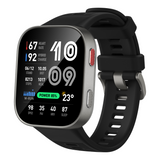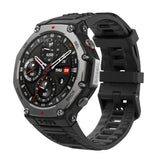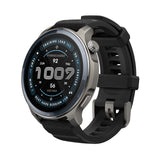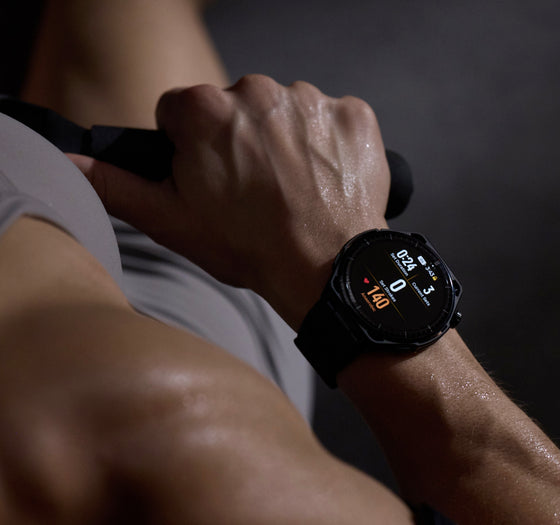
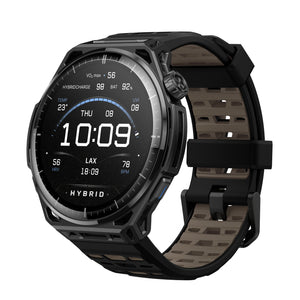
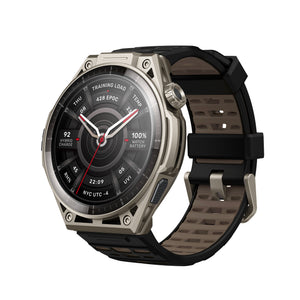

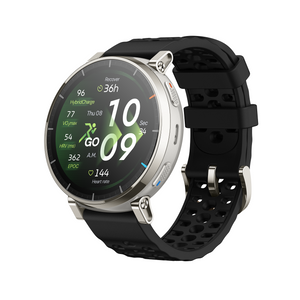
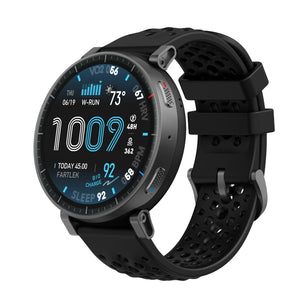
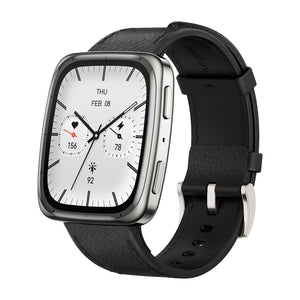
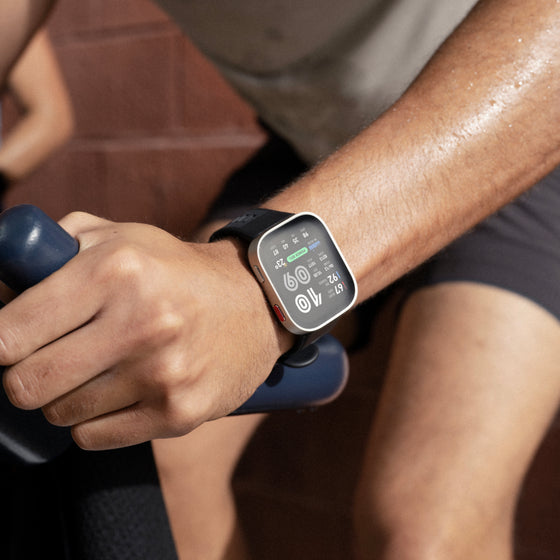
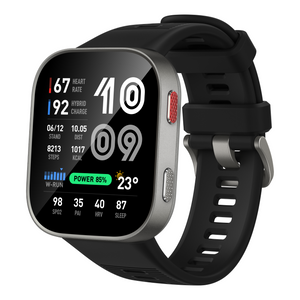
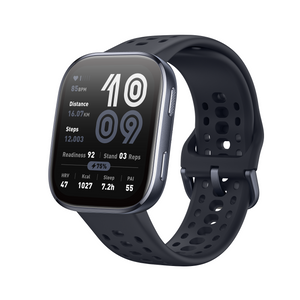

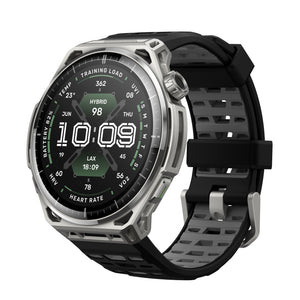
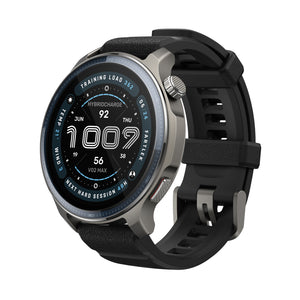

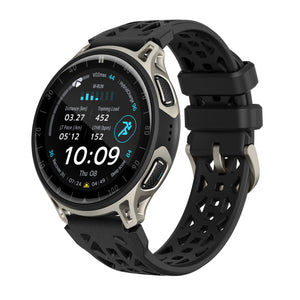
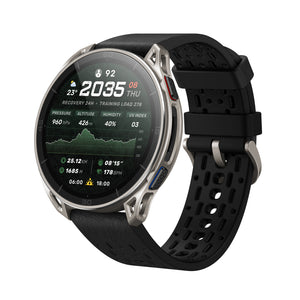
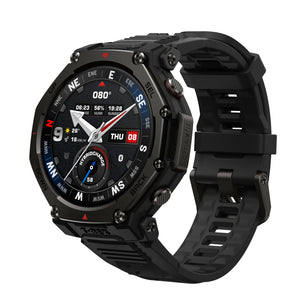
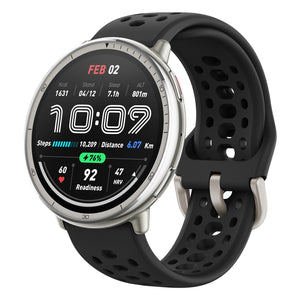

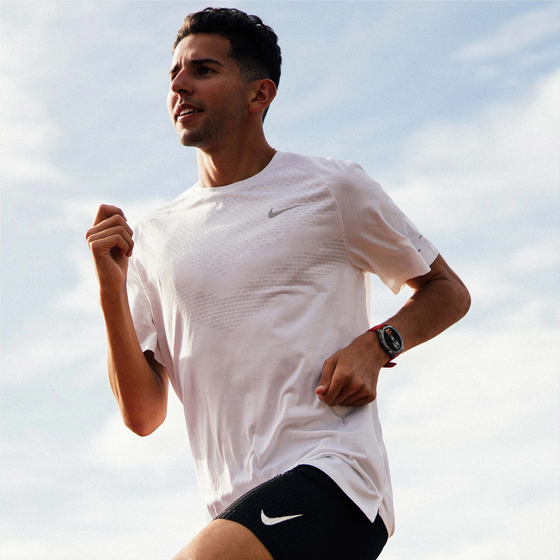
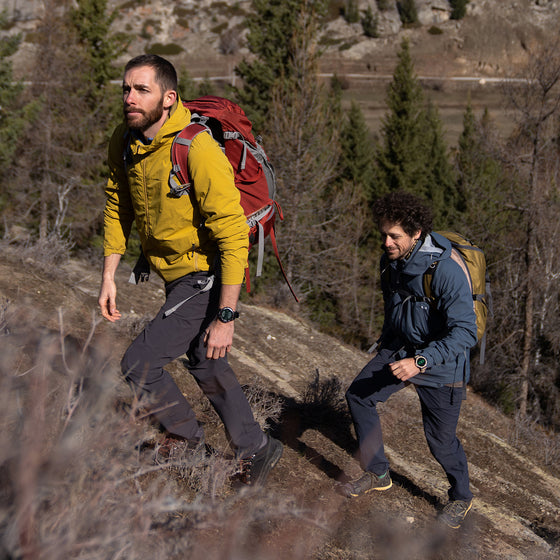
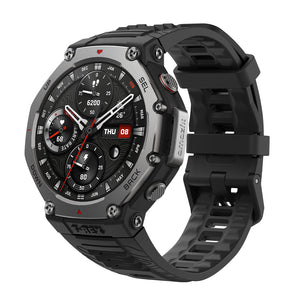
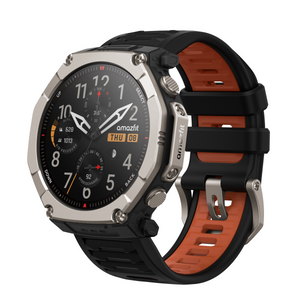

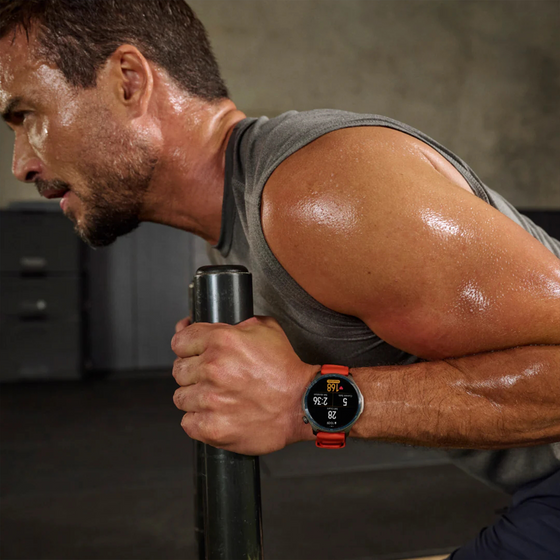


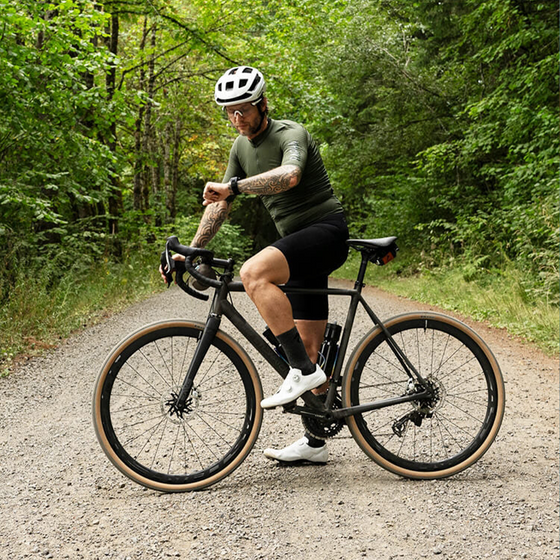



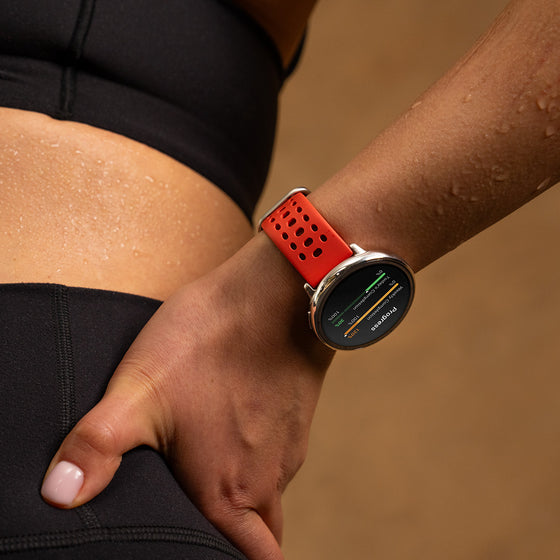


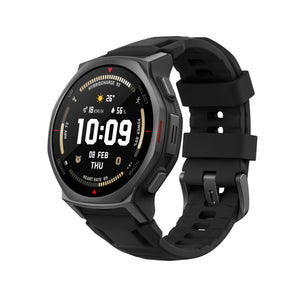



This December, Balance 2 enhances your fitness experience with the addition of Rucking and a new Weighted Load option for Trail Running, Outdoor Running, and Walking, along with optimized BioCharge data display. This update delivers smarter tracking and more personalized challenges, making every workout more connected and impactful.
Rucking and Weighted Load Training: Challenge Your Limits
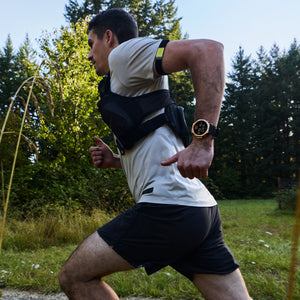
The new Rucking feature adds weight to your hikes and walks, turning every step into a full-body endurance challenge. You can now also apply the Weighted Load option to Trail Running, Outdoor Running, and Walking, boosting intensity and helping you build strength with every movement.
Find it under: Workout - More workouts - Outdoor workouts - Rucking
Find it under: Workout - Trail running - Settings - Assistant - Weighted Load

New Workout Mode –Mountain Hiking: Relax and Recharge
Experience the beauty of nature while staying active with the new workout mode: Mountain Hiking. It allows you to track your hiking activities while enjoying the natural environment.
Find it under: Workout - More Workouts - Outdoor Workouts - Mountain Hiking

Wake BioCharge and All-Day BioCharge
Track your energy levels throughout the day with the Wake BioCharge and All-Day BioCharge pages. The updated trend chart helps you monitor your body’s biocharge at different times of the day to ensure you’re in top condition.
Find it under: BioCharge - Wake BioCharge

Optimized Activity Reminders
We’ve optimized the timing and messaging of Activity Reminders to help you stay on track with your daily fitness goals. Reminders now arrive at more meaningful moments, and the refreshed messaging makes it easier to stay motivated and engaged with your progress.

Screenshot: Capture Every Moment
With the new Screenshot Feature, you can now capture your workout moments instantly. Simply press the digital crown and lower button simultaneously to take a screenshot and save every important moment. It's a quick and easy way to record your achievements.

More Updates
-
Added Silent icon in Control Center.
-
Improved Outdoor Run algorithm for lower power use.
-
Improved Weather data source and refresh logic.
-
Improved map icons and crown/orientation adaptation.
-
Improved notification center: clearing all returns to watch face.
-
Improved Portuguese wording.
-
Other fixes for better stability and smoothness.
Frequently Asked Questions
What’s new in the Balance 2 December software update?
The Amazfit Balance 2 December software update introduces new fitness features including Rucking, Weighted Load training, Mountain Hiking mode, enhanced BioCharge energy tracking, optimized Activity Reminders, and a new screenshot feature. These updates improve workout accuracy, personalization, and daily energy insights.
Which workouts on Balance 2 support Weighted Load Training?
The Weighted Load feature on Balance 2 is available for Trail Running, Outdoor Running, Indoor walking, Treadmill, Climbing, Hiking, Walking, Orienteering, Ultramarathon and more. Adding weight allows for more intense training sessions and better strength development.
What are Wake BioCharge and All-Day BioCharge on Amazfit Balance 2?
Wake BioCharge shows your energy level when you wake up, while All-Day BioCharge tracks how your energy changes throughout the day.
How do I take a screenshot on Amazfit Balance 2?
To take a screenshot on Balance 2, press the digital crown and lower button simultaneously. The screenshot feature lets you capture workouts, achievements, and key moments directly on your smartwatch.