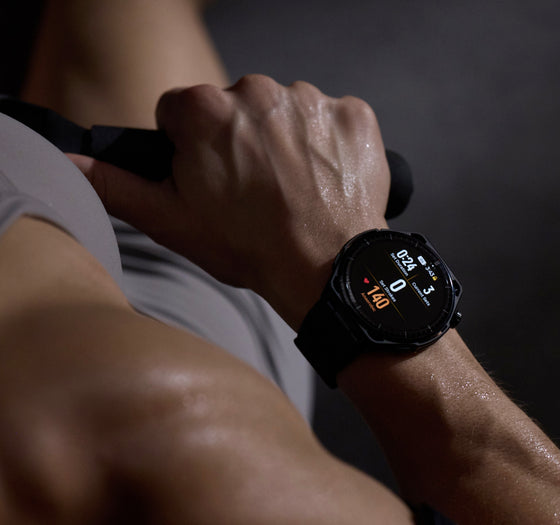
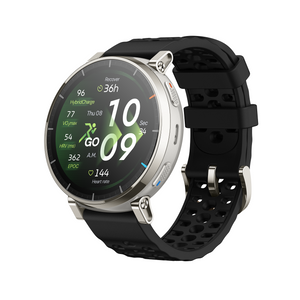
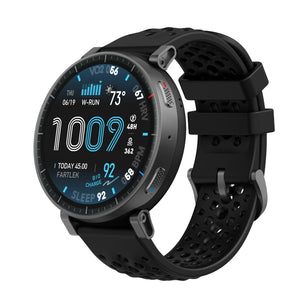
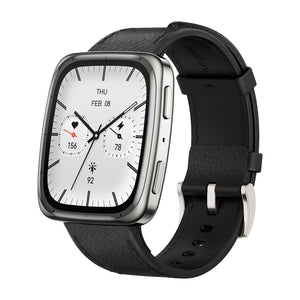
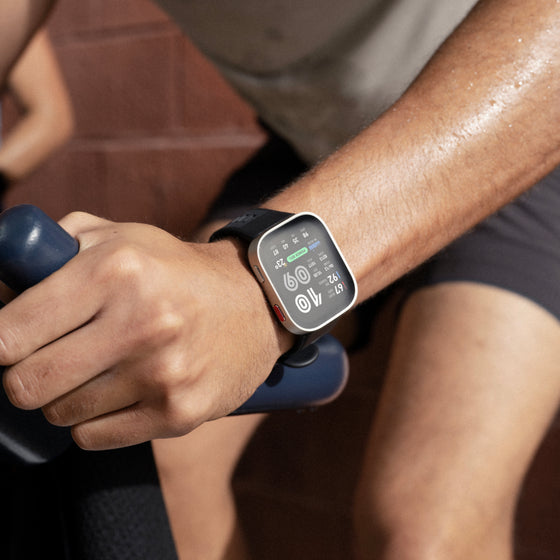
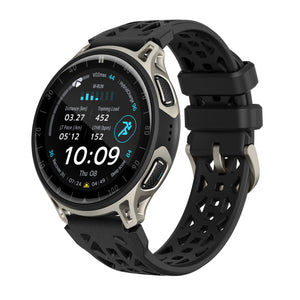
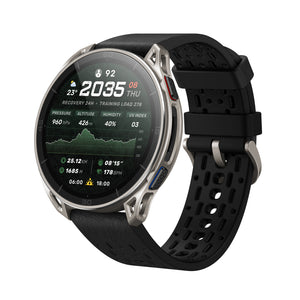
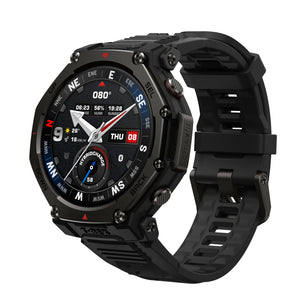
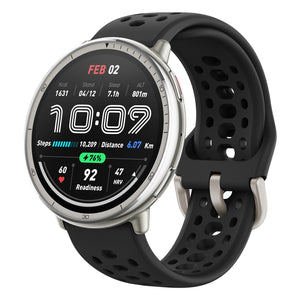
Every review showcased here is created by independent reviewers with no involvement or input from us. Their assessments reflect real experiences, candid opinions, and thorough testing—giving you a transparent look at how this smartwatch performs in the real world.
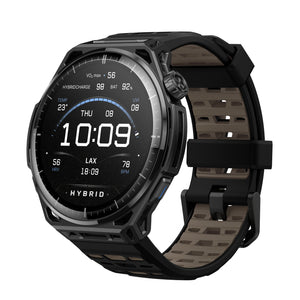
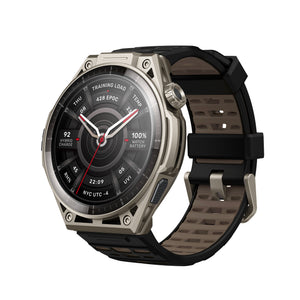
How long does the Amazfit T-Rex 3 Pro smartwatch battery last?
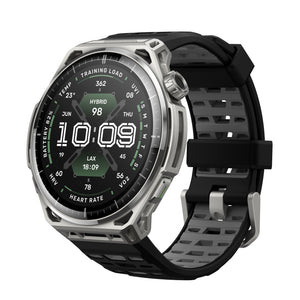
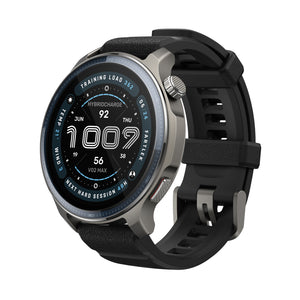
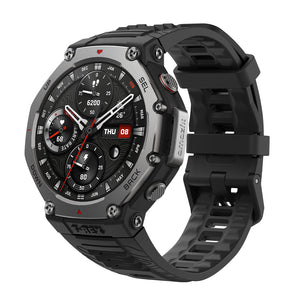
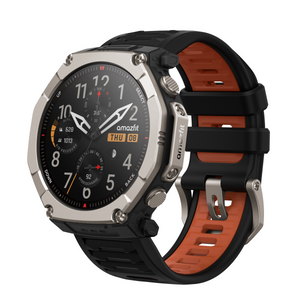
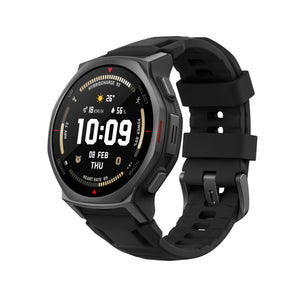
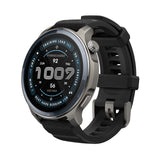
T-Rex 3 Pro 48mm: with up to 25 days of battery life under typical use.
T-Rex 3 Pro 44mm: with up to 17 days of battery life under typical use.
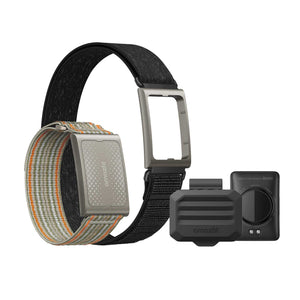
How long does the Amazfit Helio Strap battery last?
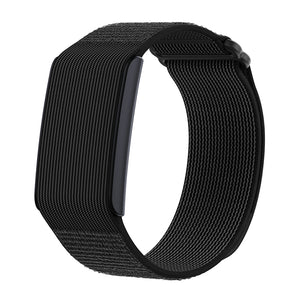
With up to 10 days of battery life under typical use.
Is the Helio Strap compatible with the T-Rex 3 Pro?
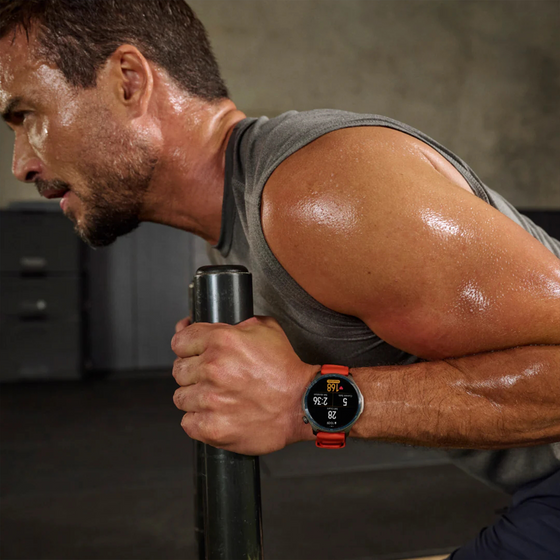
Yes, the Amazfit Ecosystem offers a fully integrated training system that seamlessly connects your smartwatch, like the T-Rex 3 Pro, with the Helio Strap and other devices through the Zepp App. This ensures uninterrupted data collection whether you're training, sleeping, or resting - even when your watch is off.
Can I make or receive calls with the Amazfit T-Rex 3 Pro smartwatches?
Yes, the T-Rex 3 Pro supports Bluetooth phone calls and texts.
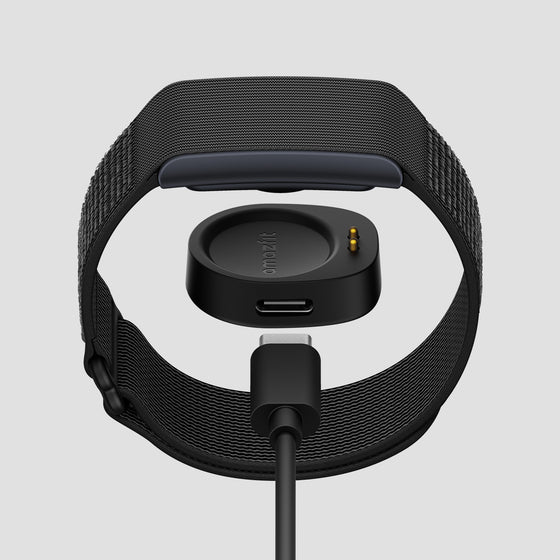
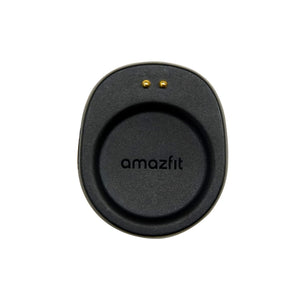
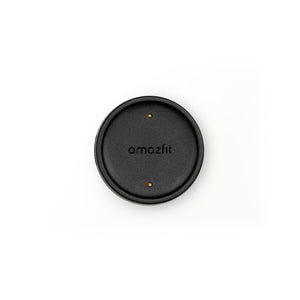
Why doesn't the Amazfit T-Rex 3 Pro smartwatch and Helio Strap package include a USB-C cable?
Amazfit is committed to sustainability, striving to minimize environmental impact and promote waste reduction across its products and operations. Many users already have an extra unused USB-C cable. If you do not have one, please reach out to our Customer Support at support.na@amazfit.com.
Can I use HSA or FSA funds to buy an Amazfit T-Rex 3 Pro or Helio Strap?
Yes. You can use HSA/FSA funds through TrueMed at checkout on the Amazfit.com. Browse all eligible items here.
My Amazfit device Bluetooth keeps disconnecting from my mobile device, how do I fix this?
If your Amazfit device Bluetooth keeps disconnecting from your mobile device, please ensure that both the Zepp app and your device's operating system are up to date. Restart your device, then try reconnecting via Bluetooth. If the problem persists, consider performing a factory reset on your device. For further assistance, contact support at support.na@amazfit.com.