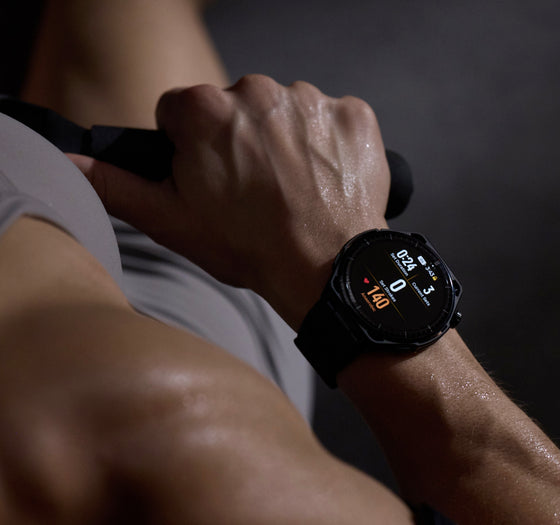
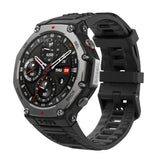
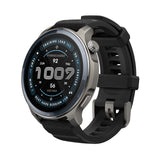
Your Amazfit watch now does more with your notifications. Notifications have always been one of the most-used features on any smartwatch. But for a long time, "getting a notification" mostly meant glancing at your wrist and then reaching for your phone anyway. That changes now.
With iOS Notification Forwarding, select Amazfit watches can now deliver a more complete notification experience for iOS users throughout Europe. Instead of just seeing an alert, you can act on it, right from your wrist.
Reply Without Reaching for Your Phone
For notifications that support replies, like a message from WhatsApp, you can respond directly from your watch. No need to pull out your phone mid-run, mid-meeting, or mid-anything.
Take Action, Right There
Notifications with quick actions, like Mark as Read or Call Back, can be handled directly on the device. Less interruption. More flow.
See the Full Picture
Some notifications come with images, like a doorbell alert or a camera notification. With iOS Notification Forwarding, those images can now display on your watch when supported, so you know exactly what's happening before you decide what to do.
Which Watches Support It?
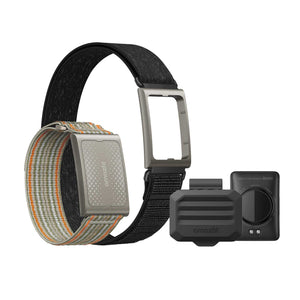
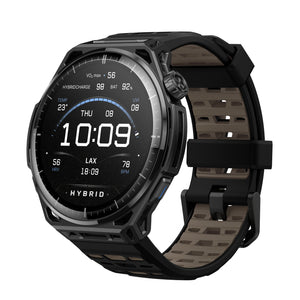
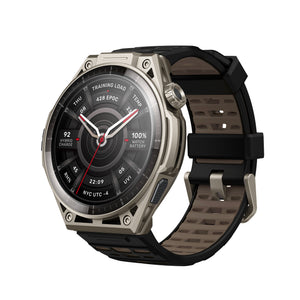
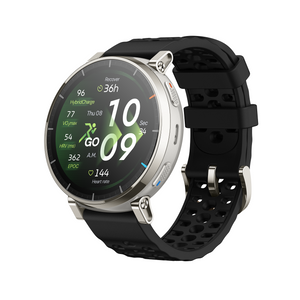
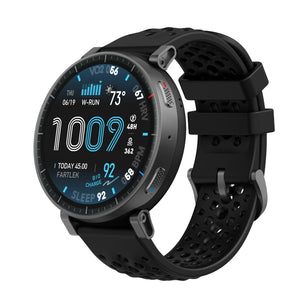
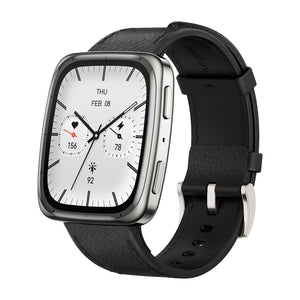
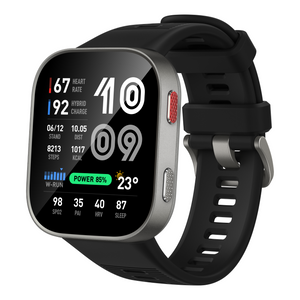
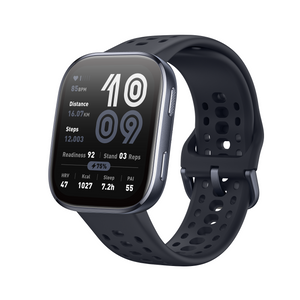
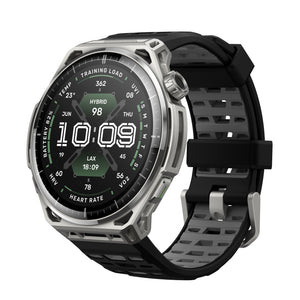
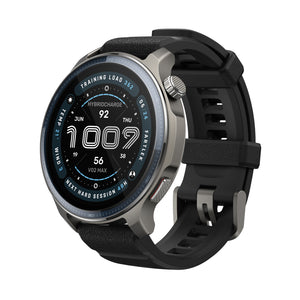
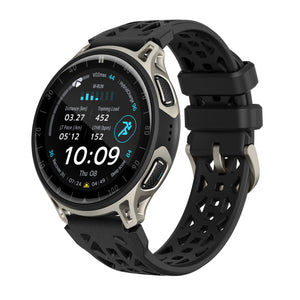
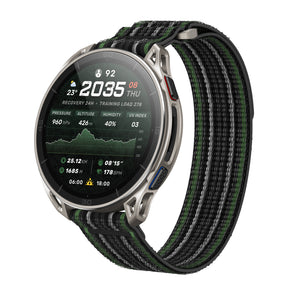
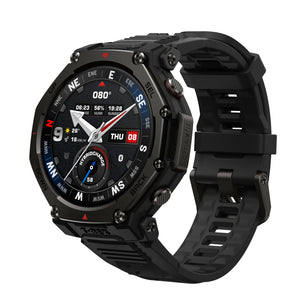
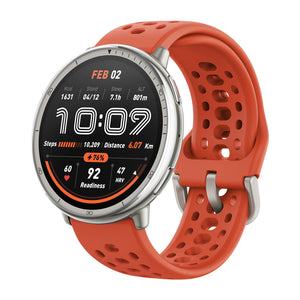
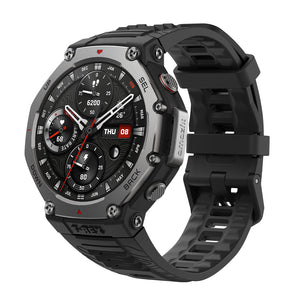
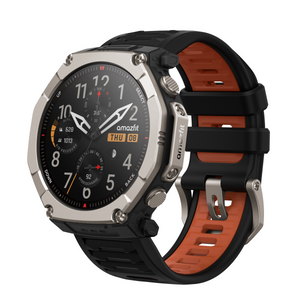
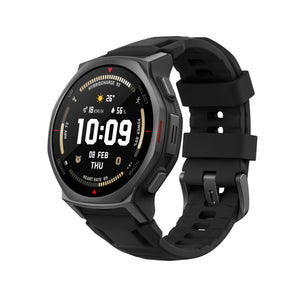
iOS Notification Forwarding is currently available on:
Once your Zepp App and device firmware are up to date, look out for a Notification Forwarding prompt the next time you open the app or connect your watch. Just follow the steps and you'll be set up in minutes through your iPhone's authorization flow.
Missed the prompt? No problem. You can turn it on anytime from your Zepp App under Device > Feature Checklist, or head to Device > Notifications > App Notifications to enable it there.
This feature is currently available for eligible iOS users in the EU running iOS 26.5 or later. Keep in mind that reply and action support varies by notification type. iOS Notification Forwarding is rolling out as a Beta feature, and we're continuing to improve the experience as Apple expands support for the capability.