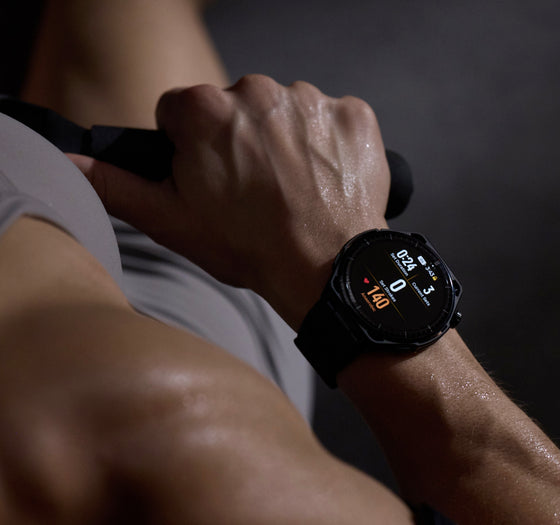
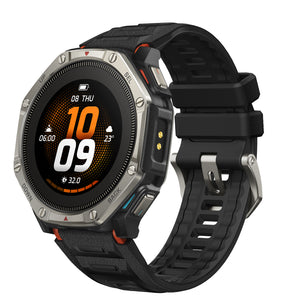
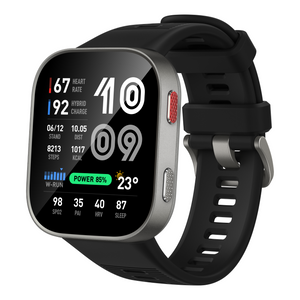
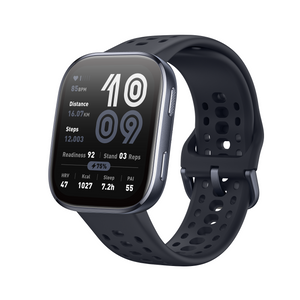
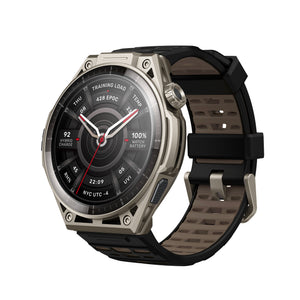
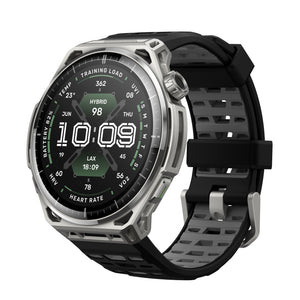
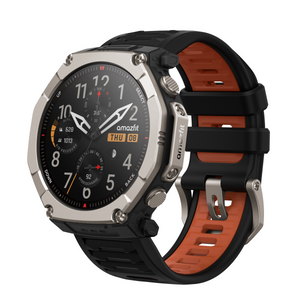
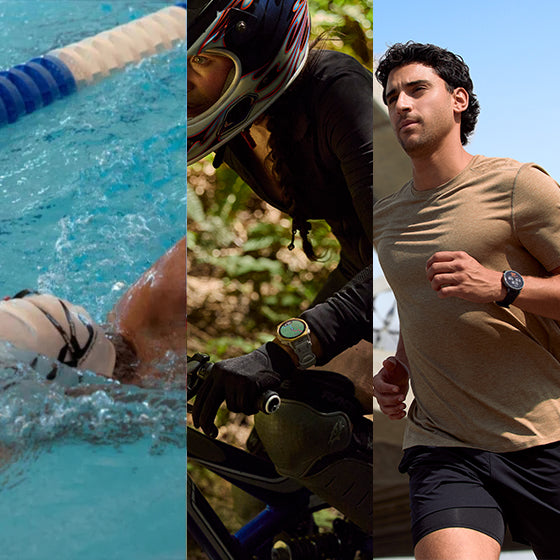
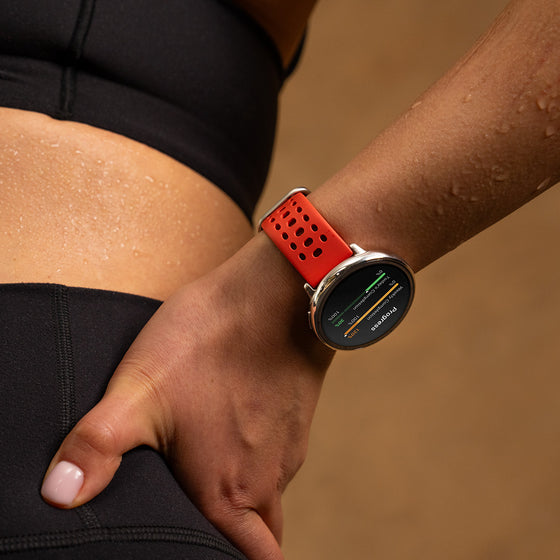
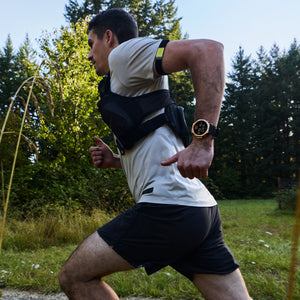
The Amazfit Cheetah 2 Ultra is built for runners, trail athletes, and outdoor explorers who rely on accurate data and clear navigation during every workout. With its this software update after launch, we are bringing a set of practical improvements designed to make outdoor training more informative, more reliable, and easier to use in real time.
More In-Activity Navigation Data at a Glance This update adds new in-activity data items to help you better understand what lies ahead during a route-based workout. You can now view the remaining distance, remaining ascent, and remaining descent to the next waypoint, as well as to your final destination.
Whether you are following a trail route, climbing toward a checkpoint, or managing your effort across rolling terrain, these new data fields give you a clearer picture of the route ahead. Instead of only knowing where you are, you can better understand what is coming next and adjust your pace, energy, and strategy accordingly.
Find it under: Choose an activity > Settings > More > Data page > Navigation Class
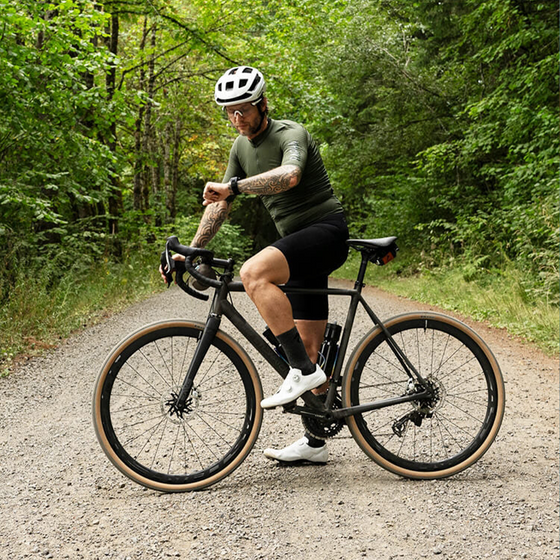
Improved GPS Tracks and Real-Time Pace Under Tree Shade Outdoor conditions are rarely perfect, especially when running or hiking under tree cover. With this update, we have improved GPS track accuracy and real-time pace performance in shaded environments, helping the watch deliver more stable and reliable workout data when satellite signals may be partially blocked.
For runners and outdoor athletes, this means a more consistent pace reading and cleaner route tracking when training in parks, forest paths, or tree-lined roads. The result is a smoother experience during the workout and more dependable data for post-workout analysis.
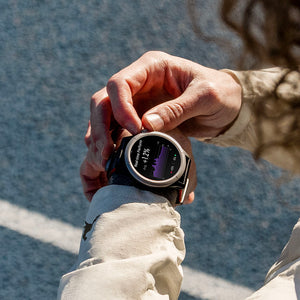
Smoother Map Navigation Touch Unlock Experience We have also optimized the touch unlock logic during map navigation. When you enter interactive mode, the screen will now unlock automatically, allowing you to pan, zoom, or interact with the map more naturally.
This improvement reduces extra steps during navigation and makes the map experience feel more immediate. When you need to check route details quickly during a run or outdoor activity, the watch is now easier and more efficient to operate.
Optimized the brightness adjustment method for raise-to-wake while always-on display is active.
Improved the smoothness of the app list and activity list.
Improved the smoothness of some applications.
FAQ How do I update my Amazfit Cheetah 2 Ultra? Open the Zepp app, connect your Amazfit Cheetah 2 Ultra, and check for available firmware updates in the Device > GENERAL > SYSTEM UPDATE. Make sure the watch has sufficient battery before starting the update.
What new navigation data is included in this update? This update adds remaining distance, remaining ascent, and remaining descent data for both the next waypoint and the final destination during activity navigation.

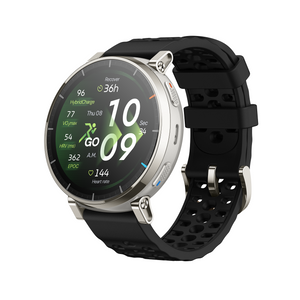
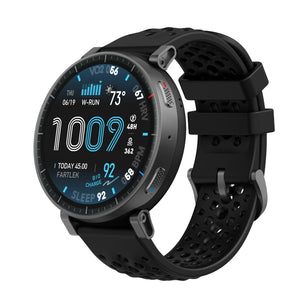
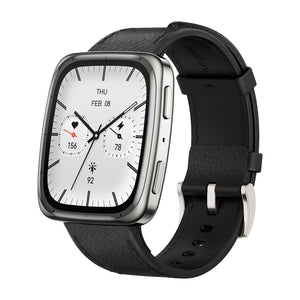
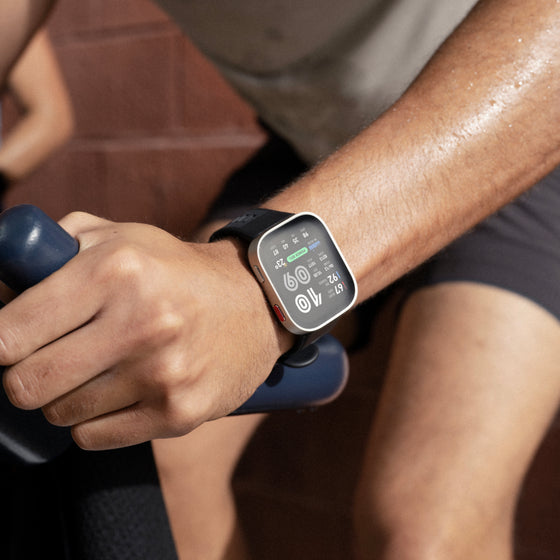

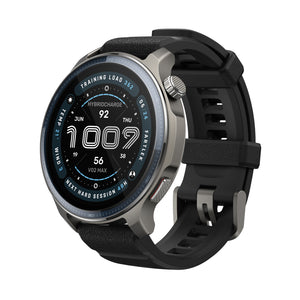

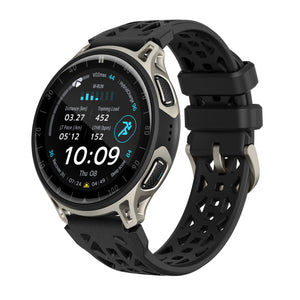
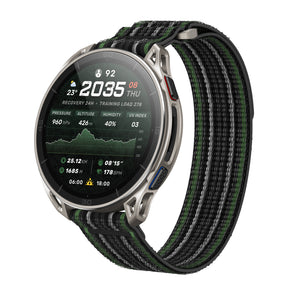
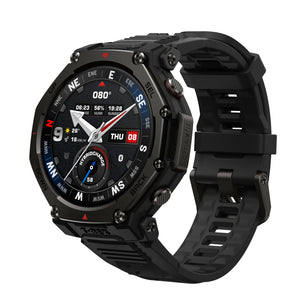
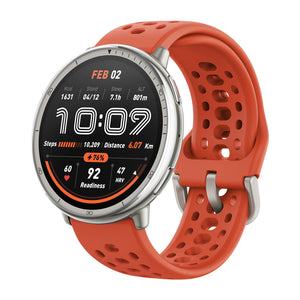

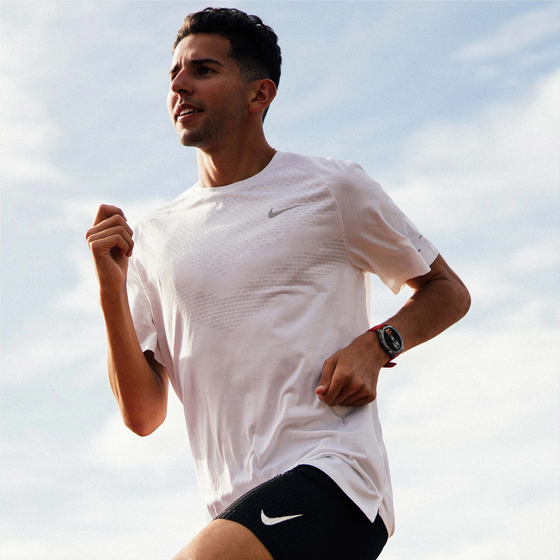
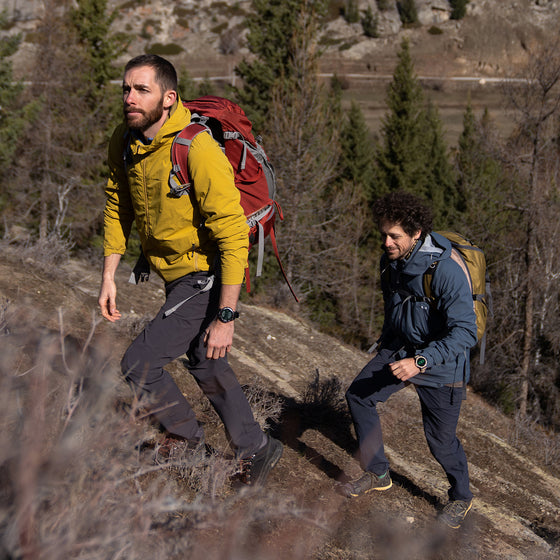








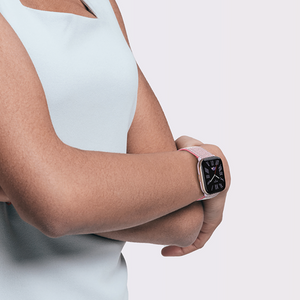


 The Amazfit Cheetah 2 Ultra is built for runners, trail athletes, and outdoor explorers who rely on accurate data and clear navigation during every workout. With its this software update after launch, we are bringing a set of practical improvements designed to make outdoor training more informative, more reliable, and easier to use in real time.