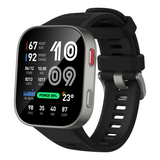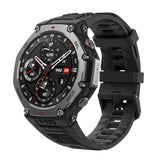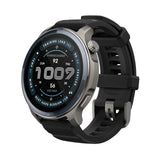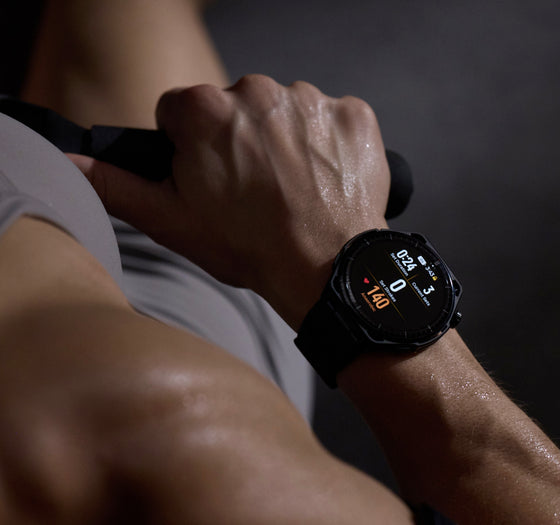
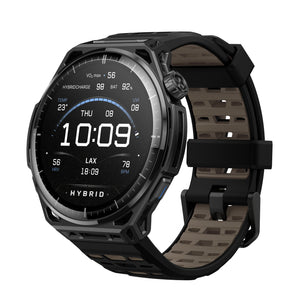
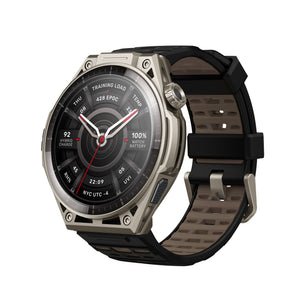
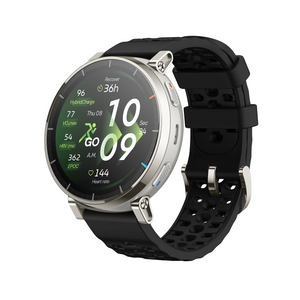
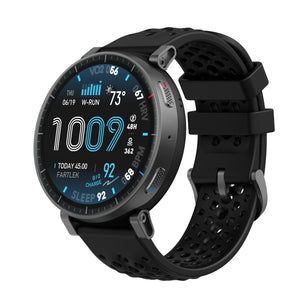
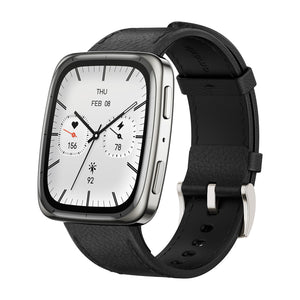
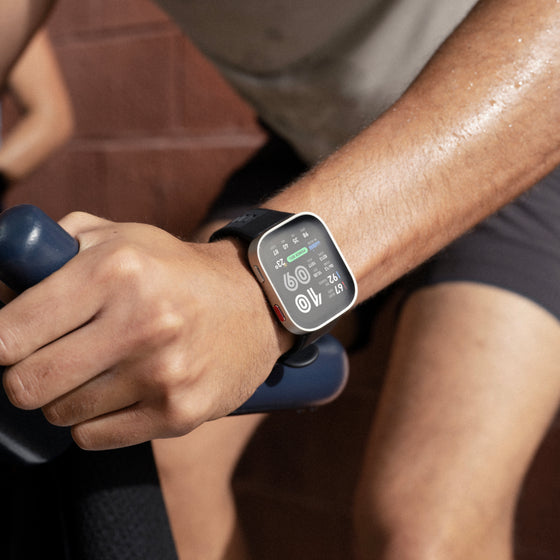
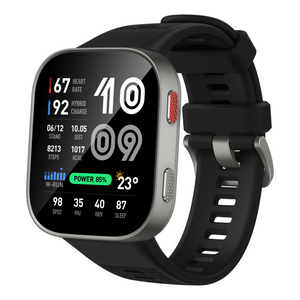
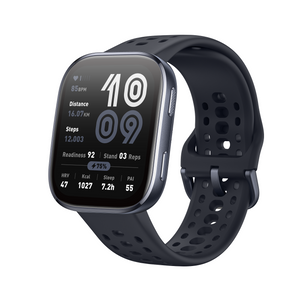
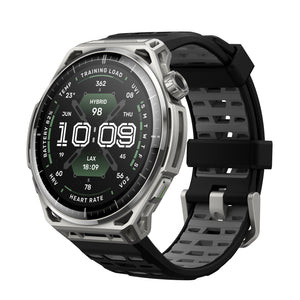
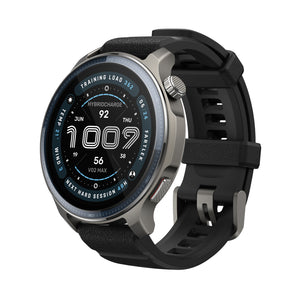
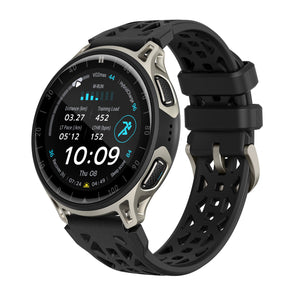
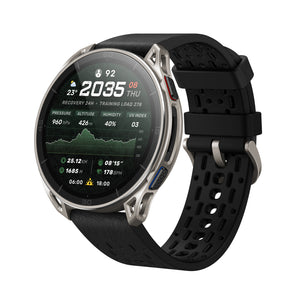
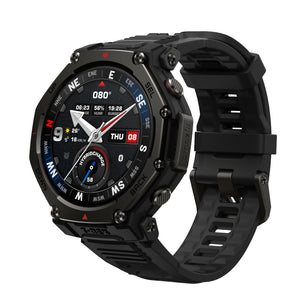
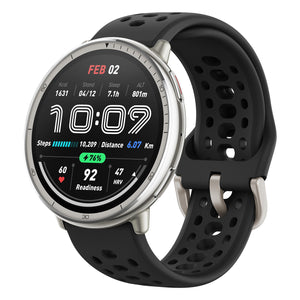


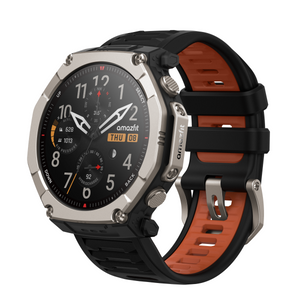



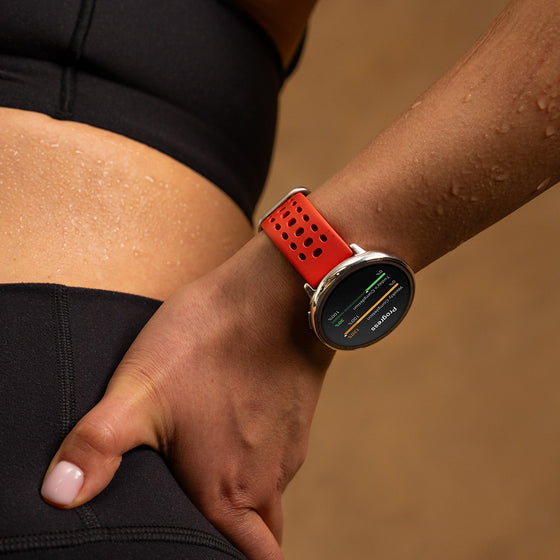
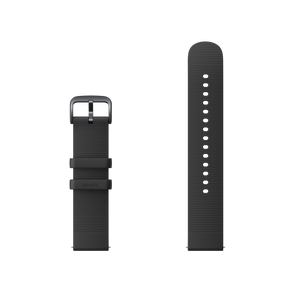
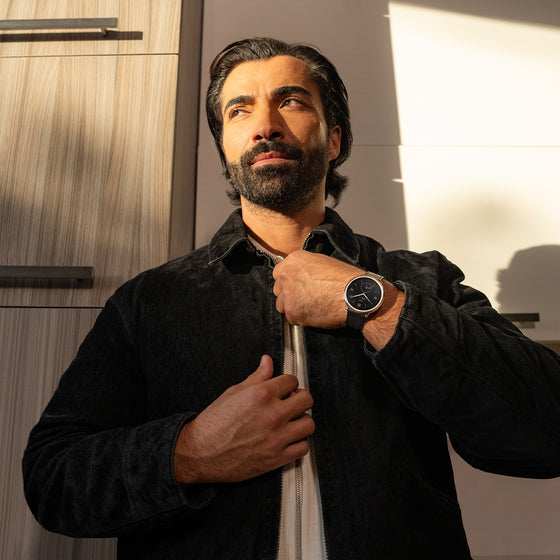
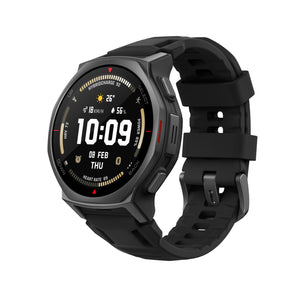
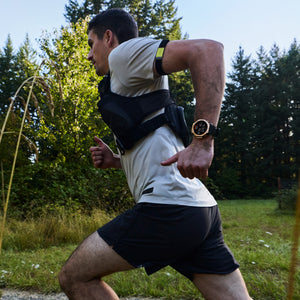
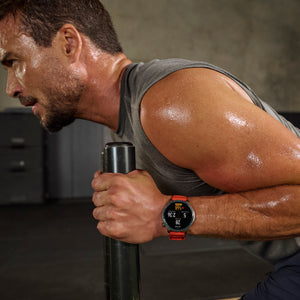
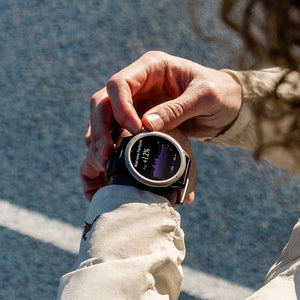
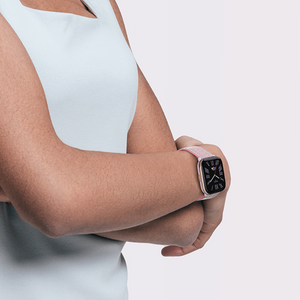







I just got my Amazfit balance 3 really nice and easy to use highly recommend to anyone who is looking for great quality products why I like the most is that I can track my workouts and also my food intake and also is very good looking watch
Train with Structure.
Couldn't load pickup availability
Order by Dec 14 For delivery by Dec 24.
Pay in installments At checkout.
Explore other Balance models
Balance 2
$219.99 $299.99
Balance 3
$369.99
Balance Ultra
$599.99
+$230
All Balance watches have sapphire glass, GPS, offline maps, 10 ATM water resistance, Bluetooth, and no subscription workout and recovery data in the Zepp App.
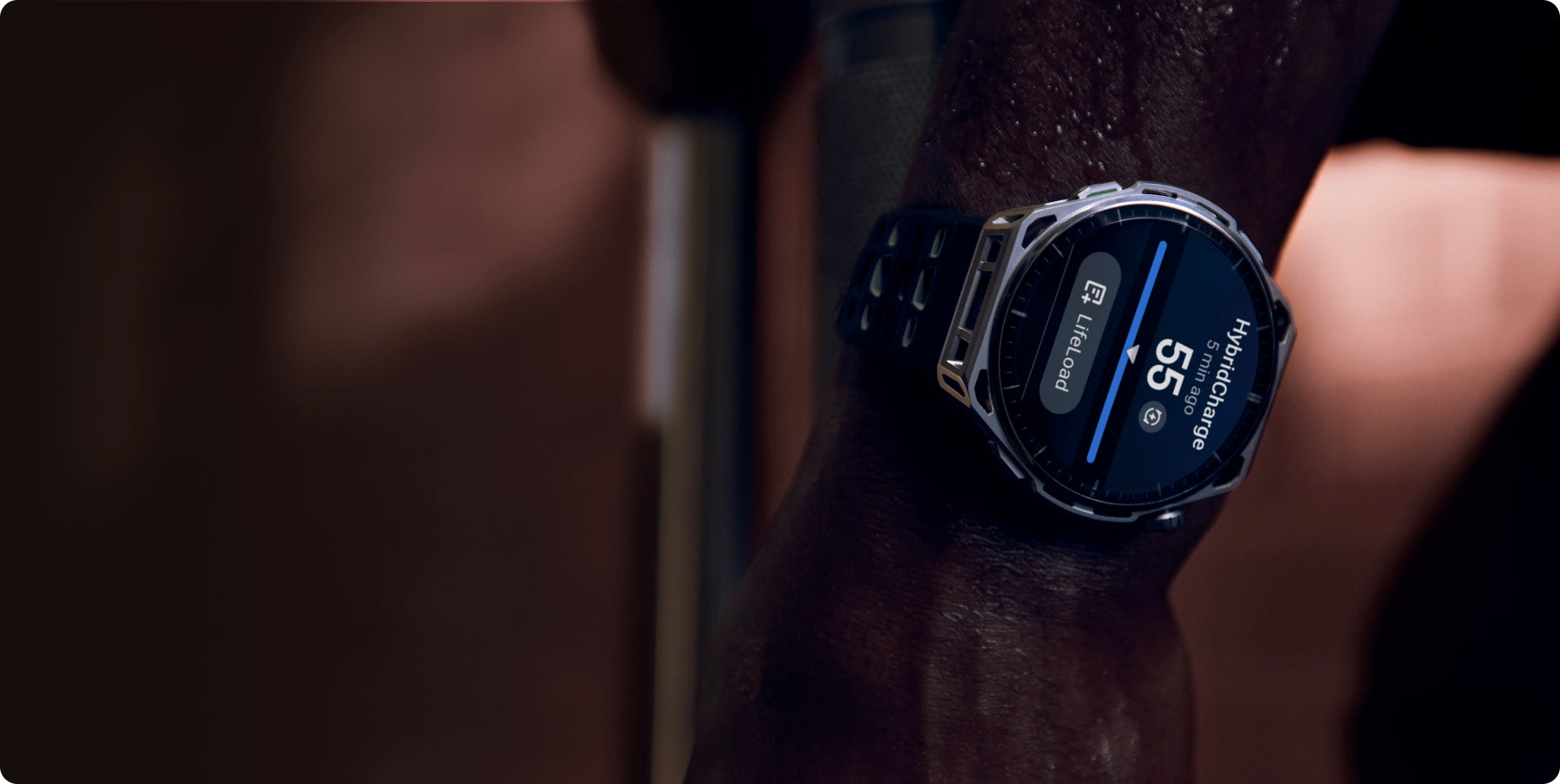
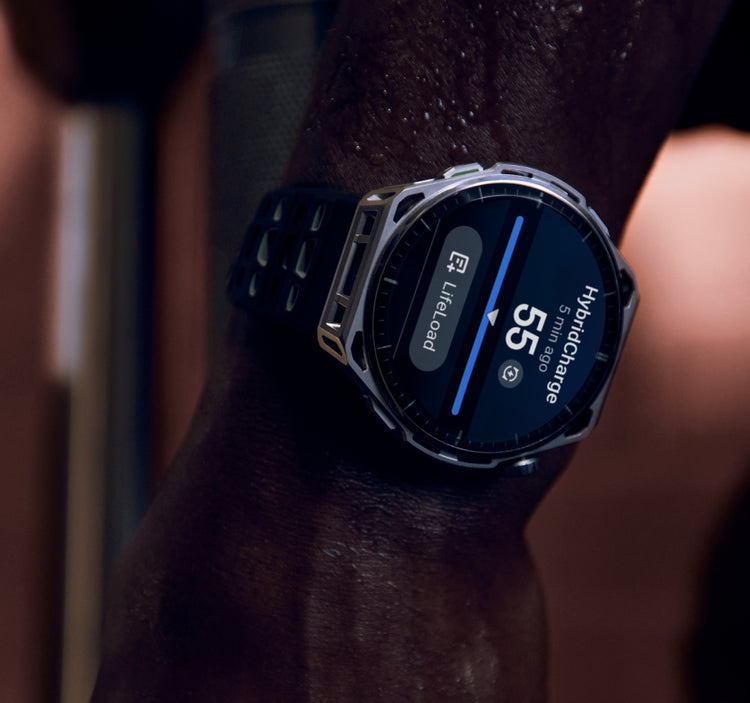
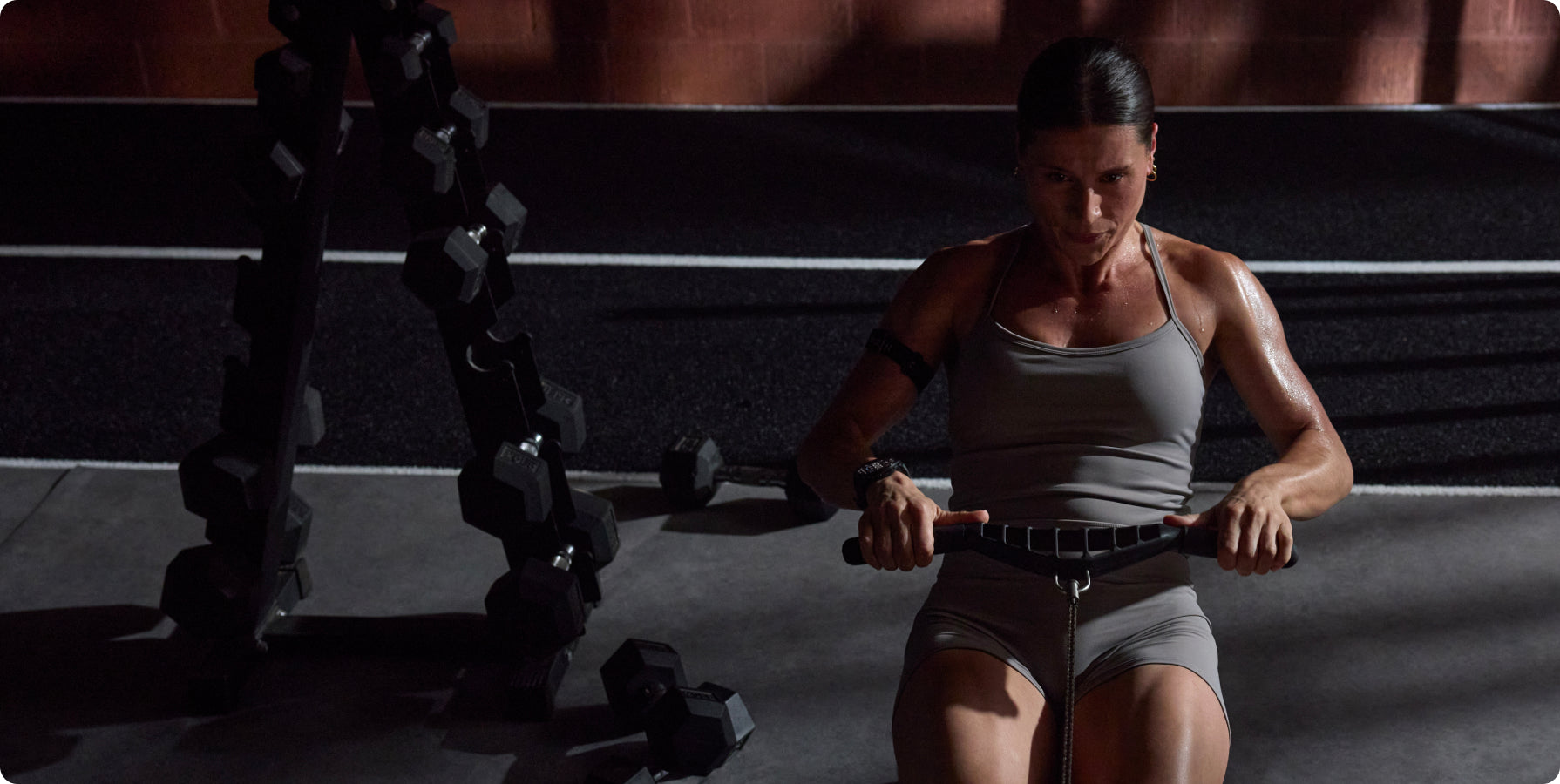
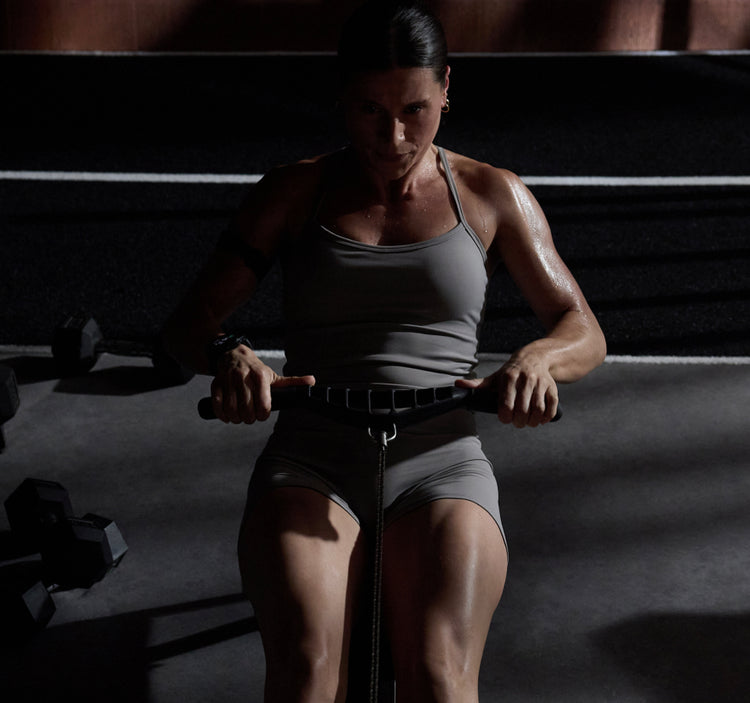
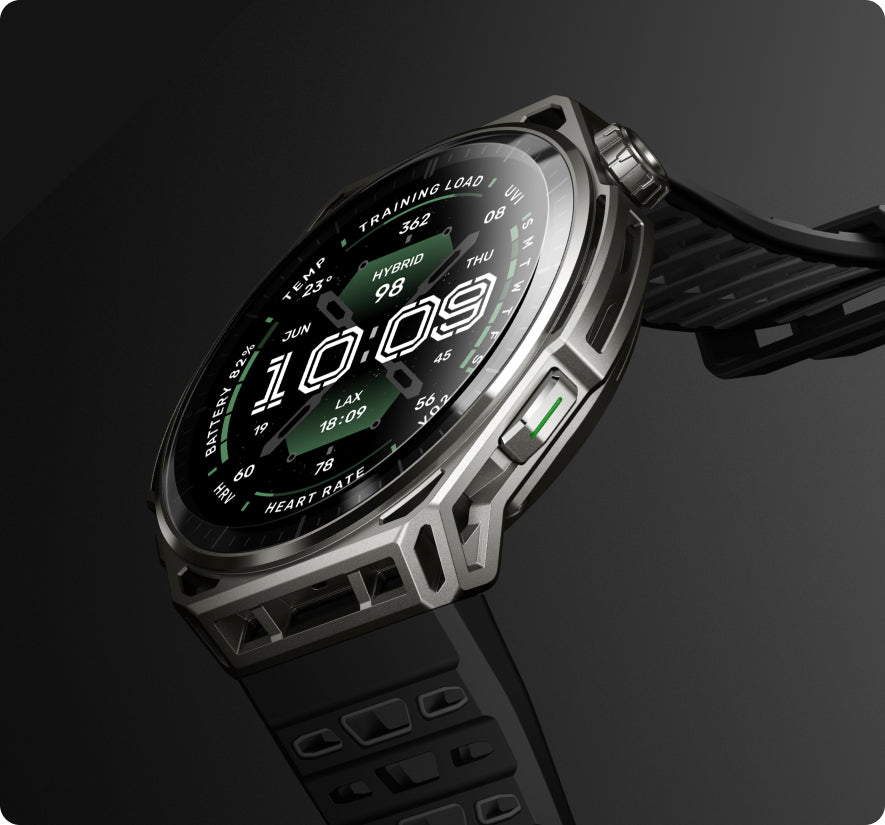
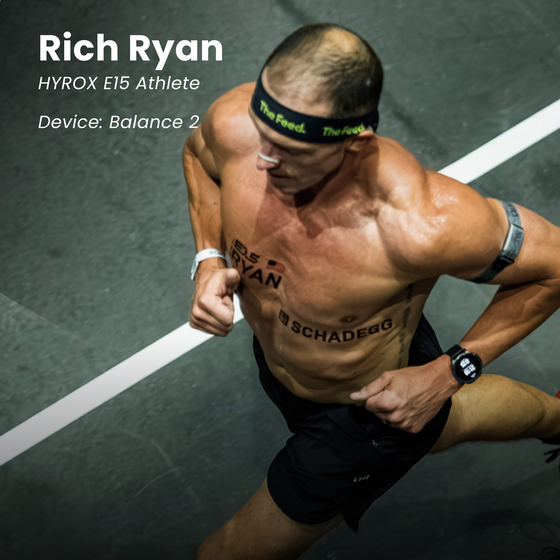
Hybrid Training tools bring structure to preparation and performance, from built-in HYROX training plans and race simulations to HYROX Virtual Pace and post-race analysis that breaks down pacing, station performance, rankings, and cumulative race time. Pair Stryd footpods with Balance 3 to view real-time indoor pace during HYROX Race Mode for more precise pacing throughout the race.
Each tool is designed to turn performance data into clearer insight, supporting more structured preparation and performance, so every session and every race contribute to more consistent progress over time.
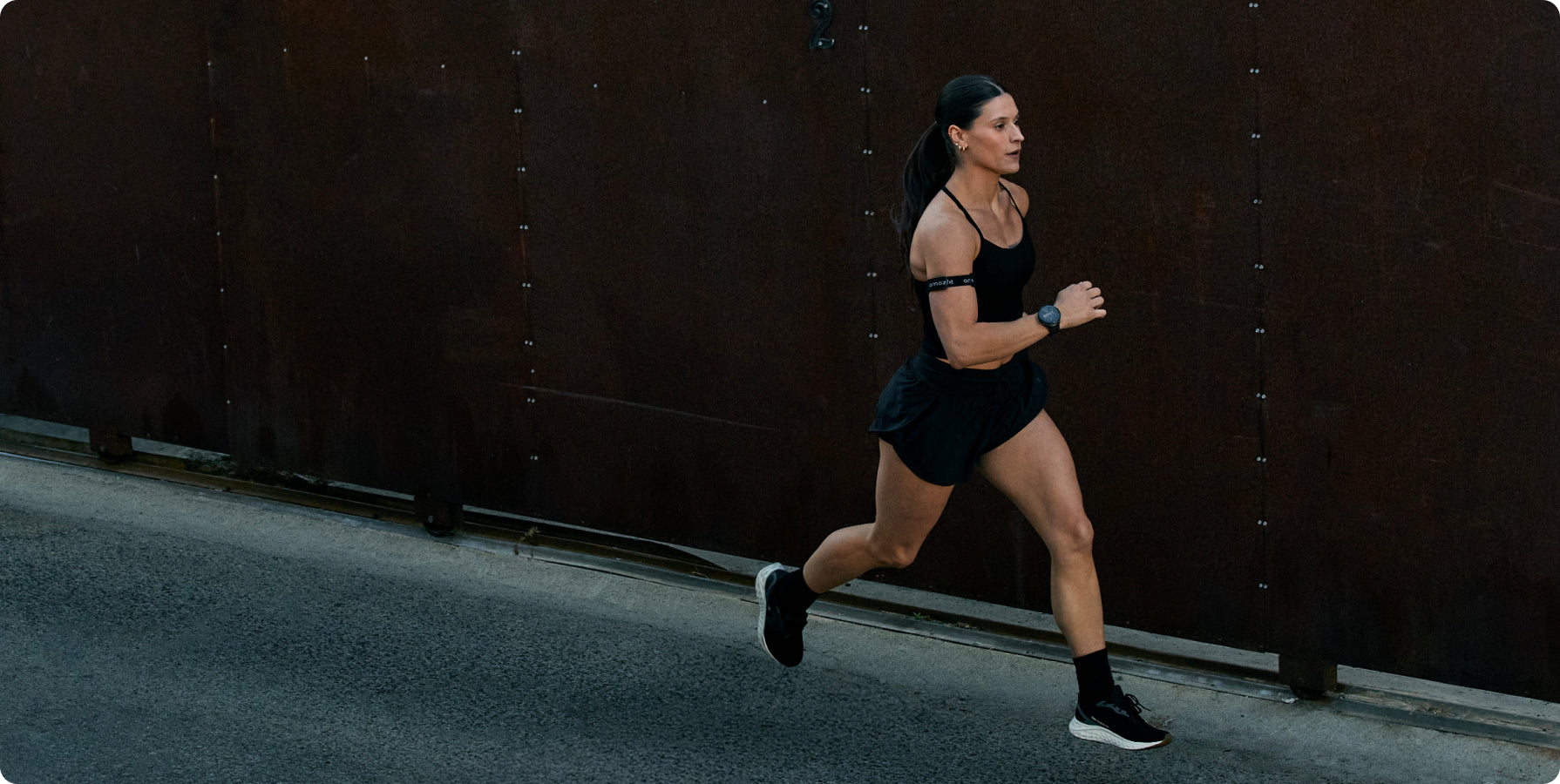
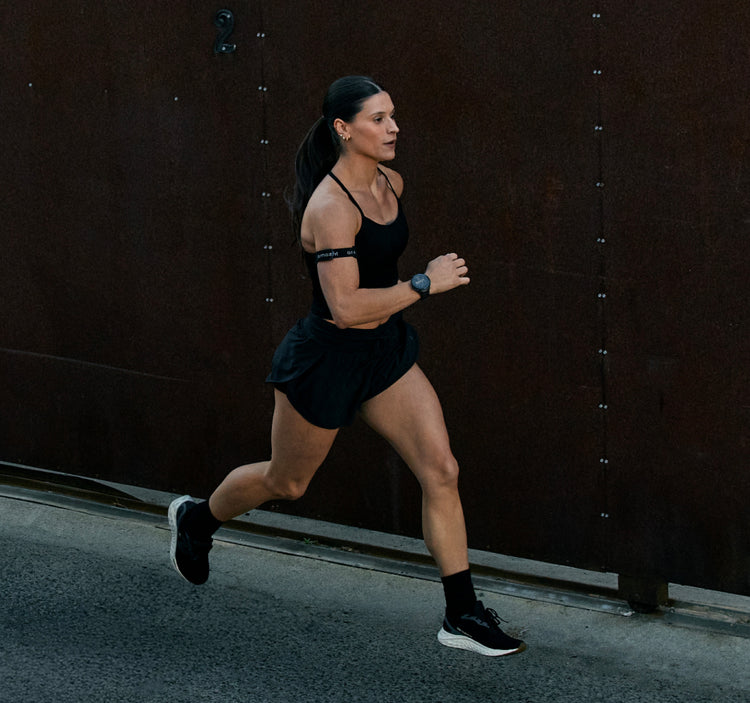
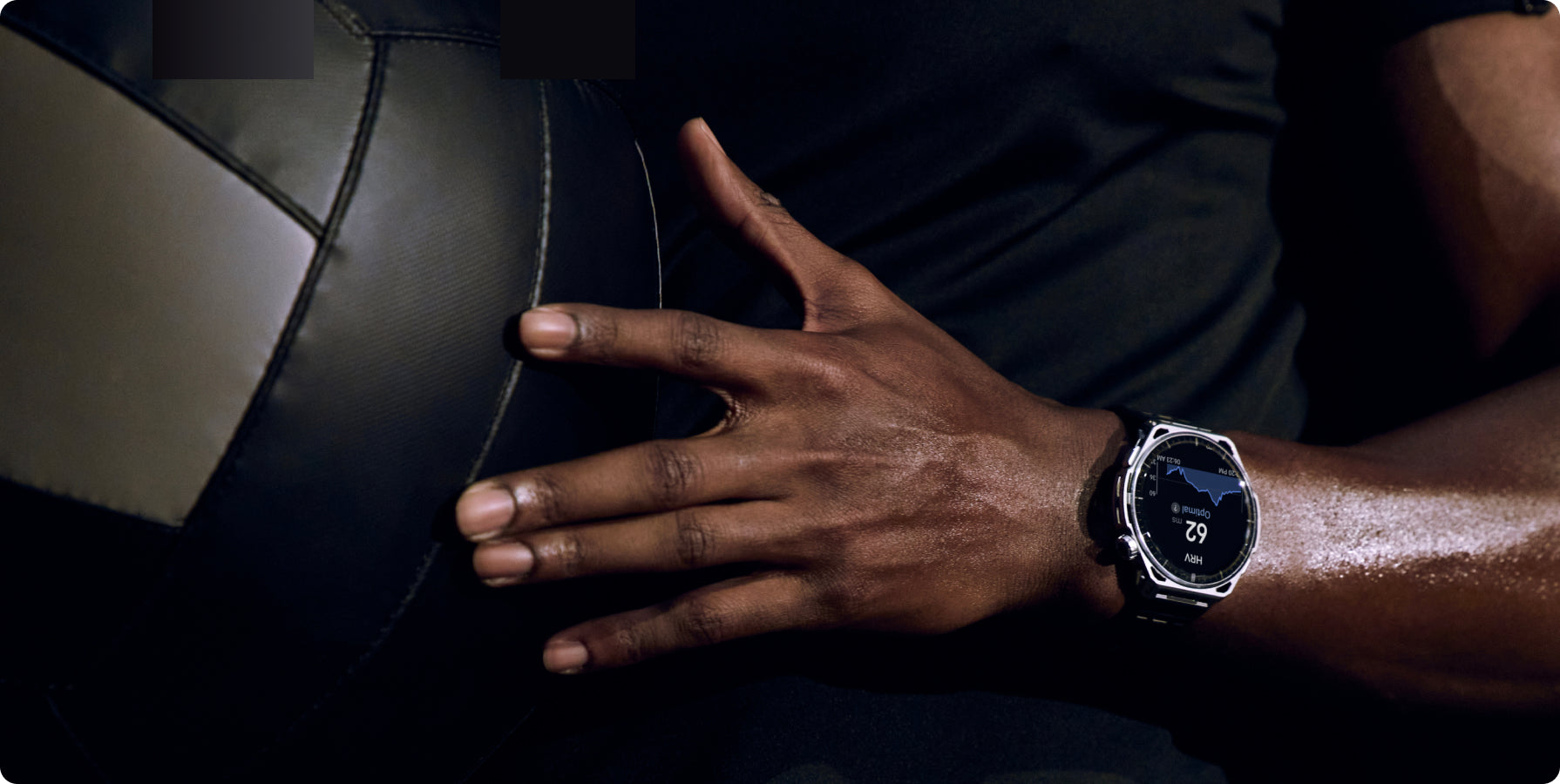

If you move off course, automatic rerouting calculates a new path based on your real time location and destination, helping you stay focused on the run instead of the route.
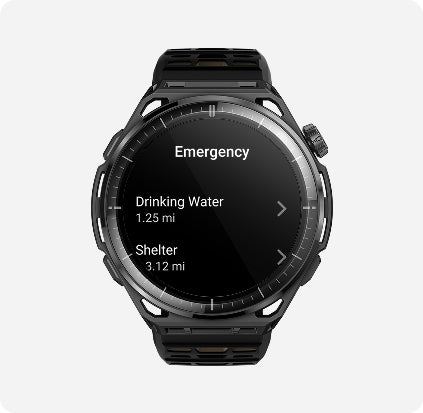
Need a quick pit stop? With offline maps⁶, search nearby points of interest right from your watch.
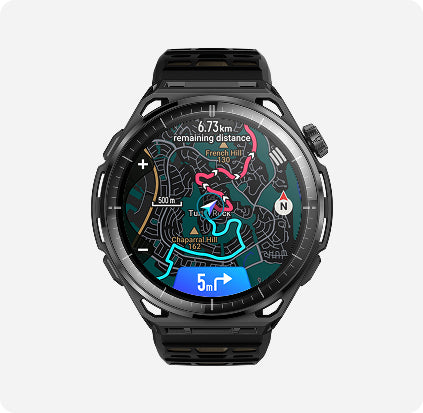
Get guided and stay on track with turn-by-turn directions⁷ that update in real time. Faster map rendering — 2.5x more efficient, 12x faster refresh — means navigation keeps pace with your training.
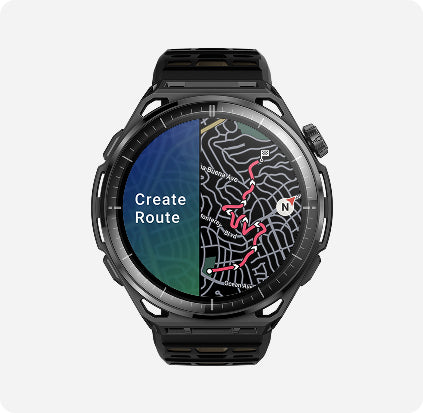
Set a target distance and direction and the watch generates optimized round-trip routes. Slope analysis and off-route alerts keep your training structured and on course — whether you're on streets or trails.
Overall rating: 4.7 / 5 from 44 reviews.
I just got my Amazfit balance 3 really nice and easy to use highly recommend to anyone who is looking for great quality products why I like the most is that I can track my workouts and also my food intake and also is very good looking watch

Just look at it, Take it all back and admire how stunning this Watch is !!. I have never owned an expensive watch and i'm 56 years old. Unfortunately i'm suffering from rubbish heart/lungs and need to monitor them more closely. At first i purchased the first Amazfit balance and i was so impressed with its quality, i needed More, I was hooked. I saw an offer for the Balance 3 and jumped at it. It is a truly stunning and beautifully engineered Watch and gives me perfect and very accurate Heart and lung readings, confirmed at Hospital. I know this Watch can do so much more and i will never get the chance to put it through its full potential but I wanted to tell you that the build quality is second to none. The ZEPP app is fantastic and so easy to navigate, even for an old man who is useless with modern day Tech. My beautiful Wife has alway purchased a Garmin watch and after seeing/feeling and using my Amazfit Balance, the Garmin is no more and she now has an Amazfit watch which i believe will be upgraded already to a Top Spec Amazfit Watch before the year is out. If your thinking of making a purchase, DO NOT THINK TWICE !! They are stunning in every way. Beautiful design, easy APP navigation, awesome vibrant and clear to see screen, and so many cracking watch faces with so much information too. As for the battery, i know i know, i don't exactly put a huge draw on it but i'm always playing with the Watch one way or another and i see 15 days plus easily. All the very best.

I use my Amazfit watch together with the Helio Strap Pro, and I absolutely love this combination. They sync perfectly, the connection is stable, and I haven’t experienced any data loss, delays, or lag. Everything works smoothly and reliably. The quality is excellent, and I’m very happy with both the watch and the Helio Strap Pro. Highly recommend! @HannaRiaboshapka

I have the Balance Ultra, for some reason I cannot leave a review on the product's page. So this will have to do. As a Garmin fanboy, who currently owns a Fenix 8, Enduro 3 & X1(All fantastic watches) I have been using the Helio Strap and enjoying it. Gradually I wanted the watch experience. So I bought the Bip Max. What a FUN watch. Then I bought the Balance Ultra to really compare it to my Fenix 8. Overall, I am totally impressed with Amazfit. Price point and capability of their watches are almost on par with Garmin. I'd say the maps lack compared to Garmin. But that's about it. Oh, as an avid cyclist Amazfit lacks cycling VO2 max estimates. Hopefully that will be incorporated in the future. The Balance Ultra is well built, good looking and has substantial battery endurance. The Balance, just like the $99 Bip Max pairs to external sensors too. Zepp app is also way better than Garmin Connect in my opinion. If you're on the fence looking at a high end Garmin or the Balance, save money and get the Balance!

Its good!

My experience owning the Amazfit3 for a week has been a positive experience. I have owned an Apple Watch for 3 years and I can say this smartwatch is just as good or better than the Apple Watch Ultra. The materials the watch is made of allows it to be lighter and easier to wear. The dial is large and vibrant under artificial and natural light. The controls are easy to use. There are a wide variety of watch faces the user can download. The health and fitness features are just as great as the features of the Apple Watch. The best thing is the cost of the smartwatch. Anyone in the market for a great smartwatch can purchase two of these for the price of an Apple Watch Ultra.

I've tried many Amazfit watches over the years, and have always been attracted to them for their fitness related features and long battery life. At the same time, they historically lacked integrations that I really appreciated as a Wear OS user. My last Wear OS watch was the Galaxy Watch Ultra; I liked the looks and functionality, but wasnt happy with some of the health tracking features and battery life. I finally made the full switch back to Amazfit beginning with the Helio strap. It's tracking features were mostly what sold me, and I could wear my favorite, chunky Invicta watch again. I then added the Helio ring, using both for health, sleep and diet tracking (the Zepp app's food tracking is exceptional!). When the feeling of missing a smartwatch got too strong, I picked up a T-Rex 3 - loved the ruggedness and features of the gray colorway, but wanted something that could dress up nicer. When I saw the leaked images of the Balance 3 following the Poland Hyrox, I knew this would be the watch for me. I pre-ordered the day it became available, and have been enjoying the Balance 3 for about 2 weeks. I absolutely love the fit and functions, which makes it easy to wear. I now also have the ability to answer phone calls again, which I didn't think would be something I would find important. The flashlight is pretty cool too, all the while seeing the user experience get better and better. I'd love to be able to initiate text messages and interact with my Google calendar, but maybe those features will be enabled in the future. So far, this is my favorite Amazfit watch, and I go all the way back past the Stratos and early Bips. It is classy AND highly functional - just like me?!
Such a great watch. The battery life is unbelievable. 👍👍🙌🙌🙌🙌🙌
Excelente reloj, tiene muchas funciones, es elegante y a la vez deportivo.
Coming from Garmin 970 and Coros pace 4, the Amazfit Balance 3 is easily my favorite. I love the titanium stainless steel bezel. It is easily the most handsome and versatile sport watch. It has all the tracking functions and multi sport options, training library and plans are robust. And then when I'm not working out, the balance 3 is elegant enough to be taken out to a fancy dinner. There's no shortage of watch faces to match every occasion. Build quality of this watch is excellent and premium, and for the price you pay for it, you get incredible value. Metrics thus far have been accurate, which is what is most important for an athlete. Lastly, the battery life on this watch is amazing! If it's not tethered to Bluetooth to a phone it definitely can survive the advertised 21 days on full charge. For my use case: just notifications from SMS and a few selected apps and GPS tracking for 4 x 1 hour workouts per week, and AOD turned off, I'm getting 11 days between charges, BUT I keep it between 20-80%. Likely can go another 4-5 days if charged to 100%. The watch is not feather weight like the coros pace 4, but it is by no means heavy. Consider the build quality is 1000% better than the Coros. During workouts, the watch's weight is hardly noticeable, and for my set of old eyes, the large screen makes everything easily legible.
All good!
Love this watch. What I'd like to see improve: 1. Matching high qualityTitanium and ss bracelets available for Balance3 2. Ability to change different components - edit default watch face components, choose from apps avaliable 3 Ability to change/ edit components of the worldclock according to my word lock app 4. More free simple high contrast traditional faces or just one, where thre would be 5-6 placeholders-editable- to choose from apps available. I'd like to see steps, distance, heart beats, outside weather- temperature, rain, humidity, date, day, hrv, world clock/digital clock I'd like to have the ability to change the level of auto screen brightness I'd like to have the fall detection added I'd like to have dedicated button for led light to switch off as well.
My opinion is worth a free gift. Advertising through me is not free as the watch was not.
Develper should be added more health focus bio tracker like - Blood sugar - Cholesterol - Uric acid - ECG Price can be more increase
Love the watch. Love the Amazfit app. Sold my Garmin that I thought was an upgrade to my T-Rex 3 Pro. I just prefer the Amazfit experience and app. My only critique is the curved screen. I like to have a screen protector on all of my electronics but it's hard to protect a curved screen. Sapphire is strong but it's also brittle. Great watch though.
Great watch A+
Overall it’s a great built watch. The design and materials are high quality. Some even confused it with a Garmin. The OS is adequate. I only need it for sleep tracking and regular watch activity such as a stop watch and telling time. I have it paired with an iPhone 16 Pro Max. I love how you can silence certain notifications and not others. What I don’t like is how my phone notifications come through. If someone is calling me there is a delay between the time my phone rings and my watch rings. My iMessages do not come through at all. I’ve tried just about everything to correct the issue but have not found a way to correct it. I don’t need to reply to the messages but I would like to see them come through to tell at-least who messaged me. Other than that, it’s a great watch with great long lasting battery. 4 out of 5 stars.
The Amazfit Balance 3 Ti is exactly what I was looking for. The battery life is excellent, the screen is easy to read in bright sunlight, and the metrics it's capturing are informative. I made the decision to transition from an Apple Watch and I miss the ability to invoke Siri from my watch, but I don't miss it that much. :) Getting the health insights I need without being a slave to a battery charger is freeing.
I love how lightweight it is while I am working out. I would love a longer band since I have a thicker wrist but other than that its been great.
I am so used to the UI of the Balance 2. Changing the UI and the way the interface operates was so unexpected and difficult to get used to I came Very close to sending the Balance 3 back. The main reason I am trying to keep it is to support you guys because you have made very good devices in hardware. I am slowly getting used to how to get around with the changes that have been made. But I really appreciate the new design of the hardware.
The watch design and materials are amazing. I absolutely love the look and feel of it, and the battery life is incredible. I honestly wish I could have kept it, but I ultimately had to return it. The biggest issue for me is the lack of certain features. NFC and contactless payments are a huge deal for me. I understand that this is primarily a sports watch designed for athletes, but in today’s market, I feel like NFC and contactless payments should be a must-have feature. I also really miss having dedicated tiles, like you see on other smartwatches, where you can quickly access individual features such as heart rate, blood oxygen, and other health metrics. Having everything organized into large, individual tiles makes the experience much more intuitive. The messaging experience is another area that needs improvement. Having messages combined with another section when swiping down feels very counterintuitive. It becomes frustrating because you have to swipe twice just to get back to the main screen. For me, one of the most frustrating design choices is how the crown button functions within the menus. On most other smart watches, pressing the crown acts primarily as a home button, which makes navigation quick and intuitive. I know there used to be an option to change this behavior and make the crown function as the home button again, but that option doesn't seem to be available anymore. The current setup is difficult to navigate, especially because the left-to-right swipe can be very glitchy. The automatic brightness is also one of the weakest aspects of the watch. The display gets so dim in certain situations that it feels like you need perfect vision just to see it. I understand that I can disable auto-brightness, but I really wish there were an option to adjust or fine-tune the automatic brightness the way you can on Samsung watches. Overall, the build quality, materials, design, and battery life are excellent. Unfortunately, everything else feels like it falls quite far behind the competition. The hardware is there, but the software and overall user experience need a lot more refinement. At $400, I just don't think this watch is worth the price. The design, build quality, and battery life are excellent, but it's missing too many features that I consider essential on a smartwatch at this price point. NFC/contactless payments, better navigation, customizable controls, dedicated health tiles, and a better automatic brightness experience are all things I would expect from a $400 watch. The hardware is impressive, but the missing features and software experience make it difficult to justify the price. I know Amazfit can do better.
Amazing watch! Not very compatible with iPhone, but that’s OK because I’m getting rid of my iPhone very soon! My husband and daughter each have one they have an android and it works flawlessly with the android system 10 out of 10 would recommend!!!!
Amazing battery life just waiting for compatibility for contactless payments in USA.
Good battery life just waiting for compatibility for contactless payments in USA updates
No blood pressure app.
This is one good looking watch , pretty large matches my big hands perfectly, loaded with health features and very visible in direct sunlight. Battery is 7 days since I have everything on even AOD and answering most phone calls from it , also vibration at max . Highly recommend for guys over 6 feet with large wrist and hands .
It has been good. If I had to nitpick I would say I’m underwhelmed by the pacing mechanism. The reason is because the pace doesn’t seem to update in real time so I’m constantly too fast or too slow according to the watch. When I do intervals it doesn’t give me an accurate reading of my pace quick enough. I.e. in a one minute interval I don’t know my pace until the interval is over so it’s hard to know if I’m going too fast or too slow. Not sure if this is normal among other watches/brands. Additionally, Because the pace isn’t real time the alerts are annoying. I’m constantly going too fast or two slow but it’s hard to calibrate because it doesn’t update in real time. I wish I could turn the alerts off on the pre-programmed coached runs. If I can I haven’t figured out how to do that. So, a little disappointed in that since I’m using this primarily for running. So, I would recommend the product but I would tell a runner that if that’s the primary reason for a watch to get a running specific watch.
This is the best looking smart watch I ever owned. The health tracking works very well, I paired my watch with a Helio strap and they offer excellent tracking for sleep and exercise training.
The watch is attractive with many features that keep you in the game of fitness. This one really hit the mark for me.
Top tier watch! I love my amazfit watch!
Top tier watch! I love my amazfit watch!
Highly recommend. Amazfit has done it again with the Balance 3. The flashlight is great and rivals the best of Garmin watches. The new Zepp app has come a long way to make the user experience on par with other flagship offerings. I love the AI photo capability with the food logging. Easy and pretty accurate. The watch is my favorite to date, stylish, and rugged without being too heavy. The clarity of the screen is stunning. The utlitly of the watch itself takes a minute to learn but is amazing once you adapt. I love the morning and evening reports, smart sleep features, global night display, and man, the amazing battery life. I also have a Garmin Fenix 7x, and this watch looks so much better and has nailed the key features I love about my Garmin. All for less than half the price. You also don't have to activate a water lock mode if you are swimming and can use any 22mm watch band - sweet! 10 out of 10. If you are on the fence , do it. It's a phenomenal watch and value.
Highly recommend. Amazfit has done it again with the Balance 3. The flashlight is great and rivals the best of Garmin watches. The new Zepp app has come a long way to make the user experience on par with other flagship offerings. I love the AI photo capability with the food logging. Easy and pretty accurate. The watch is my favorite to date, stylish, and rugged without being too heavy. The clarity of the screen is stunning. The utlitly of the watch itself takes a minute to learn but is amazing once you adapt. I love the morning and evening reports, smart sleep features, global night display, and man, the amazing battery life. I also have a Garmin Fenix 7x, and this watch looks so much better and has nailed the key features I love about my Garmin. All for less than half the price. You also don't have to activate a water lock mode if you are swimming and can use any 22mm watch band - sweet! 10 out of 10. If you are on the fence , do it. It's a phenomenal watch and value.
Great watch. Great display. Missing the grid app display feature.
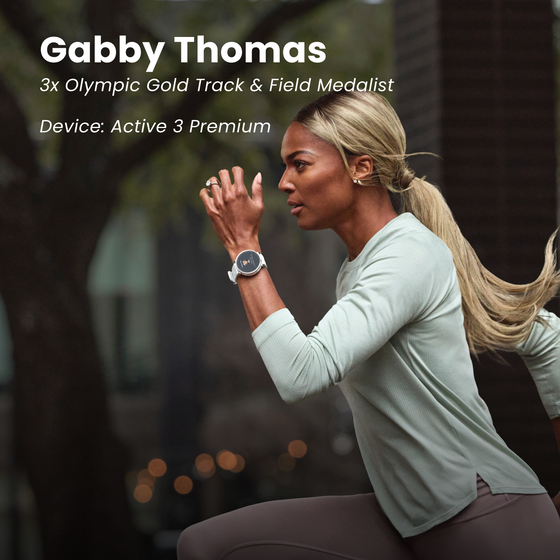
This watch is a beast. The battery is incredible and the feature set is leaps ahead than any other mainstream watch. It also happens to be slightly heavier side so I would personally not use it to track my sleep. Consider also looking into Active 3 premium or Max as they are a bit lighter. But purely for workout tracking, this is simply the best! I wished that Zepp pay was also available in the US though
O relógio é simplesmente perfeito. Lindo, resistente, e com muita tecnologia. Já estou com ele a uma semana sem tirar do pulso e a bateria está em 89%. Recomendo com toda certeza
O relógio é simplesmente perfeito. Lindo, resistente, e com muita tecnologia. Já estou com ele a uma semana sem tirar do pulso e a bateria está em 89%. Recomendo com toda certeza
This watch is amazing. Beautiful large and crisp display and perfect weight on the wrist. The design is awesome and the fit and finish feels extremely premium. Buy this watch, you won't regret it!
Came from the amazfit balance 1 which I loved and only replaced due up cracked screen. Got the 3. Loved the style, just wanted it slightly smaller. Software, 4 buttons, and flashlight were great. Ended up switching to a balance 2 after a week, but great watch
Good looking responsive watch. Nice bright screen and many health metrics
Compare
Specs
1. The battery life may vary according to the settings, operation conditions and other factors. So the actual result may differ from the laboratory data.
Typical usage scenario: Default screen brightness, default watch face, voice assistant off; 24-hour wear/continuous heart rate monitoring (every 5 minutes)/assisted sleep monitoring/sleep breathing quality monitoring (8 hours/day)/stress monitoring; 200 wrist raises to wake the screen daily, 150 message notifications (screen off), 3 call reminders, 5 minutes of screen wake-up operation daily.
Heavy usage scenario: Default screen brightness, default watch face, voice assistant on; 24-hour wear/continuous heart rate monitoring (every minute)/assisted sleep monitoring/sleep breathing quality monitoring (8 hours/day)/stress monitoring; 60 minutes of Bluetooth calls per week, 120 minutes of GPS sports function, 3.5 minutes of flashlight (white light, level 2); 300 wrist raises to wake the screen daily, 150 message notifications (screen on), 3 call reminders, 10 minutes of screen wake-up operation daily.
AOD Mode: Always-on AOD screen, default brightness, default watch face, and voice assistant enabled; 24-hour wear/continuous heart rate monitoring (once per minute)/assisted sleep monitoring/sleep breathing quality monitoring (8 hours per day)/stress monitoring; 60 minutes of Bluetooth calls per week, 120 minutes of GPS sports function, 3.5 minutes of flashlight (white light, level 2); 300 wrist raises to wake the screen per day, 150 message notifications (screen on), 3 call reminders, and 10 minutes of screen operation per day.
Accurate GPS Mode: Always-on AOD screen off, voice broadcast off, heart rate monitoring and GPS precision enabled (dual frequency, all satellite systems), 20 wrist raises to wake the screen per hour, and 12 kilometer markers per hour.
Power Saving GPS Mode: Turn off Always On Display (AOD), turn off voice broadcast, turn on heart rate monitoring and GPS power saving (single frequency, GPS low power consumption), raise-to-wake screen 20 times per hour, kilometer reminder 12 times per hour.
2. This product and the Zepp App are not medical devices and cannot be used for medical purposes, or as basis for diagnosis of any medical condition. Detection results are provided for reference only. Please consult professional medical institutions if you feel unwell. 24-hour monitoring of heart rate and blood-oxygen saturation (SpO₂) need to be enabled in the Zepp App. For heart rate monitoring, the user must enable Auto Heart Rate Monitor in the Zepp App, and the minimum value can be set to 1 minute. Abnormal heart rate alerts and the preset value need to be set in the Zepp App. To measure blood-oxygen saturation (SpO₂), please wear the watch tightly at one finger-width from the wrist, and keep your arm still for best results. SpO₂ alerts are sent if the detected rate is too low compared to the preset value, which needs to be set in the Zepp App, at a minimum of 80%. Movement, and environmental and physical characteristics can affect speed and accuracy of monitoring and measurement. The 24-hour stress level monitoring needs to be enabled on the watch or in the Zepp App. Alerts for high stress levels are based on the preset value, and prompts for the breathing exercise need to be enabled on the watch. Smart health alerts need to be enabled in the watch settings or Zepp App. To process the one-tap measurement and other manual metric measurements, please wear the watch tightly at one finger-width from the wrist, and keep your arm still for best results. Movement, and environmental and physical characteristics can affect speed and accuracy of monitoring and measurement.
3. Sleep monitoring can record night sleep and naps that last more than 20 minutes. Sleep Breathing Quality tracking needs to be enabled in the Zepp App or in the settings of the watch's Sleep feature.
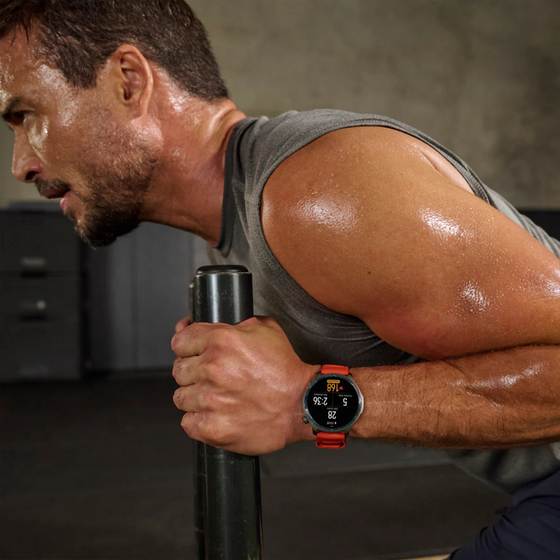
4. Smart recognition of strength training exercises can only be engaged within the Strength Training sports mode. 25 exercises are able to be recognized at time of product release, including: Bodyweight squats, Bodyweight straight arm front squats, Barbell squats, Tricep pushdowns, Bent over rows, Barbell bench press, Sit-up holds, Knee-touch sit-ups, Dumbbell flys, Burpees, Burpee jumps, Overhead tricep extensions, Lying tricep extensions, Lateral raises, Jumping jacks, Lat pulldowns, Deadlift, Push-up, Shoulder press, Pull up, Bicep curls, Seated cable rows, Dumbbell drag curls, Straight-arm pulldowns, Russian twists. If an exercise is not auto-recognized by watch, the Zepp App can provide a list of muscle groups or exercise names to choose from.
5. Connection to peripheral Bluetooth devices only supports devices with BLE connection. Supported devices include: heart rate belts, power meters, cadence meters, cycling speedometers, and thermometers.
6. The Balance 3 can be used as a map browsing tool to import OSM map files. The downloaded offline map must match your real location to be displayed, and a route file must be imported for navigation. The shown straight line back to the start of a journey may not be a practical route to follow due to environmental factors; this is only intended to help you keep track of your position in relation to the start point of the journey. Navigation functions are only compatible with outdoor sports modes. Indoor positioning services are not supported. Positioning speed and accuracy may be affected by the surrounding environment. The number of satellites connected to simultaneously, and specific satellite connections, may depend on your location.
7. Live Sports Data Broadcast and live broadcast of turn-by-turn directions supports English and Chinese broadcasts; this must be enabled in the watch setting.
8. Zepp Flow™ currently supports these languages: English, French, German, Italian, Spanish, Japanese, Korean, Portuguese, Polish.
9. The material used for the packaging box is 100% recyclable, with naturally degradable materials including mineral-free inks and anodized aluminum used in the bronzing process.
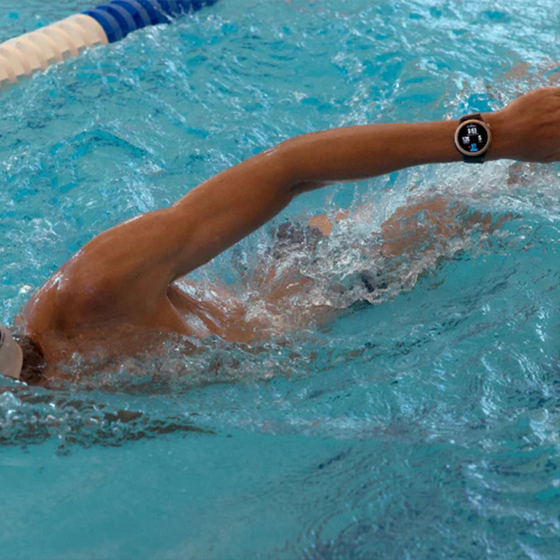
10. According to the ISO 22810:2010 standard, the Amazfit Balance 3 achieves a rating of 10 ATM, for a water-resistance of up to 100 meters, and is therefore suitable for splashes, snow, showering, swimming, and some high-speed water sports. It has passed third-party testing conducted by SGS, and the report number is SUER260400047071. Remove the watch when taking a hot shower or trip to the sauna, since too much steam can affect the seal and make it less water-resistant in future. Do not wear the watch with a leather or metal strap when swimming - when preparing to swim, change to a silicone strap or other suitable type. For more information, please visit the support page at: support.amazfit.com
11. The product has passed a low pressure test, high temperature test, low temperature test, temperature shock test, vibration test and impact test according to MIL-STD-810G-2014 standards. The relevant data on this topic comes from the following report: SUER260400046971. Prolonged exposure is not recommended as it may damage the watch and its components.
12. 3,000nit brightness is not supported if battery life is below 30%. Depending on your environment, the watch can reach up to 2,000nit brightness after automatic brightness has been enabled in the watch settings.
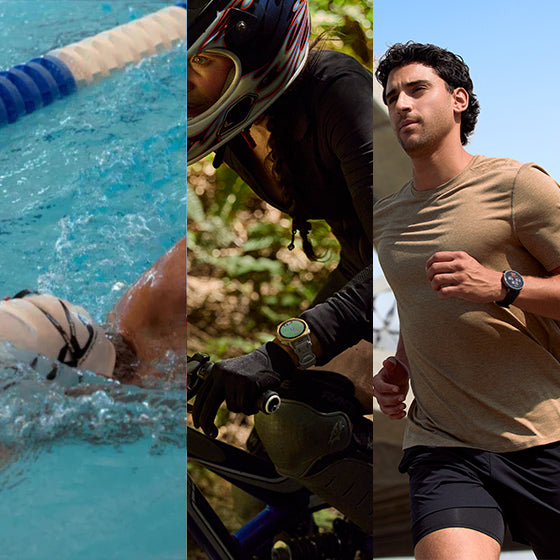
13. Corresponding sports modes include: Outdoor Running, Treadmill, Walking, Indoor Walking, Outdoor Cycling, Pool Swimming, Rowing Machine, Elliptical. The accuracy and sensitivity of the workout recognition feature varies from person to person, and are related to the posture and proficiency of the user during their workout. Short workout duration or frequent changes in posture may not trigger the automatic recognition feature. When you are driving a car or taking a bus, or taking part in other such activities, accidental recognition may be triggered if these activities are particularly similar to the selected workout mode. When you are conducting outdoor activities, if the GPS signal is poor or the AGPS data information has not been synchronized with the mobile phone for an extended period, these outdoor activities may be assessed as indoor activities.
14. Training templates and interval training templates are compatible with: Strength training, Outdoor running, Treadmill, Outdoor cycling, Indoor cycling, Rope skipping, Rowing machine, Indoor fitness, Core training, and Stair climbing, Pool Swimming, Mountain Biking, BMX, HIIT, Cross Training, Race Walking, Track Running, Electric Bicycle, Electric Mountain Bike, Gravel Cycling, Road Cycling, Off-Road Cycling, HYROX Training.
15. App availability may vary depending on your country or region, or device.
16. Alerts and reminders need to be enabled in the watch settings or Zepp App.
17. Due to the device's storage limit, only a maximum of 20 membership cards can be added to the same account. Supported codes include Code 128, Code 39, UPC A, EAN 13, and EAN 8 and QR codes.
18. Morning updates need to be set in the Zepp App or in the watch settings, and the currently supported content is: weather, battery, sleep, schedule, PAI, yesterday's activity.
19. Suitability for, and resistance to, diving is according to EN13319:2000 (report number: SUER260400047071), ISO 6425:2018 (report number: 68.189.26.04136.01), and GB/T 30106: 2013 (report number: 68.189.26.05397.01) standards.
The product images and screen content shown above are for reference purpose only. The actual product (including but not limited to its appearance, color and size) and screen display content (including but not limited to the background, UI and graphics) may differ slightly.
The data that is provided on this page without a specified source is taken from internal laboratories or supplier data, and has been obtained under a specific test environment. The product's actual performance may differ slightly due to product individual differences, software versions, usage conditions and environmental factors.
To provide product information, specifications and characteristics as accurately as possible, our company may adjust and revise the text descriptions, images and other content in the above pages at any time. Due to real-time changes in product batches and production-supply factors, we may modify the above information as required without providing a special notice.
The radio waves generated by the equipment may affect the normal operation of implanted medical equipment or personal medical equipment, such as pacemakers and hearing aids. If you use these devices, please consult their manufacturers for restrictions on using this device.
The product should not be worn in environments with strong magnetic fields such as MRI machines or medical imaging machines, as they may cause damage to the watch.
FAQ
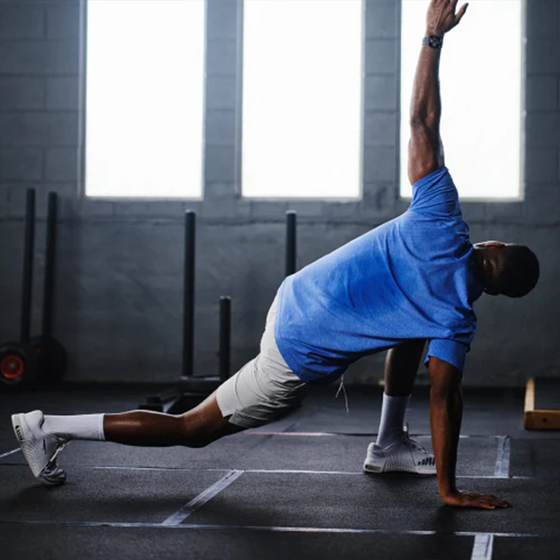
Balance 3 is built around the philosophy of training with structure. Designed for individuals balancing demanding work, family responsibilities, and disciplined routines, it supports a Hybrid Training lifestyle where strength, endurance, and recovery are developed together over time.
Yes, the Zepp app does sync with certain fitness, heath, or sports apps such as Runna, Strava, TrainingPeaks, Apple Health, Google Fit, intervals.icu. Availability of certain apps may vary depending on your country or region. Apple Health is only available on iOS devices, and Google Fit is only available on Android devices. Please contact support.na@amazfit.com for further information.
Balance 3 offers up to 21 days of typical use.
Yes, Amazfit Balance 3 is compatible with both Apple iOS and Samsung, Google or other Android OS based mobile phones.
Yes. With dual frequency six satellite GPS, 64GB of onboard storage, and preloaded full color contour maps, Balance 3 supports reliable navigation across technical terrain with automatic rerouting and turn by turn guidance directly from your wrist.
Balance 3 features a water-resistance grade of 10 ATM, meaning it can withstand pressure equivalent to 100 meters or 328 feet of static water depth for up to 10 minutes.
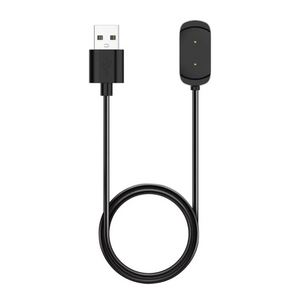
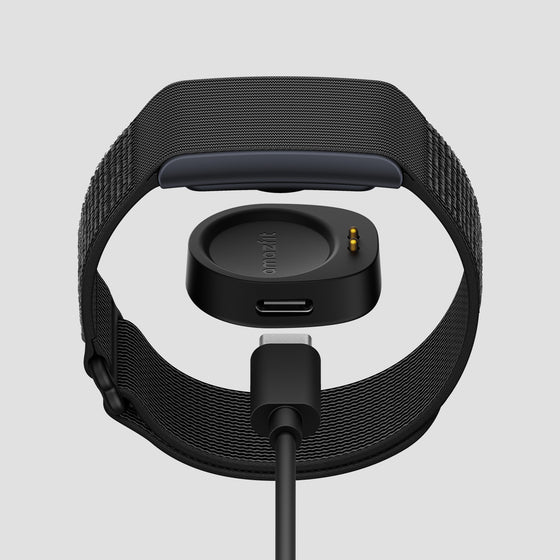
Amazfit is committed to sustainability, striving to minimize environmental impact and promote waste reduction across its products and operations. Many users already have an extra unused USB-C cable. If you do not have one, please reach out to our Customer Support at support.na@amazfit.com.
Added
1. Added support for double-pressing the UP button on the watch face to quickly open Control Center.
2. Added Auto Relock mode for Device Lock.
3. Added Lock Device Once to Shortcut Keys. Long-press the SEL/DOWN button to lock the device once.
Path: Settings > Preferences > Shortcut Keys > Long Press SEL/DOWN > Lock Device Once
4. Added Automatic Transition to HYROX Race and HYROX Simulation, currently supporting Individual in HYROX Race and Full Course Simulation in HYROX Simulation.
Path: Workout Settings > Automatic Transition
5. Added Slide as an unlock method for Touch Lock – Auto Lock during workouts. When the screen is locked, slide to unlock it*.
*Swipe-to-unlock is the default method. Previously customized unlock settings will remain unchanged.
6. Added Restore Defaults to Workout Settings, allowing you to reset all settings for the current workout type to their defaults.
Path: e.g., Outdoor Running > Workout Settings > Restore Defaults
Improved:
Added
1. Added support for starting navigation from POIs and displaying saved locations on the map.
2. Added Pool Swimming Drill Log: allowing manual start/end marking and distance entry for non-standard stroke exercises.
Improved:
Added
1. Added support for more coordinate formats and coordinate systems.
Path: Settings > Preferences > Coordinates.
2. Added a toggle for the home screen blur effect.
Path: Settings > Display > Home Screen Blur.
Improved:
Added
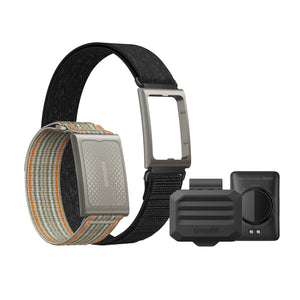
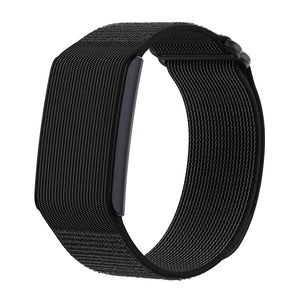
1. Added HYROX analysis. After connecting and wearing the Helio Strap Pro, start a HYROX race or simulation on your watch to record the number of movements, movement frequency, and heart rate trends. After the race, you can view the pace changes and training suggestions for each station.
2. Added the ability to manage music and playlists via the App.
Path: Zepp App > Device > Device Application Settings > Music
3. Indoor cycling supports connecting to bike trainers and spin bikes that comply with the FTMS standard protocol. Once connected, it can display data such as power, cadence, speed, and distance. Additionally, on the distance calibration page, you can choose between metric or imperial units.
4. Training Library now supports navigation*.
*Only available for workout types that support both Training Library and navigation.
Improved:
1. Optimized pairing with Helio Strap Pro. The watch can now automatically pair with Helio Strap Pro linked to the same account.
2. Optimized display and data readability of the route elevation chart.
3. With Advance up view enabled, the map automatically rotates to match your current heading while you zoom.
Added
1. Added a peripheral connection reminder on the workout preparation screen. Once enabled in Workout Settings, the watch will automatically search for peripherals compatible with the selected workout type.
2. Added Amazfit screen-free device management (currently supports Helio Strap with firmware version 3.25.0.2 or later; support for Helio Strap Pro will be available in a future update). Once a device is connected to the watch, it can be configured or managed through Control Center, Shortcut Cards, and apps on the watch, with support for low-battery alerts, Find Device, heart rate push settings, and more.
3. Added wrong-way detection and alerts during route navigation, with one-tap switching of the navigation direction after going the wrong way.
Improved:
1. Optimized workout settings: for some workouts, the default pause action has changed from "Press Crown" to "Press and Hold Crown" to reduce accidental workout pauses caused by unintended crown presses.
2. Optimized workout pages: when system units are set to imperial, Track Run now displays both imperial and metric distances.
3. Optimized the Map experience: improved the readability of contour-line colors and POI information; trails now use a new color to distinguish them from urban roads; sidewalk data has been added along some major roads and is displayed at map scales from 200 m to 8 m.
4. Optimized Map downloads: you can now select a larger geographic area when downloading a map.
5. Optimized navigation: when point-to-point route navigation goes off course and route recalculation succeeds, a notification pop-up is now displayed.
6. Optimized the VO2 max algorithm to improve data accuracy and stability.
Added
1. Added support for Manual Rest in the Pool Swimming algorithm. When enabled, rest data is recorded separately, and workout details are organized into swimming and rest segments. Swimming segments are further categorized by stroke for a clearer training structure.
Path: Pool Swimming > Workout Settings > Back Button Settings > Manual Rest
2. Added Athlete Defaults. When enabled, this mode automatically turns on Do Not Disturb during workouts, disables sports alerts, and sets GPS to maximum precision, helping reduce distractions, record more accurate workout data, and improve battery life.
Path: Zepp App > Device Page > Device Settings > Workout Settings > Default Athlete Mode
3. Added the Always Locked touchscreen mode for workouts. When enabled, the touchscreen remains locked throughout the workout, and only button operations are available.
Path: Workout > Workout Settings > Touch Lock > Always Lock
4. Added map panning and zooming to Route Preview, available before and during workouts.
5. Added support for connecting to third-party rowing machines* during Rowing Machine workouts. After connection, metrics such as power and distance can be displayed. The distance calibration page also supports both metric and imperial units for more convenient calibration.
*Supports rowing machines that comply with the FTMS protocol, such as Concept2 RowErg.
Improved:
1. Optimized the alarm experience.
2. Optimized the map zooming experience.
Added
1. Added "Advance Up" navigation view in the Map app.
2. Added global automatic dive detection for Diving workouts.
3. Added Bluetooth Speaker support. After connecting to your phone, you can play your phone's media audio through the watch speaker.
Improved:
Added
1. Added Map Download Management, supporting map deletion, download resumption, updates, and other map-related operations.
Path: Zepp App > Device > Map Management > Tap the icon in the upper-right corner
2. Added the Lap GAP data field for Outdoor Run and Trail Run workouts.
Path: Outdoor Run/Trail Run > Workout Settings > Data Page > Pace Class > Last Lap GAP/Current Lap GAP
3. Added the HybridCharge data field during workouts.
Path: Workout > Workout Settings > Data Page > Other Class > HybridCharge
4. Added support for syncing HRV data to Apple Health.
Improved:
Added
1. Added route preview support on the workout preparation page when using route navigation, allowing you to view the route track and route name before starting.
2. Added map scale indicators to the track page and terrain map app during workouts. New metric scales include 75 m, 200 m, 750 m, 2 km, and 8 km; new imperial scales include 75 ft, 200 ft, 750 ft, 2 mi, and 8 mi.
Improved:
Express checkout with: