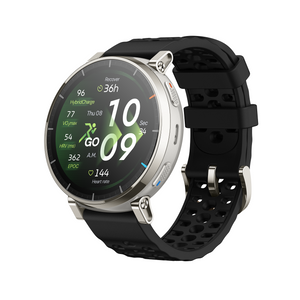
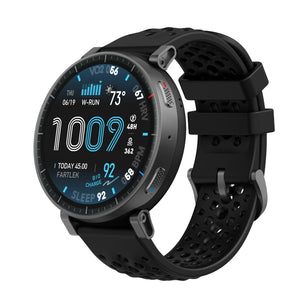
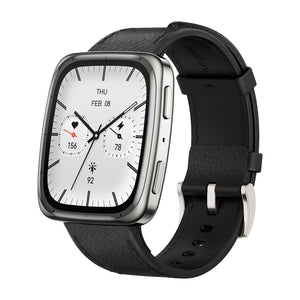
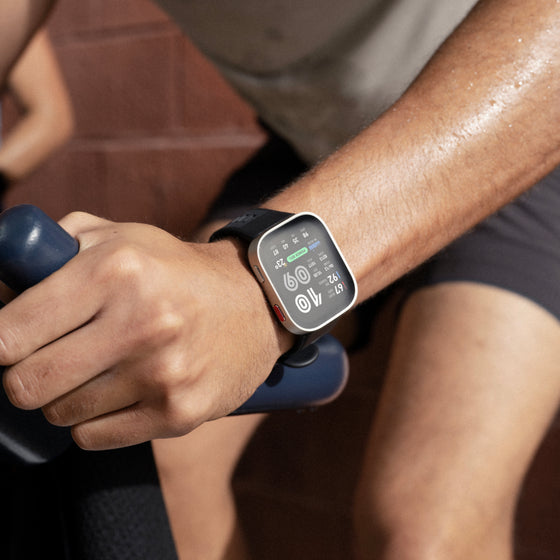


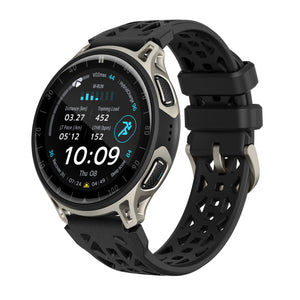
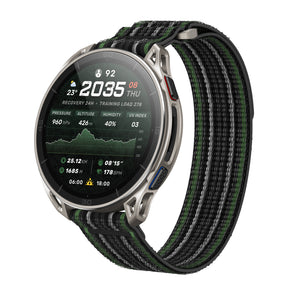
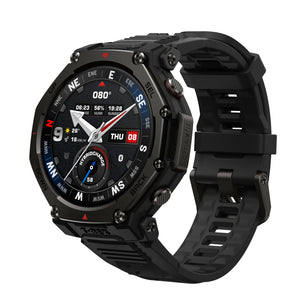
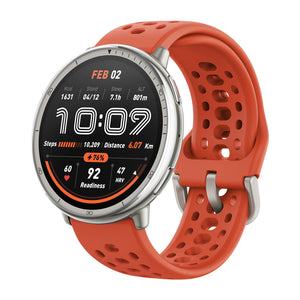

















Excellent watch I recommend 100%
Couldn't load pickup availability




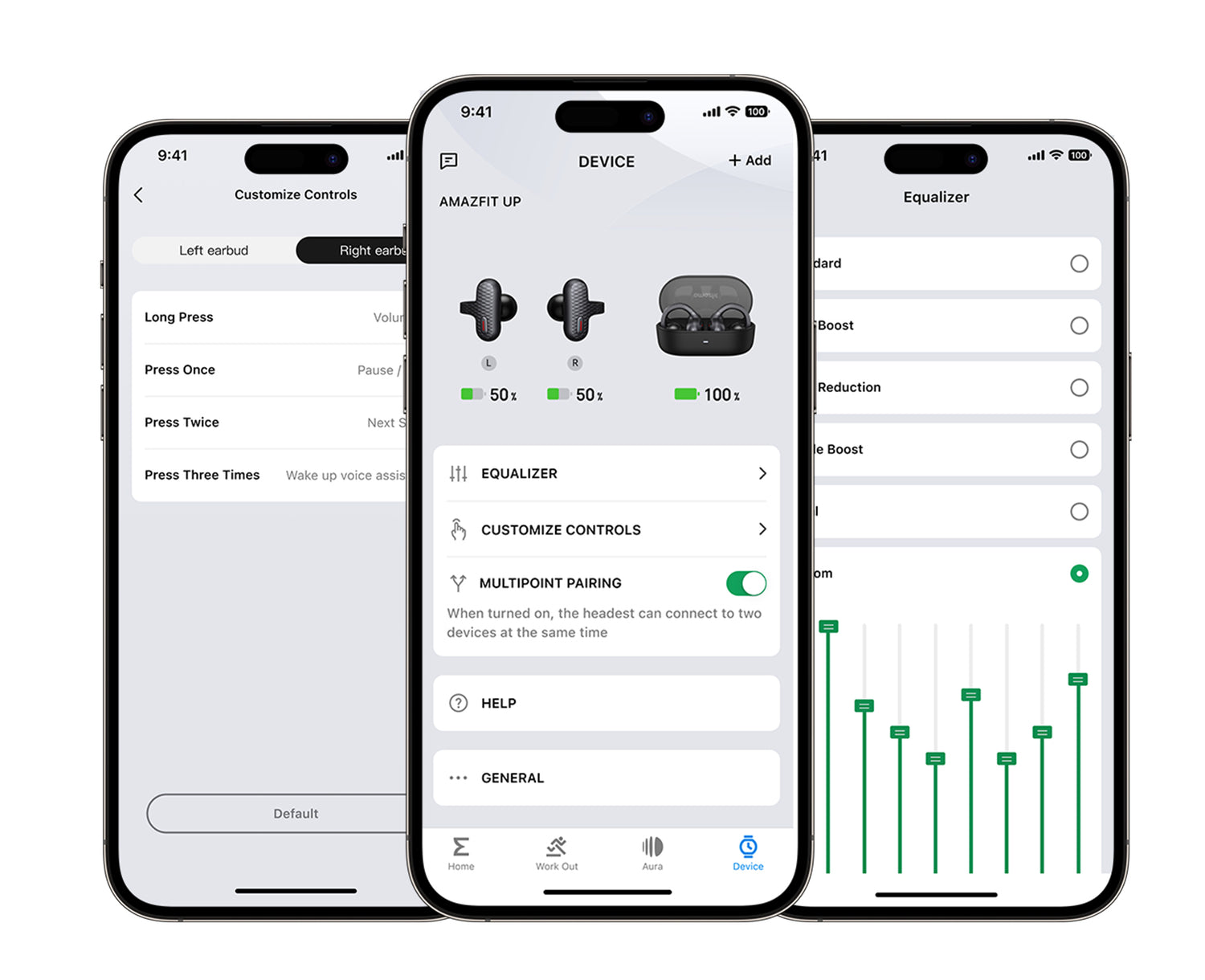
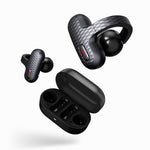
The Amazfit Up earbuds can connect to the Zepp App. To access features like the Equalizer or customize your button control settings, download the Zepp App on your phone, and add your Up earbuds as a new device.
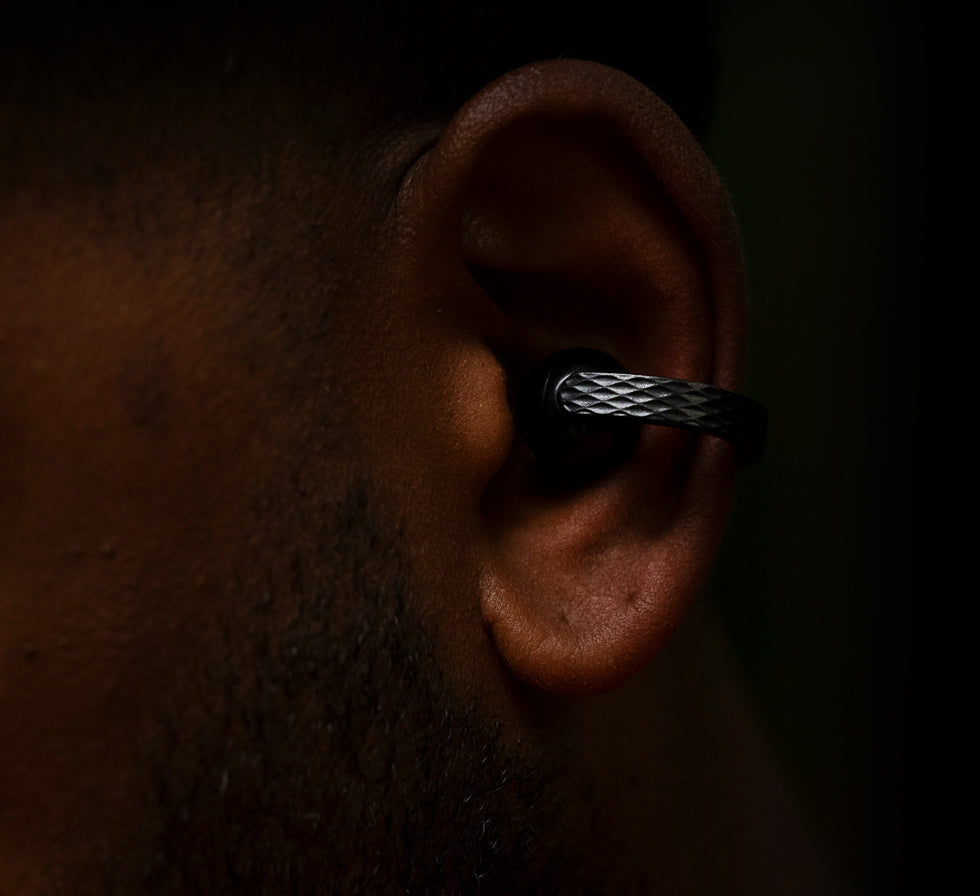
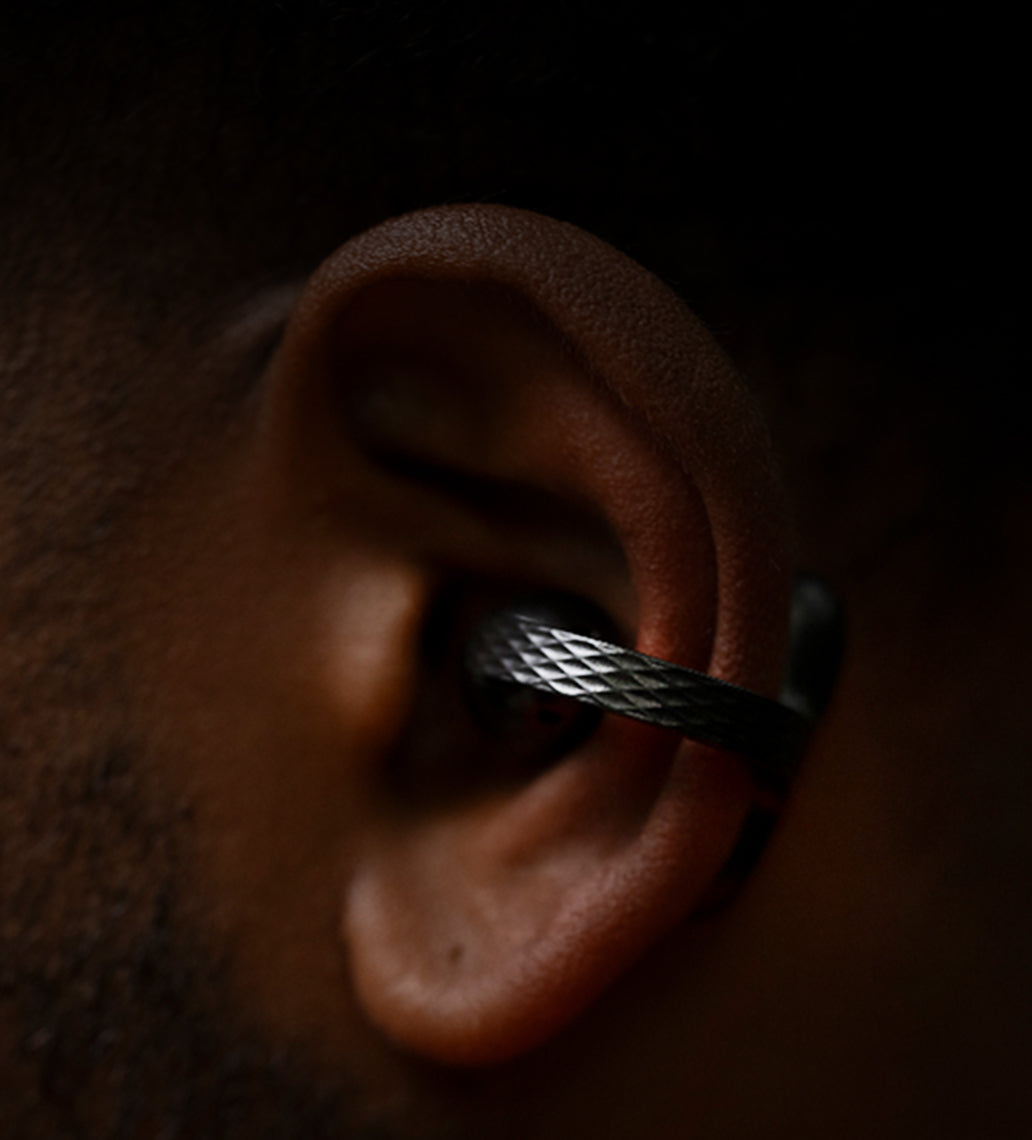
The open-ear design keeps your ear canal unobstructed, which is healthier for your ears and ensures the earbuds stay comfortable for extended wear.
The clip-on design keeps the earbuds in-place, so you won't have to keep adjusting them during your dynamic workouts.

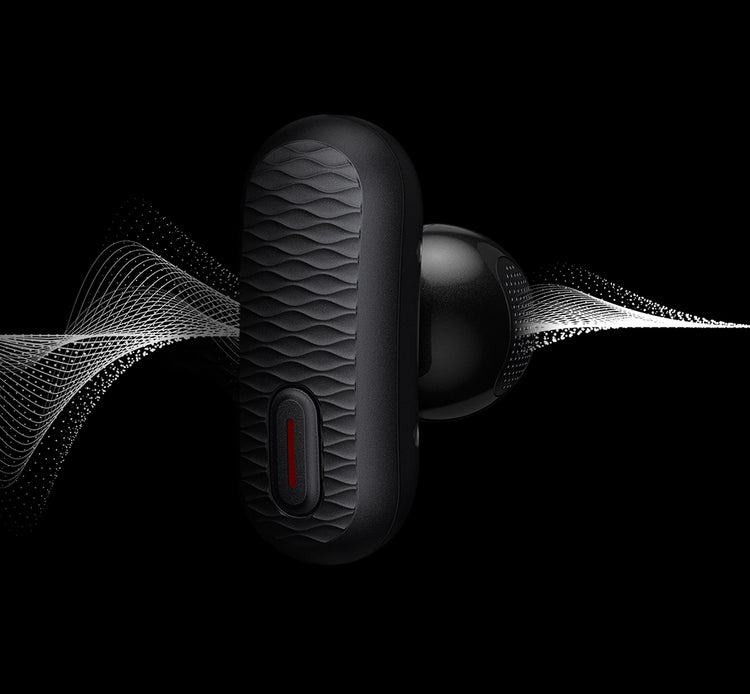
Open-ear earbuds direct sound waves into your ear without blocking out important sounds around you.
Stay safe as you have a conversation, hear approaching traffic, listen for public transit announcements - all without needing to pause your audio.
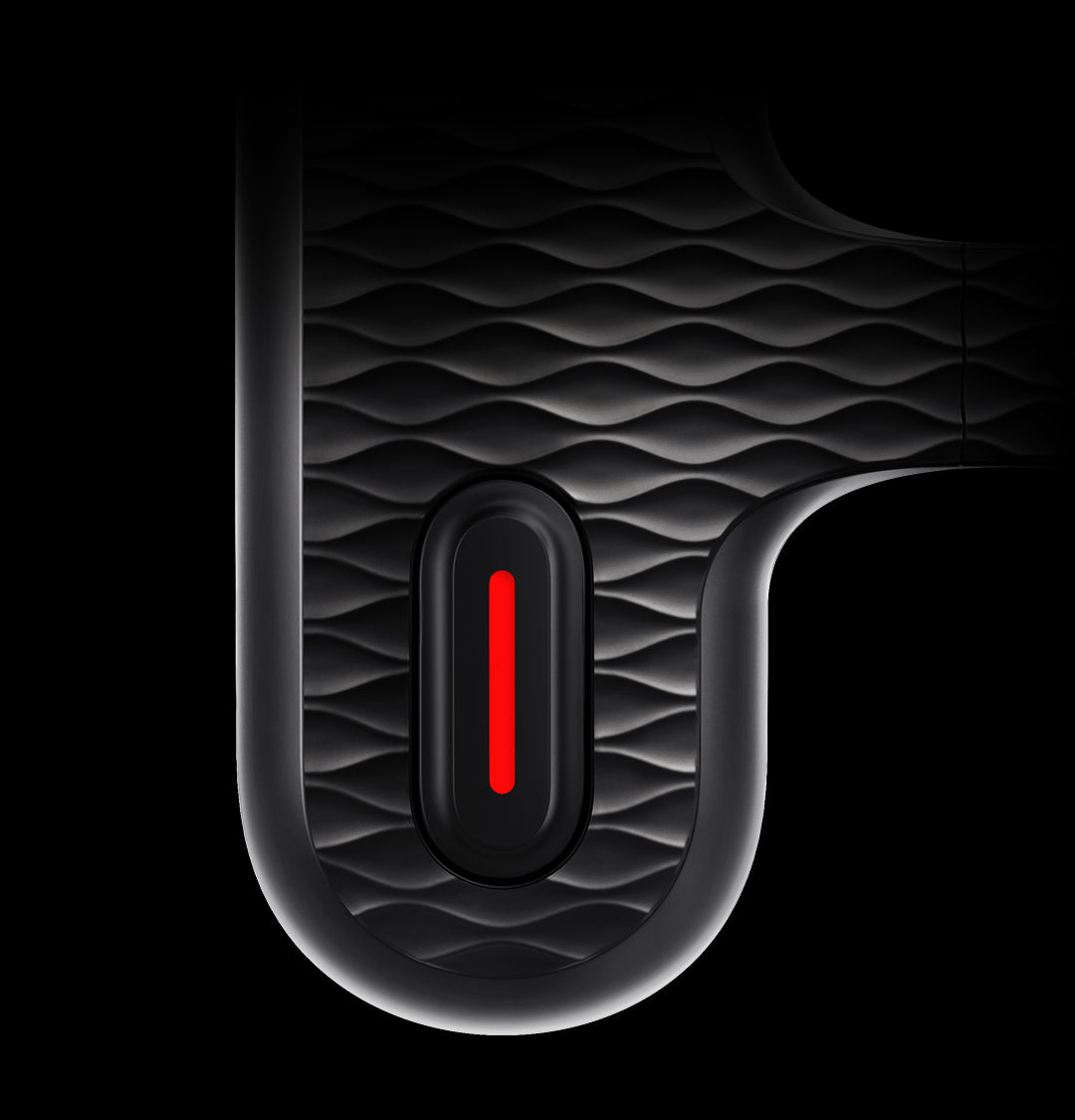
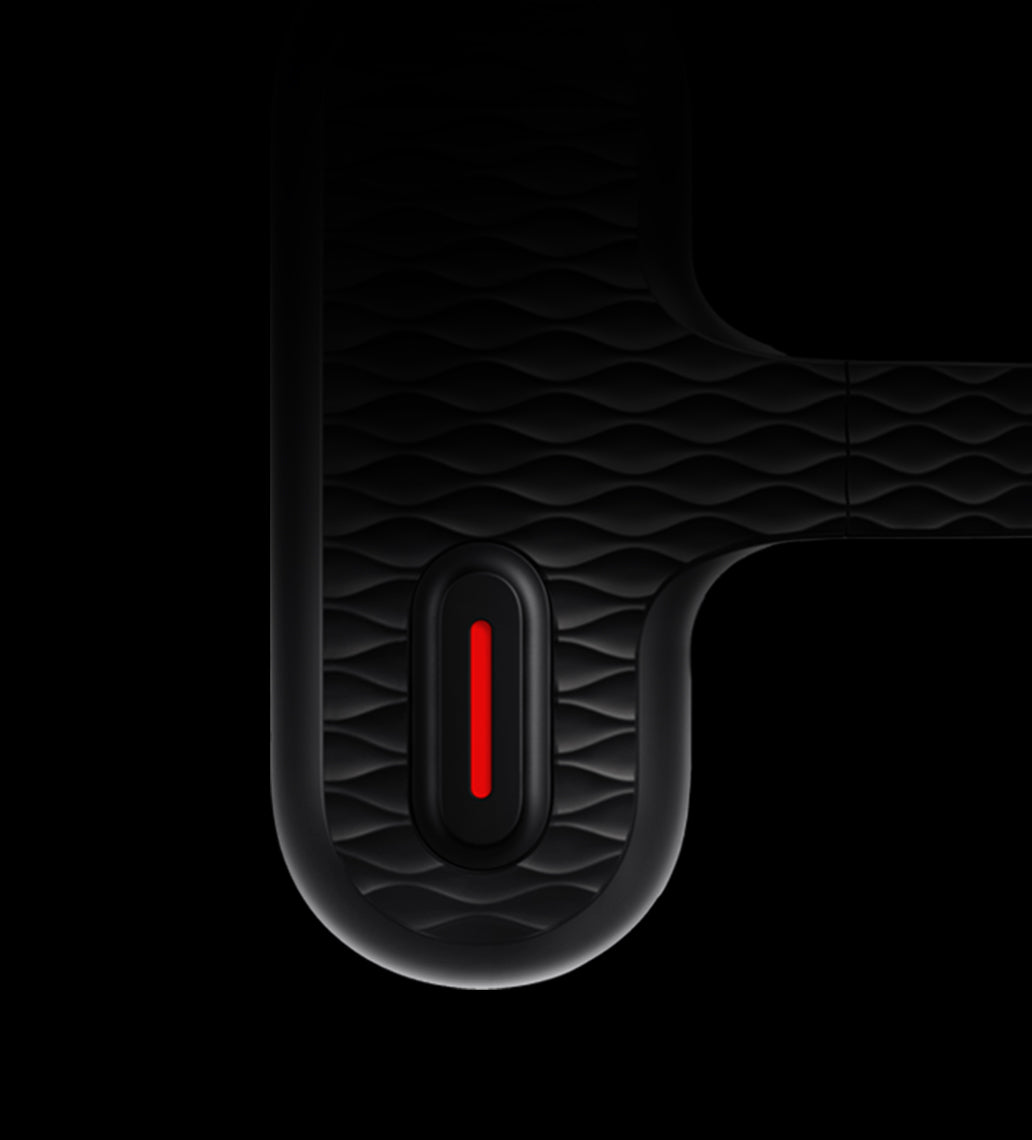
There's no need to pull out your phone to control what you hear; the earbuds have responsive buttons for easy on-the-go audio control.
They resist¹ humidity and sweat, so your fingers won't slip and accidently trigger an unintended change.
Press either earbud button 1x: Play or pause music; Answer a Bluetooth phone call
Press either earbud button 2x: Next song; Hang up or reject a call
Press either earbud button 3x: Wake up Zepp Flow™ on Amazfit T-Rex 3, or smartphone assistants like Siri, Google Assistant, and more
Hold the right earbud button: Increase volume
Hold the left earbud button: Decrease volume
Note: The button control functions can be customized in the Zepp App.


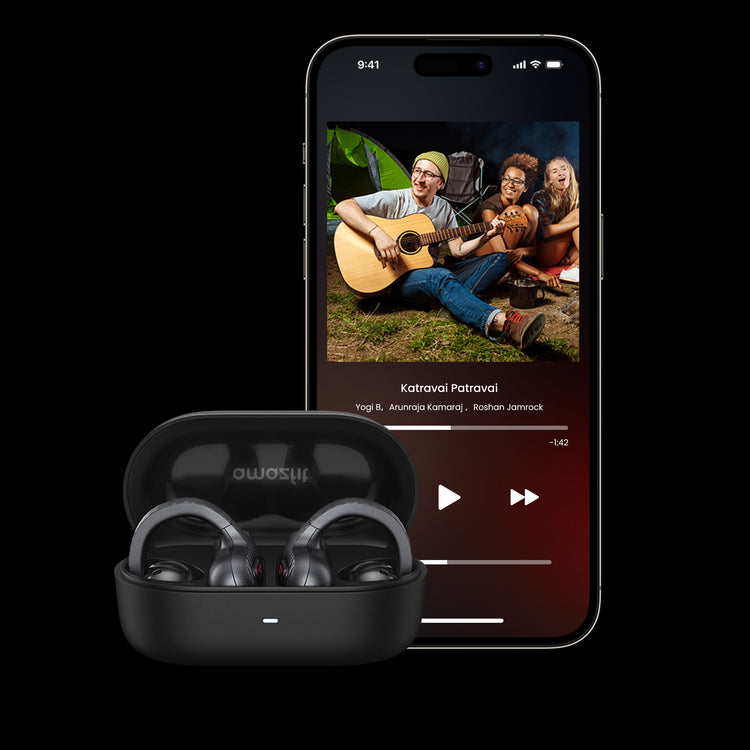
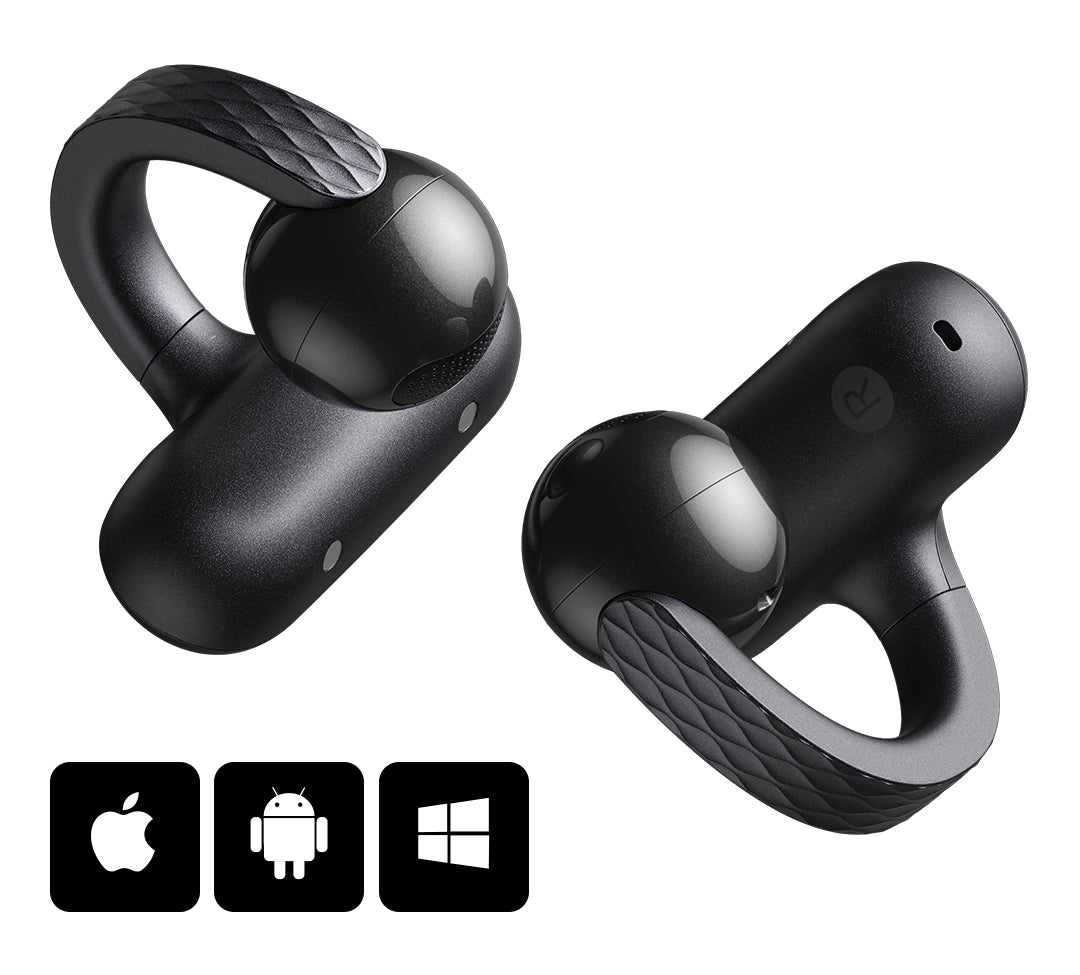
Whether your favorite audio devices run on iOS, Android, or Windows, the Amazfit Up can connect to two of them at the same time and switch between them as you need.
Listen to music from your phone, join meetings on your PC, hear movie audio from your tablet, and get workout notifications from your Amazfit smartwatch - all via your Amazfit Up earbuds.
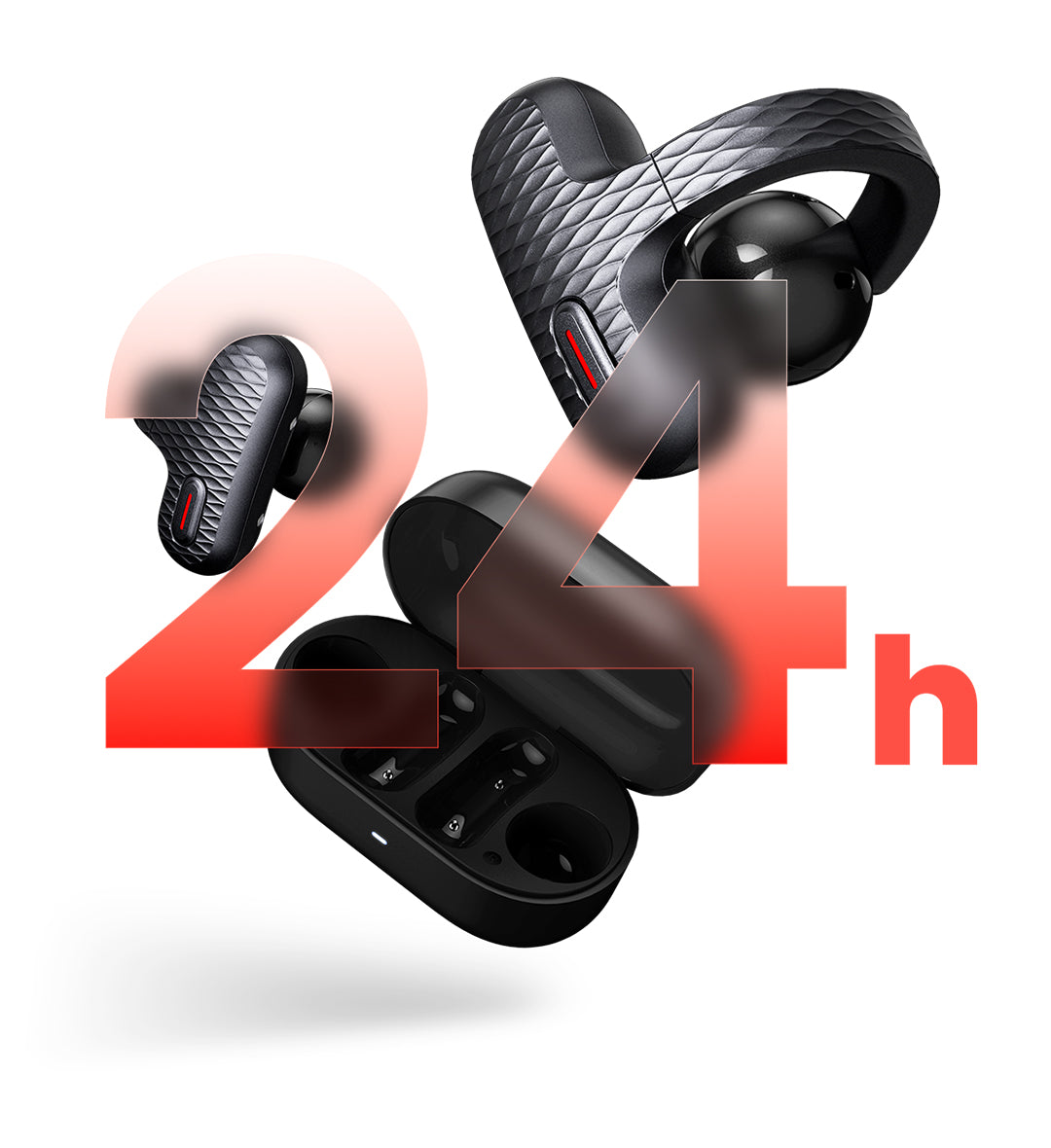
Able to last for up to six hours of music playback, the earbuds come with a compact and protective USB rechargeable charging case that provides an additional 18 hours of battery life² for the pair.
Stay connected to your music or enjoy your favorite podcast, without worrying about constantly needing to recharge.

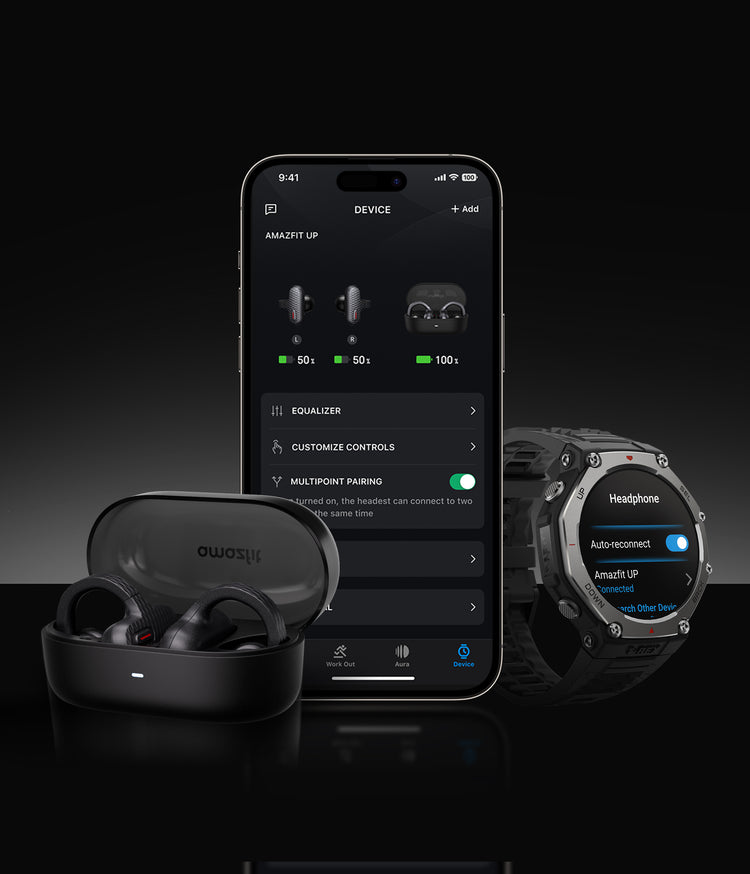
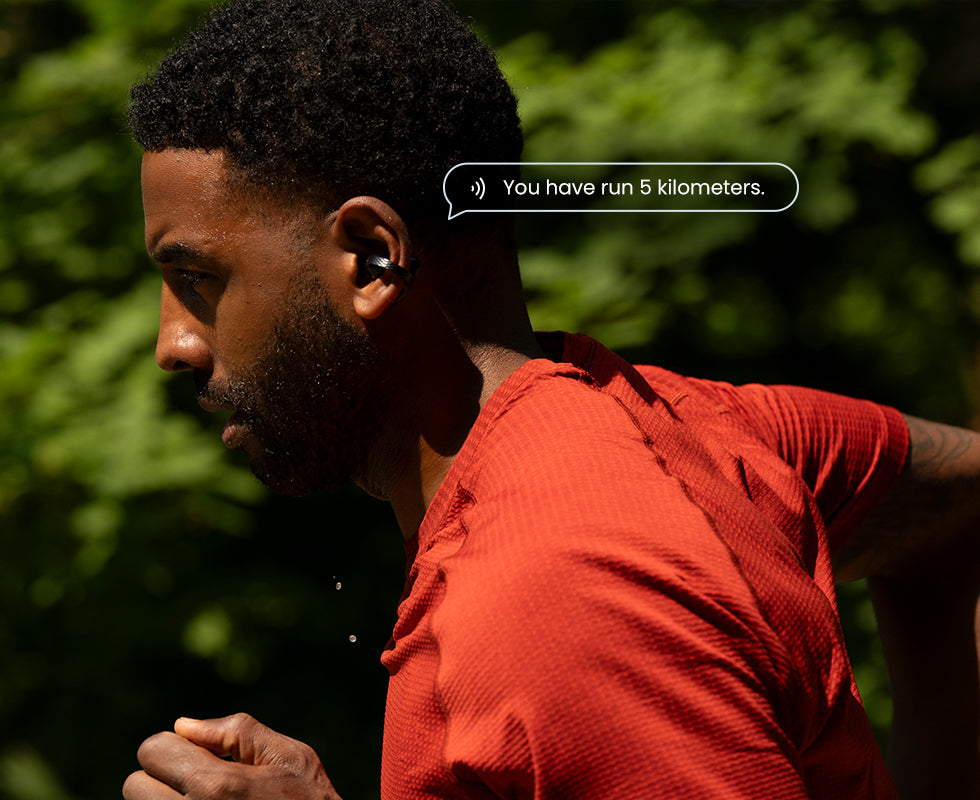
Get training data and turn directions³ broadcasted right into your ear from your connected Amazfit watch.
Your music, whether coming from your phone or connected watch, will automatically pause during the broadcast and then resume playing right after, so you won't miss a beat.
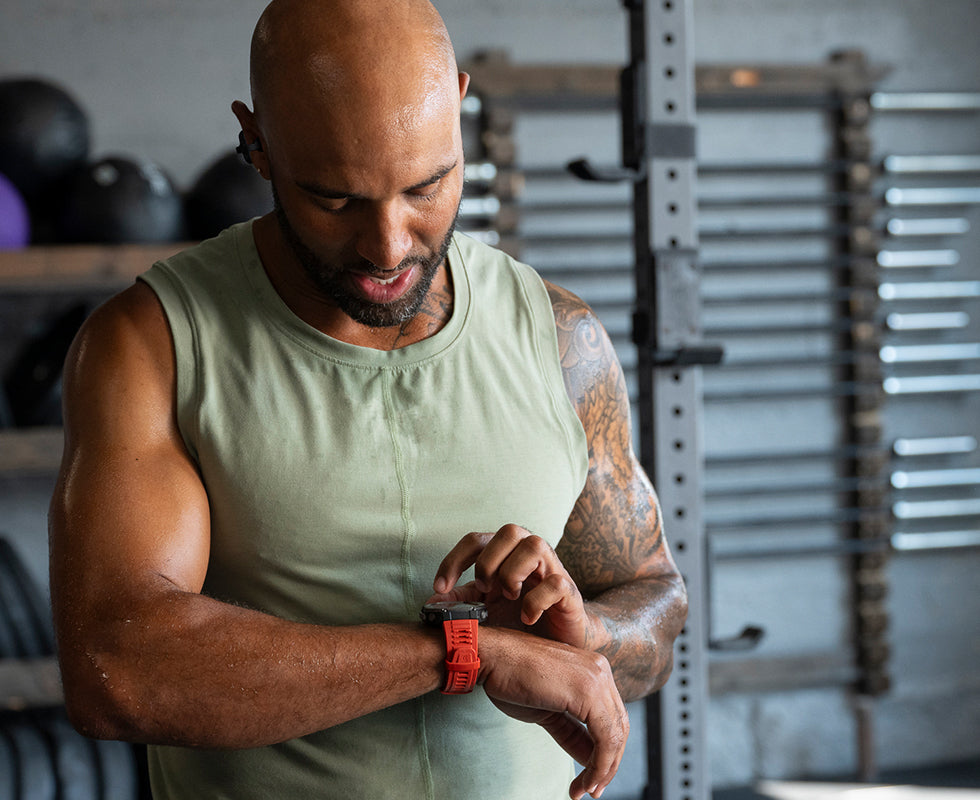
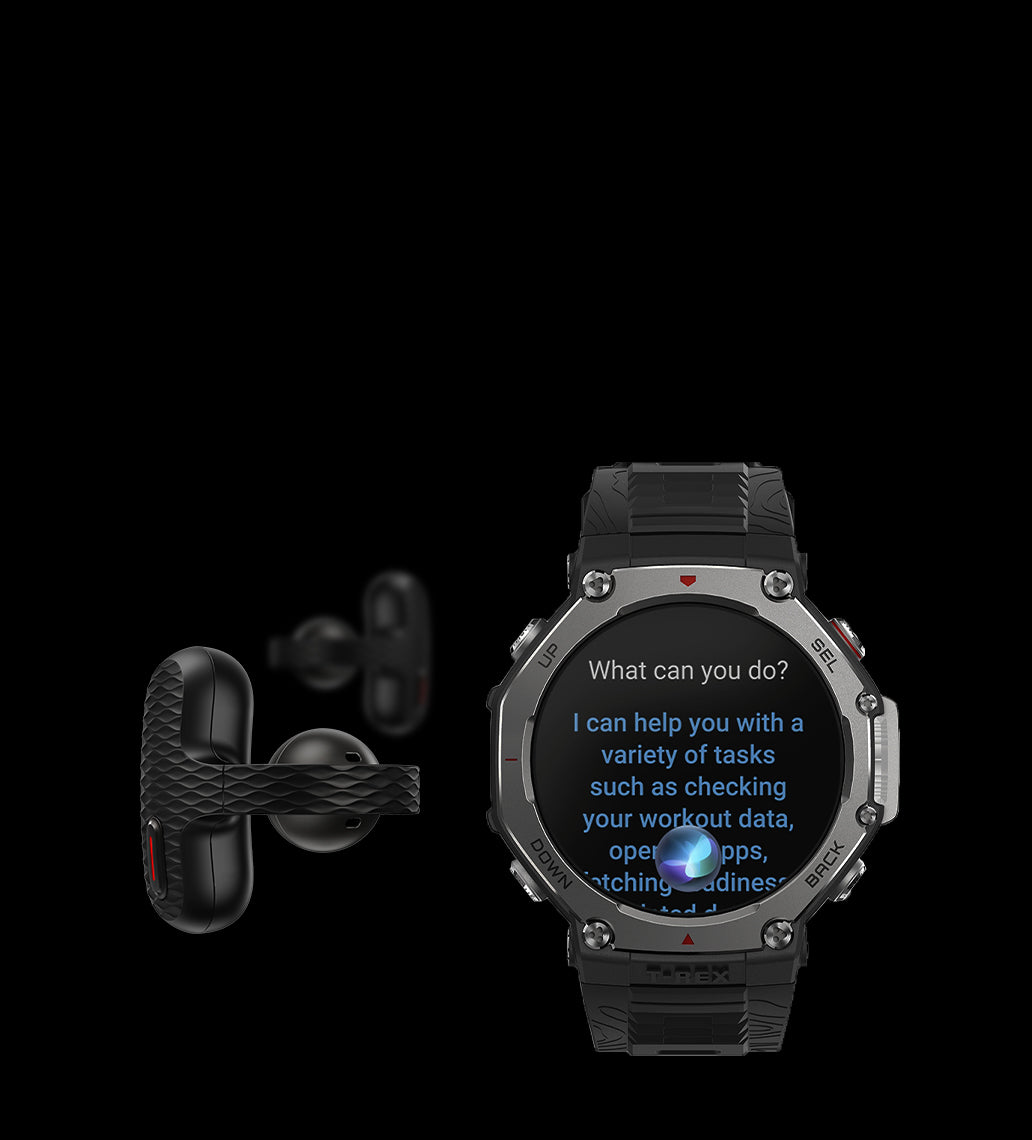
If you've got an Amazfit watch with Zepp Flow™, you can talk to it through your Amazfit Up earbuds.
Zepp Flow™ gives you control over your Amazfit watch⁴ with just your voice. Speak up whenever you want to adjust watch settings, send speech-to-text messaging replies⁵, and more, without touching your watch.
Don't have an Amazfit watch with Zepp Flow™? Tap the earbud button three times and talk to your phone's voice assistant instead.

Save your phone's battery by storing your favorite music on a compatible Amazfit watch⁶, and then take control of playback with your Amazfit Up earbuds.

Want to make sure you're not missing any important calls during a long run, hike, or commute?
Put your phone in your bag, and wear an Amazfit watch that supports Bluetooth calls⁷. Any incoming calls will be pushed to your watch, and you can easily answer them with a simple tap of your earbud.


| Feature | T-Rex 3 | T-Rex Ultra | Balance | Balance 2 | Active | Active 2 | Bip 6 | Falcon | Cheetah Series | GTR 4 | GTS 4 | GTR 3 Pro |
|---|---|---|---|---|---|---|---|---|---|---|---|---|
| Zepp Flow Interaction | ● | ● | ● | ● | ● | ● | ● | ● | ● | ● | ● | ● |
| 3-Touch Zepp Flow Activation | ● | ● | - | Via OTA | - | - | - | ● | - | - | - | - |
| Real-Time Workout Alerts | ● | ● | ● | ● | ● | ● | ● | ● | ● | ● | ● | ● |
| Turn Direction Broadcast | ● | ● | - | ● | - | ● | ● | ● | - | - | - | - |
| Listen to Music | ● | ● | ● | ● | ● | ● | ● | ● | ● | ● | ● | ● |
Yes, most Amazfit devices are compatible with both Apple iOS and Samsung, Google or other Android OS based mobile phones.
1. Press the button on the charging case to enter pairing mode.
2. On your watch, go to Bluetooth settings and search for "Amazfit UP", then tap to connect.
3. (Optional) Enable Auto-reconnect so the watch can automatically connect to the earbuds in the future.
Able to last for up to 6 hours of music playback, the earbuds come with a compact and protective USB rechargeable charging case that provides an additional 18 hours of battery life² for the pair.
The Amazfit Up Open-Ear Earbuds takes about 2 hours to fully charge from empty.
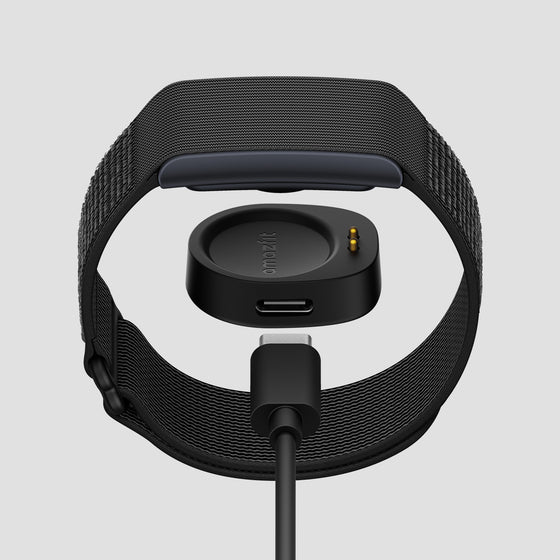
Amazfit is committed to sustainability, striving to minimize environmental impact and promote waste reduction across its products and operations. Many users already have an extra unused USB-C cable. If you do not have one, please reach out to our Customer Support at support.na@amazfit.com
Earbuds ×1 pair
Charging case
Instruction manual
1. The IPX4 water-resistance grade is for the earbuds only. The charging case is not water-resistant. In order to avoid damage to the product, please wipe the earbuds as soon as possible after being in contact with water. Certification number: SUER240800090971.
2. Battery playtime is based on tests conducted in the Zepp laboratory, using continuous AAC audio playback at 50% volume. The actual playtime may vary depending on volume, audio source, or environmental factors.
3. Turn directions are supported by the Amazfit T-Rex 3, after installing the latest software update. This feature will be supported by other models soon via software update.
4. Zepp Flow™ is only supported on select Amazfit smartwatches (Amazfit Balance, T-Rex 3, T-Rex Ultra, Active, Falcon, Cheetah Pro, and Cheetah), and it currently supports these languages: English, French, German, Italian, Spanish, Japanese, Korean, Portuguese.
5. Zepp Flow™ speech-to-text message replies currently require connection to an Android phone.
6. Requires an Amazfit smartwatch that supports local music storage, such as: Amazfit Balance, Active, T-Rex 3, T-Rex Ultra, Falcon, Cheetah series, GTR 4, GTS 4, GTR 3 Pro, and other select smartwatches. Please check that your Amazfit smartwatch supports music storage.
7. Requires an Amazfit smartwatch that supports Bluetooth calling, such as: Amazfit Balance, Active, Cheetah Pro, GTR 4, GTS 4, GTR 3 Pro, and other select smartwatches. Please check that your Amazfit smartwatch supports Bluetooth calls.
8. The actual dimensions and weight of the product may vary with the product configuration and manufacturing process.
WARNING: This product can expose you to Bisphenol A (BPA), which is known to the State of California to cause birth defects or other reproductive harm. For more information go to www.P65Warnings.ca.gov.
The product images shown above is for reference purpose only. The actual product (including but not limited to its appearance, color and size) may differ slightly.
The data that is provided on this page without a specified source is taken from internal laboratories or supplier data, and has been obtained under a specific test environment. The product's actual performance may differ slightly due to product individual differences, software versions, usage conditions and environmental factors.
To provide product information, specifications and characteristics as accurately as possible, our company may adjust and revise the text descriptions, images and other content in the above pages at any time. Due to real-time changes in product batches and production-supply factors, we may modify the above information as required without providing a special notice.
The radio waves generated by the equipment may affect the normal operation of implanted medical equipment or personal medical equipment, such as pacemakers and hearing aids. If you use these devices, please consult their manufacturers for restrictions on using this device.
The product should not be worn in environments with strong magnetic fields such as MRI machines or medical imaging machines, as they may cause damage to the earbuds.
Overall rating: 4.6 / 5 from 203 reviews.
Excellent watch I recommend 100%

Sound is nearly as good as my Sennheiser, and I can even hear my home phone ring, and have a conversation while music plays, in the background.

The Case feels cheap, and there was no charging cable in mine. The design looks cool, but the auditory level and volume is not that great. They tend to glitch while listening to music, switching sound from L to R, then back to both. The noise cancellation is decent. And their comfort is mid-level in my opinion.
I really do like them but they aren’t loud enough for me.
I opted for wireless to enjoy working out; optimum surround sound.
I opted for wireless to enjoy working out; optimum surround sound.
Very easy to pair and comfortable to wear. I also like the sound they produce too.
Amazing sound. Great for exercise both stylish and comfortable. The quality is worth it.
Good. work well. High quality. Sound quality is as good as expected for open-ear style
They're good sounding buds, they're comfortable and feel real secure. They were a good deal. I may even buy a second pair.
I would recommend
I've used them with the Zepp app and just connecting with Bluetooth only. Works great both ways just a couple of extra options with the Zepp app. The should quality is very good for the cost and they are so comfortable I have forgotten a couple times I was wearing them. After seeing mine my wife also wanted a pair and has been happy with them too.
Not crazy about the fit…hoping they’ll grow on me. Sound quality is ok. But the pricecwas right & they should pair well with my iPhone.
Not crazy about the fit…hoping they’ll grow on me. Sound quality is ok. But the pricecwas right & they should pair well with my iPhone.
Great spund and fit. Really like how light they are.
Stoped charging after 3 months
I can hear good & no irritation to my ears. Love them. Price was great too
Wish volune adjust on right bud worked better...great otherwise! How well are they supposed to stay on? Motorcycle worthy?
Wish volune adjust on right bud worked better...great otherwise! How well are they supposed to stay on? Motorcycle worthy?
After a few weeks of use I noticed that the right one plays a little louder. They are clean and I place them in the same position on both ears. Apart from that the main problem I have is that they are not good and multipoint as they should. When I run, I connect them to my phone for hearing music/podcasts and to my T-Rex 3 pro (and now my Cheetah 2 ultra) for hearing the training prompts. The prompts are played with many pauses and hiccups and sometimes they are heard from the one earpiece only. If I get the watch close to the earpiece, they sound OK. Apart from that, when the training prompt is played, the music/podcast played by the phone won't pause, so when the prompt ends, the song has advanced a few seconds ahead. The sound quality is OK for their purpose.
I've recently did a full review on TikTok and IG (i wasn't paid to do so). I really didn't know what to expect from a budget friendly earbud BUT I haven't stop using them. Comfortable, low profile and, good sound. Absolutely love them
I received my earbuds and they are great as described. I recommend getting yourself a pair of these great earbuds for the price . Im getting another pair.
I received my earbuds and they are great as described. I recommend getting yourself a pair of these great earbuds for the price . Im getting another pair.
they’re all right for what the price is. The battery stays charged up pretty good.
they’re all right for what the price is. The battery stays charged up pretty good.
They lasted 3 months before fading to a volume I can't hear them at anymore. No warranty of course.
Can say they are very comfortable barely can till if your wearing them like most other brands.
Love it
Love it
They are okay..prefer my beats..wife daughter like them
I love the product it's fits my ears perfectly and I can hear music and talk on the phone
They are okay..prefer my beats..wife daughter like them
I love the product it's fits my ears perfectly and I can hear music and talk on the phone
I love them they are very comfortable
I love them they are very comfortable
Used them for the 1st time today at the gym. They were light weight, barely knew they were there except for heating music in my ears. Awesome so far
Used them for the 1st time today at the gym. They were light weight, barely knew they were there except for heating music in my ears. Awesome so far
Great for its price. Customizable for your listening preference. Can't even feel that it's in my ears.
Like the product. It is replacing another open ear device that i have been using. Like this device it is more compact. After 4 days of use I'm still working on adjusting the the sound when I'm in some noisy areas. Fit is good, weight is perfect
Absolutely love these earbuds! They're very comfortable plenty loud and sound great. They stay in my ear and are much less bulky than my over the ear earphones. They give me the ability to be aware of my surroundings but still hear my music and podcasts loud and clear.
Express checkout with: